Close
Close is a sales CRM platform for inside sales teams to manage leads, calls, and email outreach.
Website
Industry
Leadgen
Share this article:

How to delete a status in a custom pipeline on Close.com

Here is how to delete a status in a custom pipeline on close.com

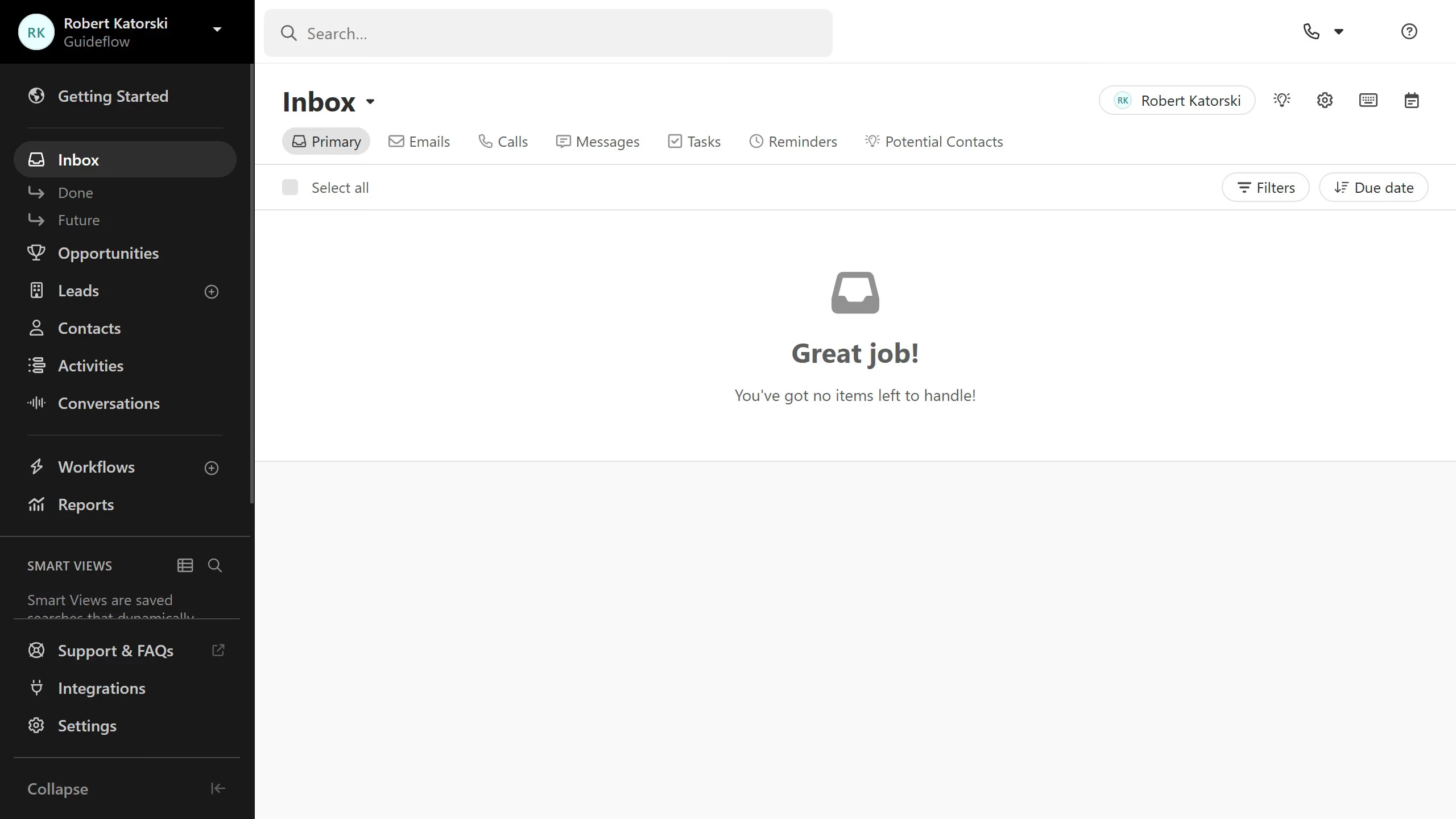
  1. First click on "Settings" in the left sidebar
  2. Then click on "Statuses & Pipelines" in the settings menu
  3. Then click on the "Delete" button for the a status in the custom pipeline section
  4. Finally click on the "Delete" button in the confirmation dialog

Create your own interactive guide with Guideflow

Why should you delete a status in a custom pipeline on Close.com

Close.com is a dynamic CRM designed to enhance your sales team's efficiency through seamless pipeline management.

Deleting a status in a custom pipeline on Close.com is a straightforward and beneficial feature for maintaining a streamlined sales process. This functionality allows teams to remove outdated or redundant pipeline statuses, ensuring that the sales flow remains focused and effective.

By using this feature, teams can reduce clutter within their pipeline, enhancing focus and decision-making during sales processes. This contributes to a more organized and productive environment, ultimately supporting better sales outcomes.

Last update
May 6, 2026
Cursor MariaA cursor points to a button labeled "James."

Create your first demo in less than 30 seconds.