Close
Close is a sales CRM platform for inside sales teams to manage leads, calls, and email outreach.
Website
Industry
Leadgen
Share this article:

How to delete a specific group phone number on Close.com

Here is how to delete a specific group phone number on close.com

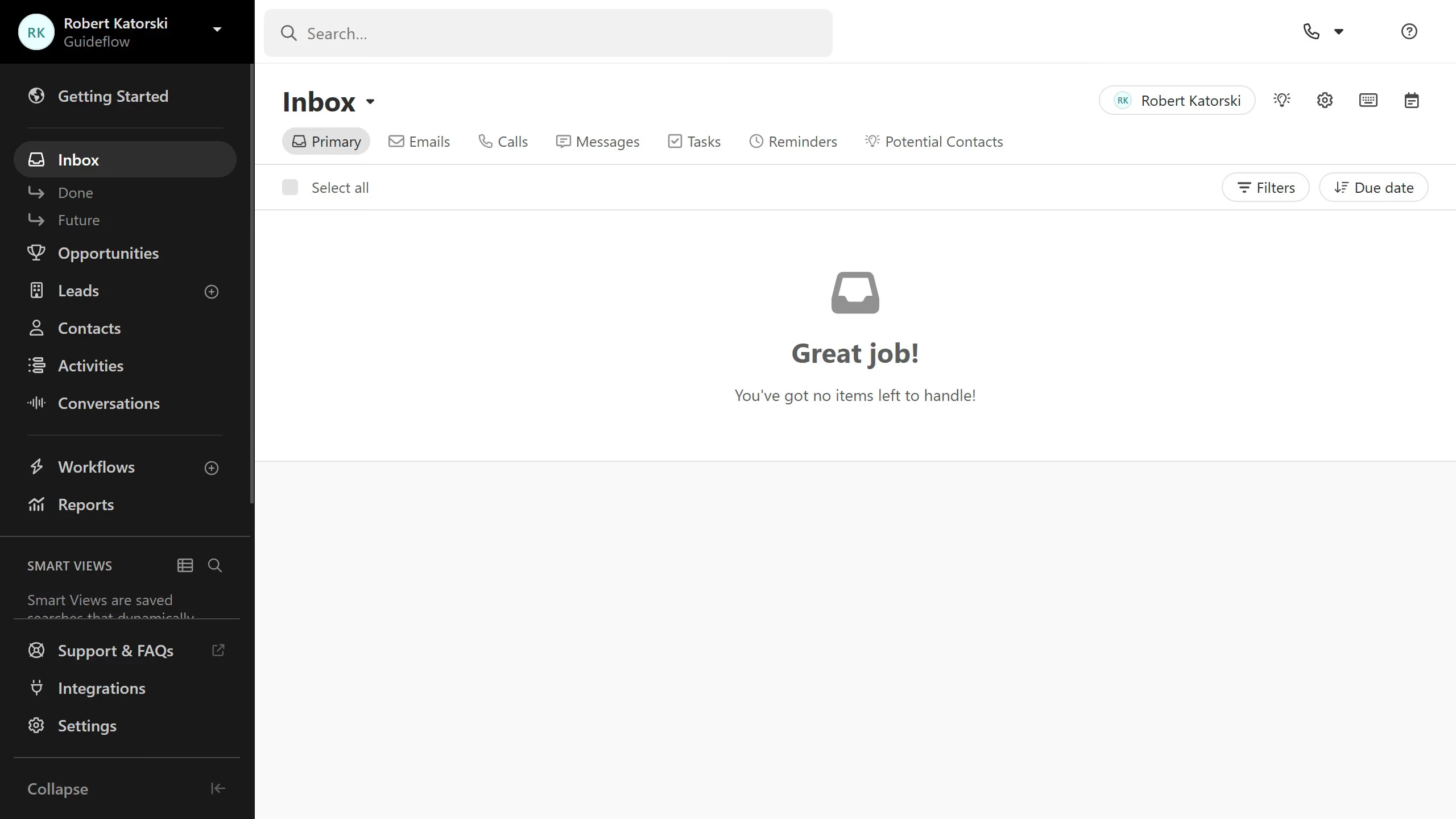
  1. First click on "Settings" in the left sidebar
  2. Then click on "Phone & Voicemail" under the Communication section in the settings menu
  3. Next click on a group phone number item in the main content area
  4. Then click on the three-dot menu icon in the top right corner of the phone number details page
  5. Next click on "Delete number" option from the dropdown menu
  6. Finally click on "Delete" button in the confirmation dialog

Create your own interactive guide with Guideflow

Why should you delete a specific group phone number on Close.com

Close.com is a comprehensive CRM designed to enhance communication and streamline sales processes for businesses.

The ability to delete a specific group phone number on Close.com is a particularly useful feature that offers flexibility and improved organization.

This capability helps maintain a tidy contact list, ensuring that only relevant numbers are retained, which can be crucial for efficient communication management.

By allowing this straightforward contact management, Close.com empowers users to focus on the most important interactions and optimize their sales workflows.

Last update
May 6, 2026
Cursor MariaA cursor points to a button labeled "James."

Create your first demo in less than 30 seconds.