Close
Close is a sales CRM platform for inside sales teams to manage leads, calls, and email outreach.
Website
Industry
Leadgen
Share this article:

How to run AI enrich with bulk leads on Close.com

Here is how to run ai enrich with bulk leads on close.com

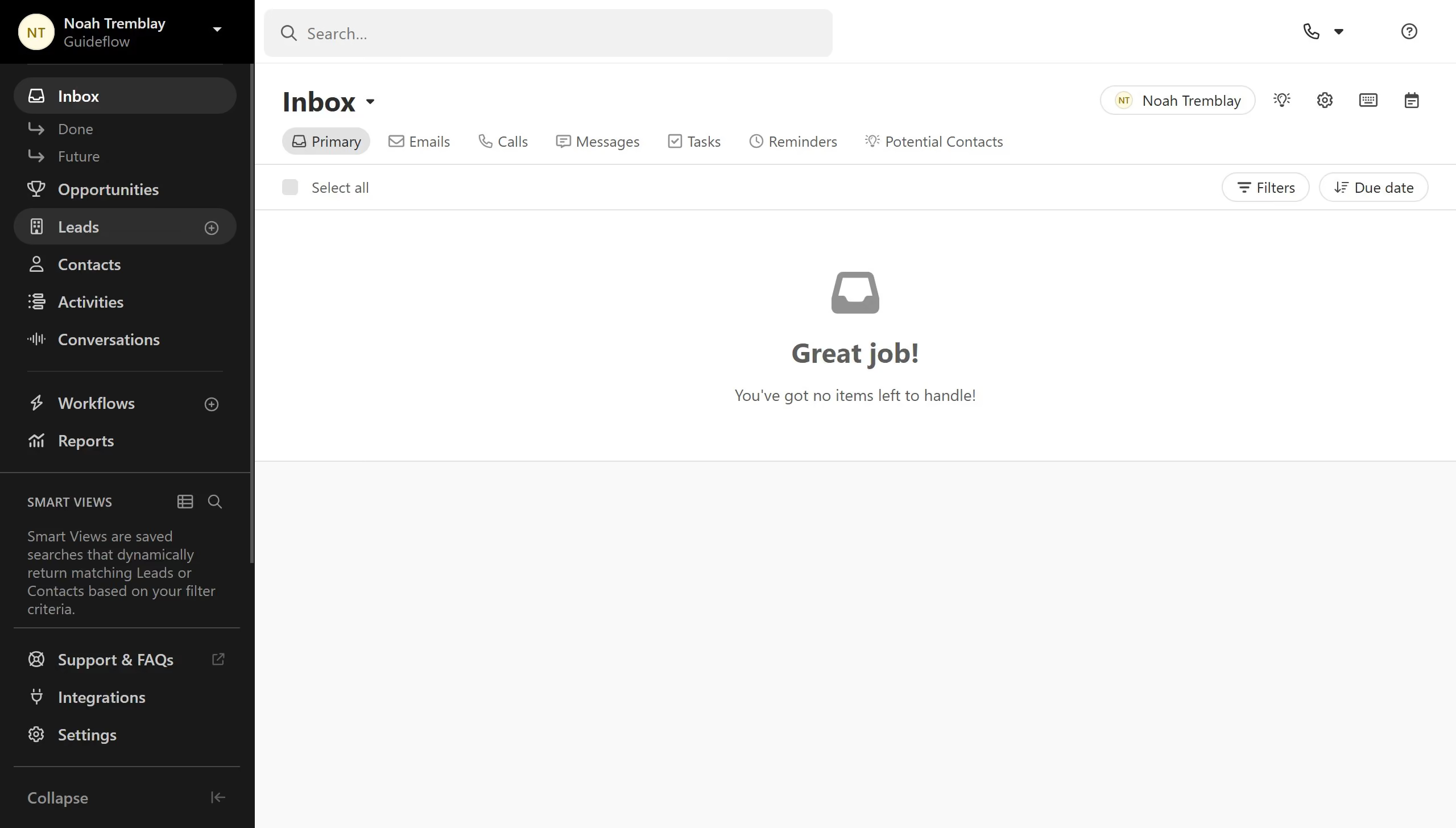
  1. First click on "Leads" in the sidebar
  2. Then click on the three-dot menu button in the top toolbar
  3. Next click on "Bulk Edit" option from the dropdown menu
  4. Then click on the "Bulk action type" dropdown field
  5. Then click on the "Bulk action type" dropdown again to select an option
  6. Then click on the "Available fields" dropdown to view field options
  7. Next select the "Lead Description" checkbox from the available fields
  8. Finally click on the "Next" button to proceed

Create your own interactive guide with Guideflow

Why should you run AI enrich with bulk leads on Close.com

Close is a powerful CRM designed to optimize your sales workflow.

Running AI enrich with bulk leads on Close.com serves to supercharge your lead data effortlessly.

By leveraging artificial intelligence, this feature enhances the depth of your leads, filling in critical details that can significantly boost conversion rates.

This seamless integration not only saves time but also ensures your sales team works with the most comprehensive information available, ultimately driving better sales outcomes.

Last update
May 6, 2026
Cursor MariaA cursor points to a button labeled "James."

Create your first demo in less than 30 seconds.