Close
Close is a sales CRM platform for inside sales teams to manage leads, calls, and email outreach.
Website
Industry
Leadgen
Share this article:

How to edit a pre-recorded abandonment message by adding a new file on Close.com

Here is how to edit a pre-recorded abandonment message by adding a new file on close.com

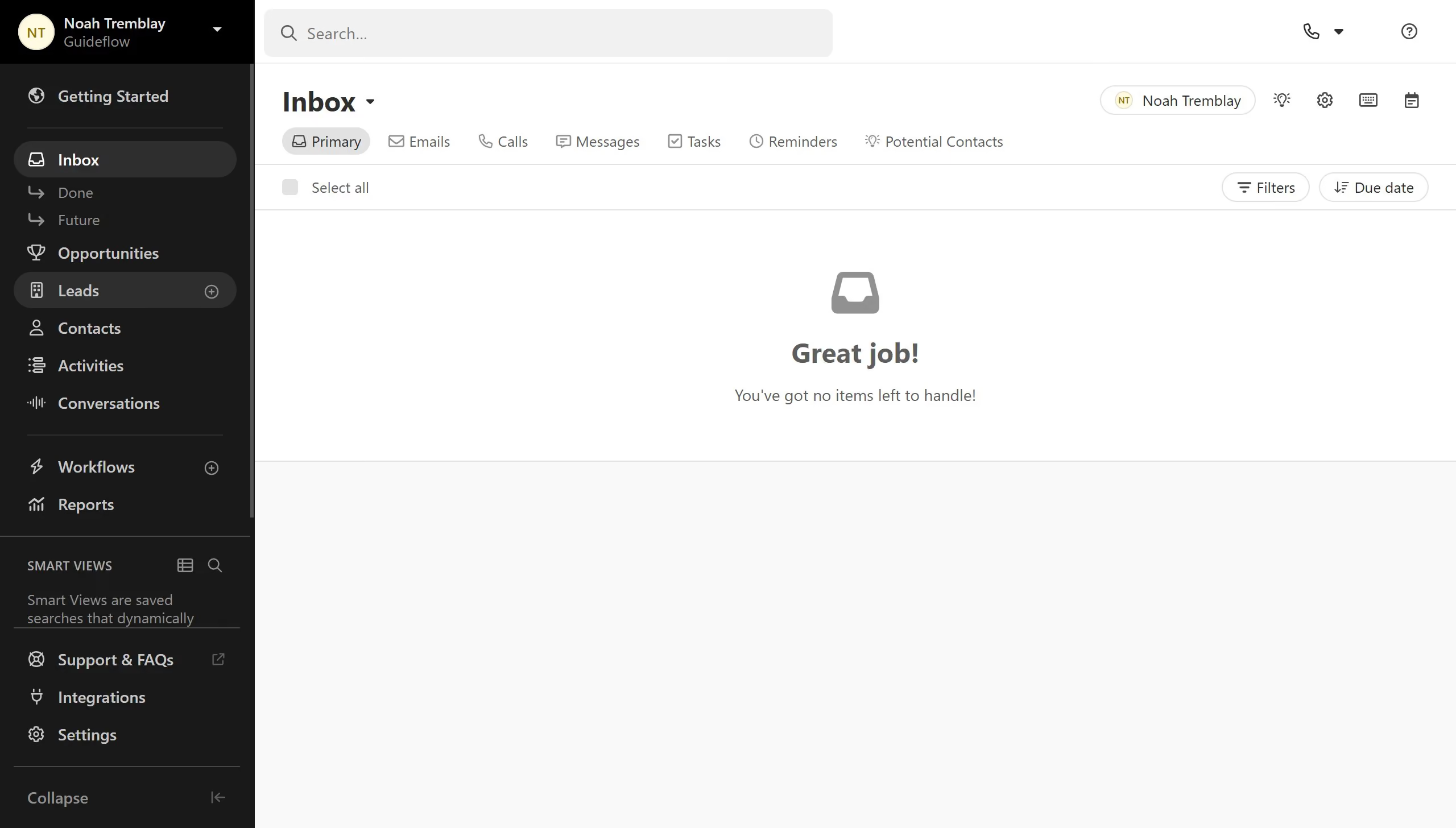
  1. First click on "Settings" menu item in the left sidebar
  2. Then click on "Phone & Voicemail" option in the settings menu
  3. Next click on "Dialer" tab in the Phone & Voicemail section
  4. Then click on the edit button to modify the abandonment message
  5. Then click on "Start Recording" button in the Edit Abandonment Message dialog
  6. After recording, click on "Done Recording" button to finish the recording
  7. Finally click on "Save" button to save the abandonment message

Create your own interactive guide with Guideflow

Why should you edit a pre-recorded abandonment message by adding a new file on Close.com

Close is a leading CRM platform designed to streamline sales processes and improve team productivity.

One of its smart features includes the ability to edit pre-recorded abandonment messages by adding a new file. This flexibility ensures your communications remain relevant and up-to-date, enhancing engagement with potential clients.

By easily updating these messages, you can better connect with prospects, tailoring your approach to their ever-evolving needs, which ultimately boosts your sales success.

Last update
May 6, 2026
Cursor MariaA cursor points to a button labeled "James."

Create your first demo in less than 30 seconds.