Close
Close is a sales CRM platform for inside sales teams to manage leads, calls, and email outreach.
Website
Industry
Leadgen
Share this article:

How to unarchive a custom activity on Close.com

Here is how to unarchive a custom activity on close.com

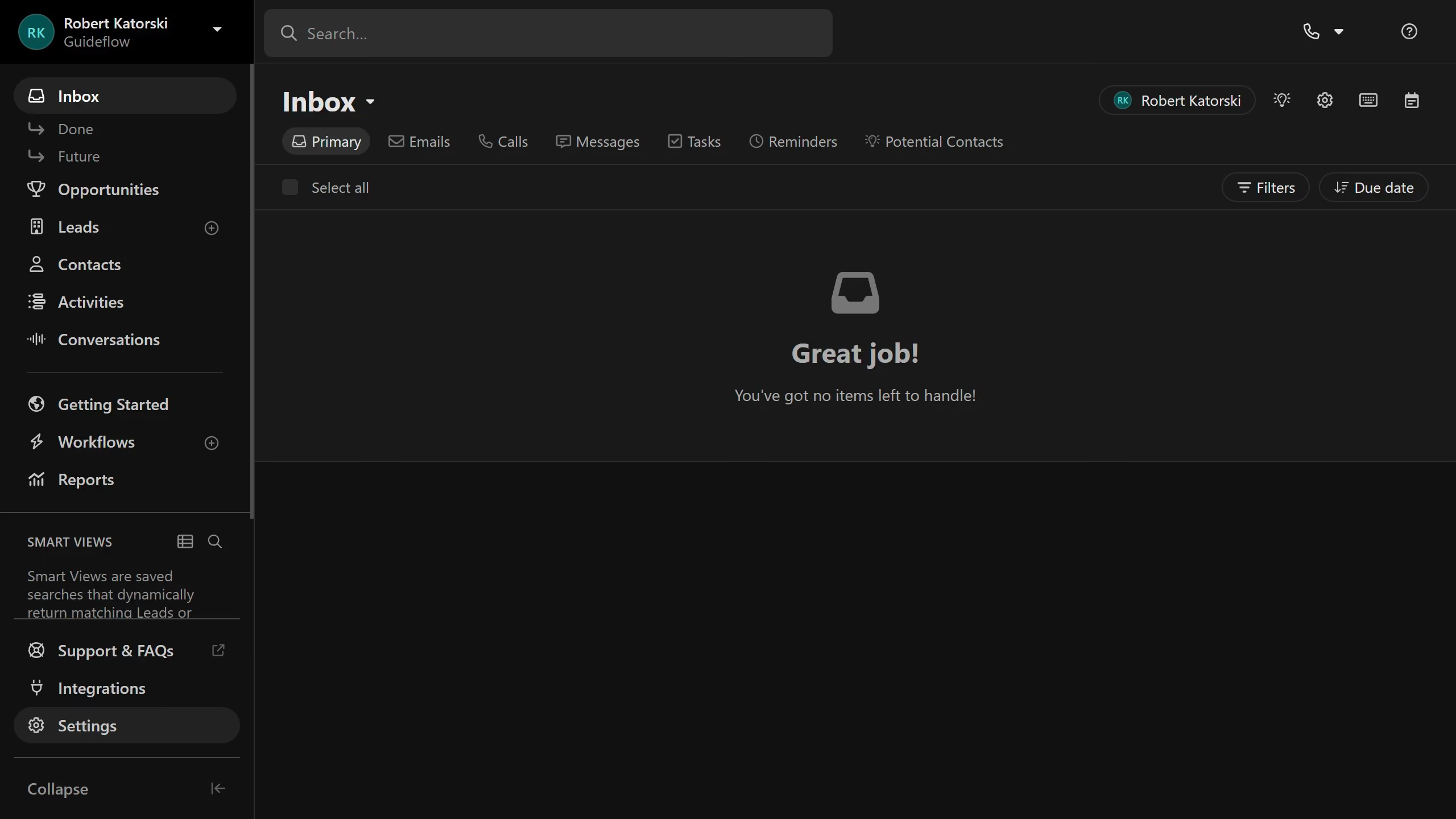
  1. First click on "Settings" in the left sidebar
  2. Then click on "Custom Activities" under the Customization section in the settings menu
  3. Next click on the "Archived" tab to view archived custom activities
  4. Then click on the "Unarchive" button (trash icon) next to the Custom Activity item
  5. Finally click on the "Unarchive" button in the confirmation dialog

Create your own interactive guide with Guideflow

Why should you unarchive a custom activity on Close.com

Close is a powerful CRM platform designed to help businesses streamline their sales processes and improve productivity.

Unarchiving a custom activity on Close.com allows users to restore valuable data that was previously archived, ensuring that no important information is lost.

This feature is particularly beneficial because it preserves historical context and insights, which are crucial for informed decision-making and strategy planning.

By retrieving old custom activities, teams can maintain continuity and keep their sales process intact and efficient.

Last update
May 6, 2026
Cursor MariaA cursor points to a button labeled "James."

Create your first demo in less than 30 seconds.