Close
Close is a sales CRM platform for inside sales teams to manage leads, calls, and email outreach.
Website
Industry
Leadgen
Share this article:

How to access and copy an API ID of a shared field on Close.com

Here is how to access and copy an api id of a shared field on close.com

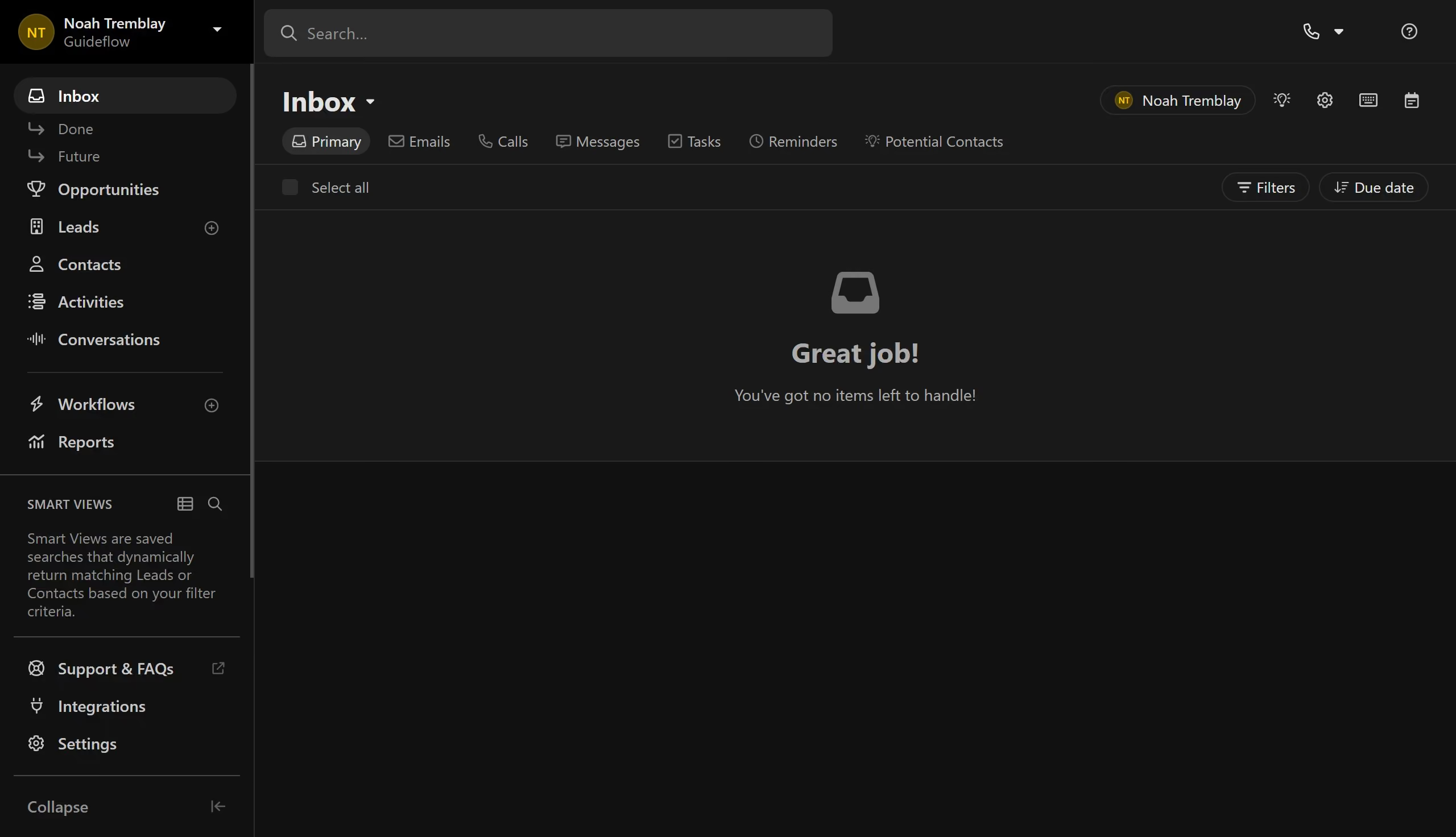
  1. First click on "Settings" link in the left sidebar navigation menu
  2. Then click on "Shared Fields" item in the Settings menu panel
  3. Next click on the three-dot menu button for "Shared Field 1" in the shared fields list
  4. Finally click on "Copy ID (API)" option from the dropdown menu

Create your own interactive guide with Guideflow

Why should you access and copy an API ID of a shared field on Close.com

Close is a dynamic sales CRM designed to boost productivity with intuitive automation features.

Accessing and copying an API ID of a shared field on Close.com allows seamless integration with other tools, enhancing workflow efficiency. This feature empowers users to effortlessly connect and synchronize data, contributing to a more streamlined and unified system.

Using it simplifies data management across platforms, reducing manual input errors and saving valuable time, which can then be redirected to more strategic activities to drive business growth.

Last update
May 6, 2026
Cursor MariaA cursor points to a button labeled "James."

Create your first demo in less than 30 seconds.