Close
Close is a sales CRM platform for inside sales teams to manage leads, calls, and email outreach.
Website
Industry
Leadgen
Share this article:

How to create an opportunity integration link on Close.com

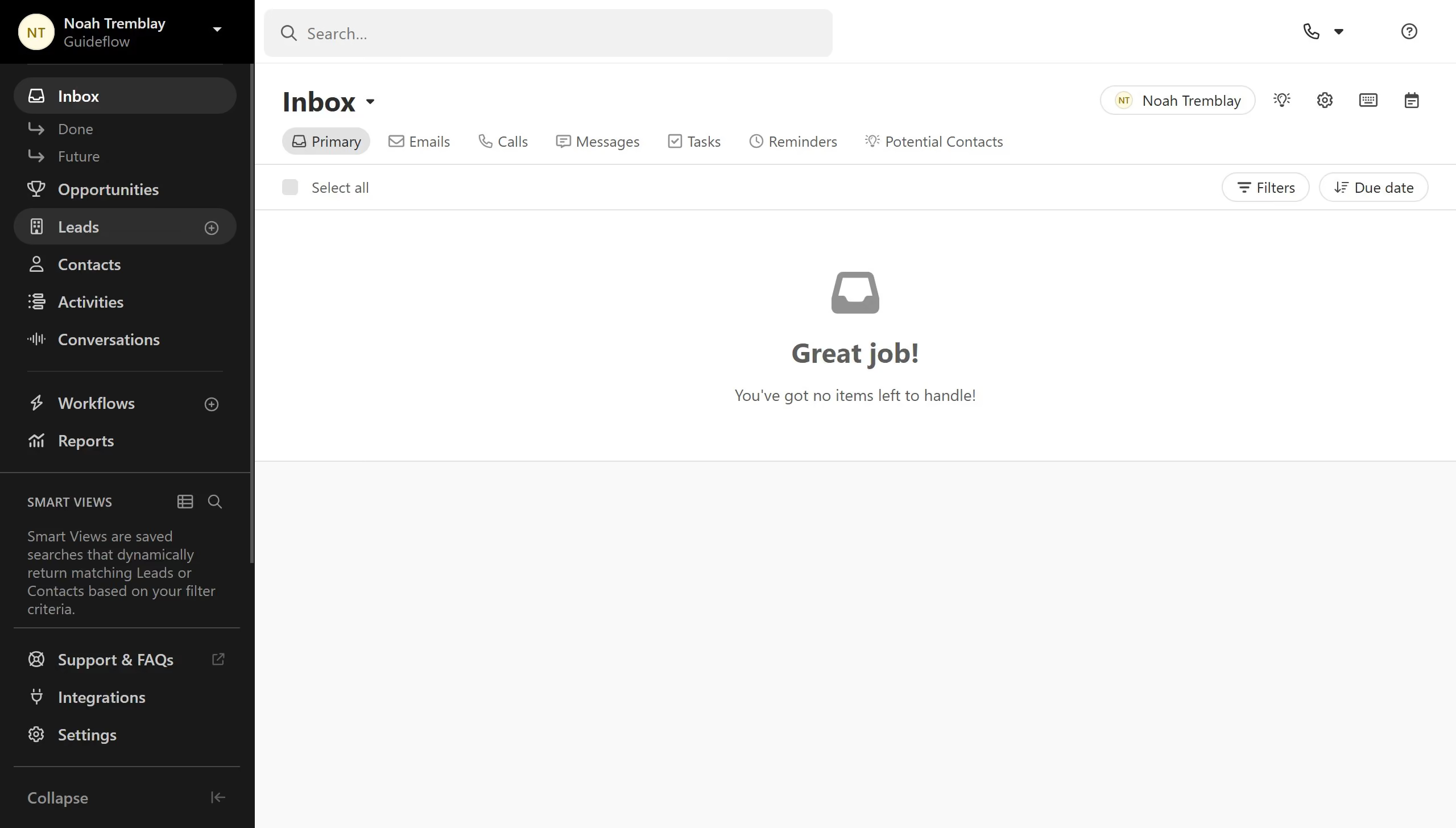
Here is how to create an opportunity integration link on close.com

  1. First click on "Settings" in the left sidebar
  2. Then click on "Integration Links" in the settings menu
  3. Next click on the "Opportunity" tab in the Integration Links page
  4. Then click on the delete icon button next to the opportunity link entry
  5. Finally click on the "Delete" button in the confirmation dialog

Create your own interactive guide with Guideflow

Why should you create an opportunity integration link on Close.com

Close is a powerful CRM platform designed to simplify sales processes and boost productivity.

A standout feature of Close is the creation of opportunity integration links, which seamlessly connect various sales tools and platforms. This feature enables users to integrate their existing sales processes directly into Close, ensuring all data remains consolidated and easily accessible.

Utilizing opportunity integration links maximizes efficiency, allowing for faster decision-making and improved sales outcomes. By streamlining workflows, organizations can maintain a competitive edge in today's fast-paced market.

Last update
May 6, 2026
Cursor MariaA cursor points to a button labeled "James."

Create your first demo in less than 30 seconds.