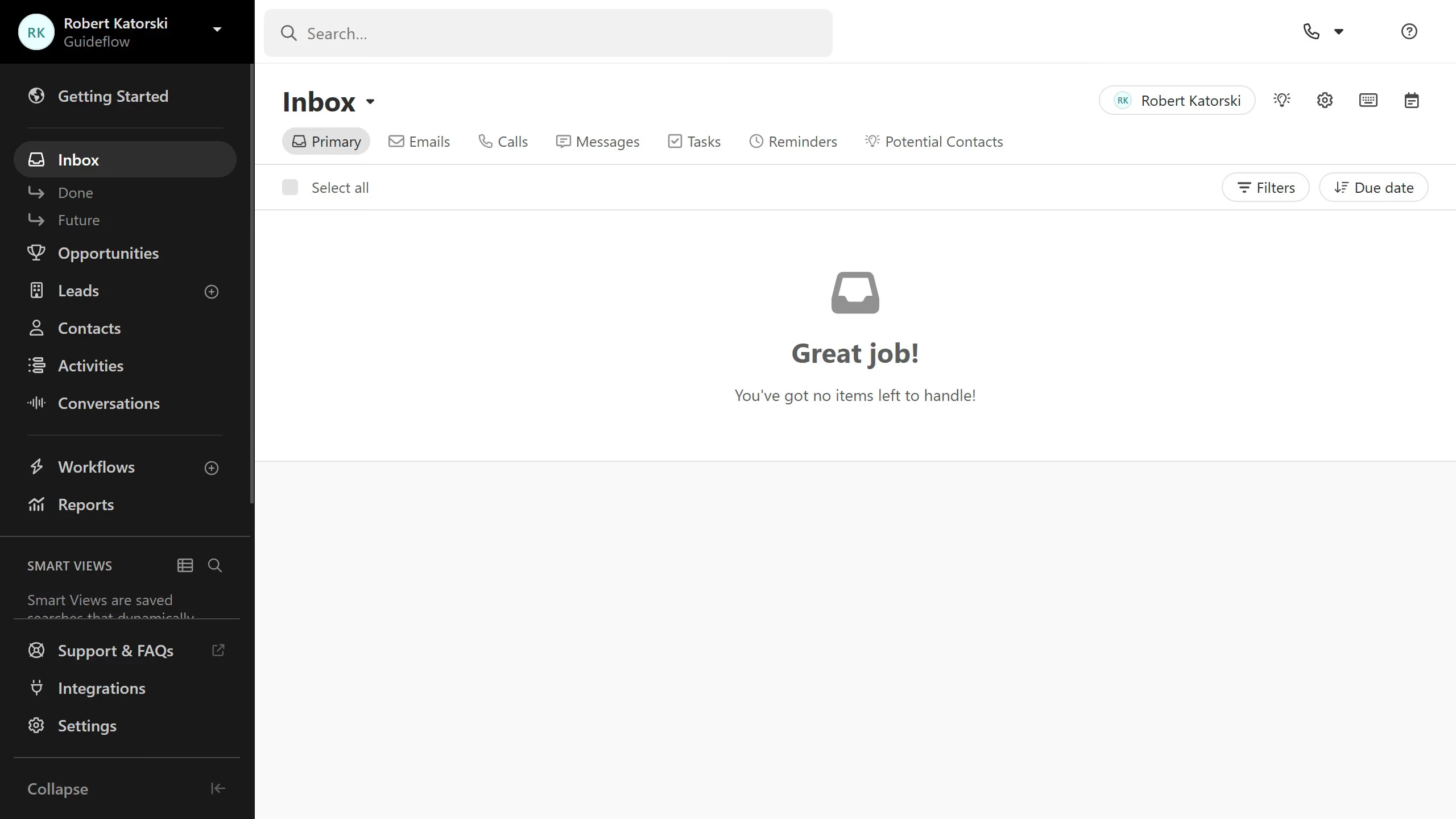
Here is how to create a new sms template on close.com
- First click on "Settings" in the left sidebar
- Then click on "Templates & Snippets" in the settings menu
- Next click on "SMS" tab in the Templates & Snippets section
- Then click on "New template" button in the top right area
- Then click in the "Body" text field and enter the template content
- Then click on "Share with Organization" checkbox to enable sharing
- Finally click on "Save" button to save the new SMS template