Close
Close is a sales CRM platform for inside sales teams to manage leads, calls, and email outreach.
Website
Industry
Leadgen
Share this article:

How to disable manage team smart views permission for a role in Close.com

Here is how to disable manage team smart views permission for a role in close.com

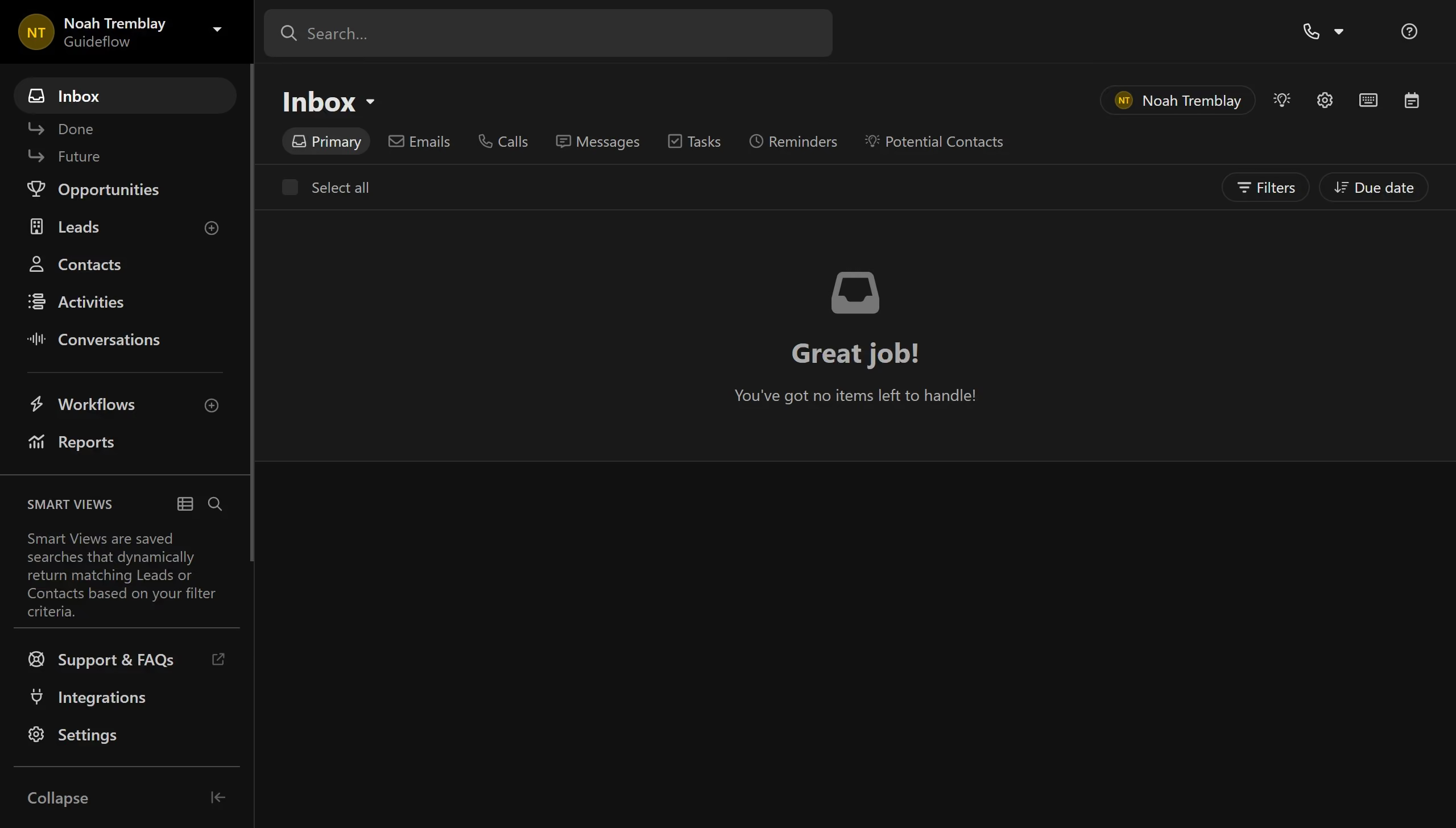
  1. First click on "Settings" menu item in the left sidebar
  2. Then click on "Roles & Permissions" option in the settings navigation menu
  3. Next click on a role card in the User Roles section
  4. Then click on "Manage Team Smart Views" toggle switch off to disable the permission
  5. Finally click on "Save" button to save the role changes

Create your own interactive guide with Guideflow

Why should you disable manage team smart views permission for a role in Close.com

Close.com is a powerful CRM designed to enhance sales productivity for growing teams.

One significant feature in Close.com is the ability to manage permissions regarding team smart views. By disabling the "manage team smart views" permission for a specific role, administrators can control who can alter these insights, ensuring data consistency across the team.

This feature brings coherence as it helps maintain a streamlined process, reducing the risk of unwanted changes, and ultimately fostering a focused and efficient sales environment.

Last update
May 6, 2026
Cursor MariaA cursor points to a button labeled "James."

Create your first demo in less than 30 seconds.