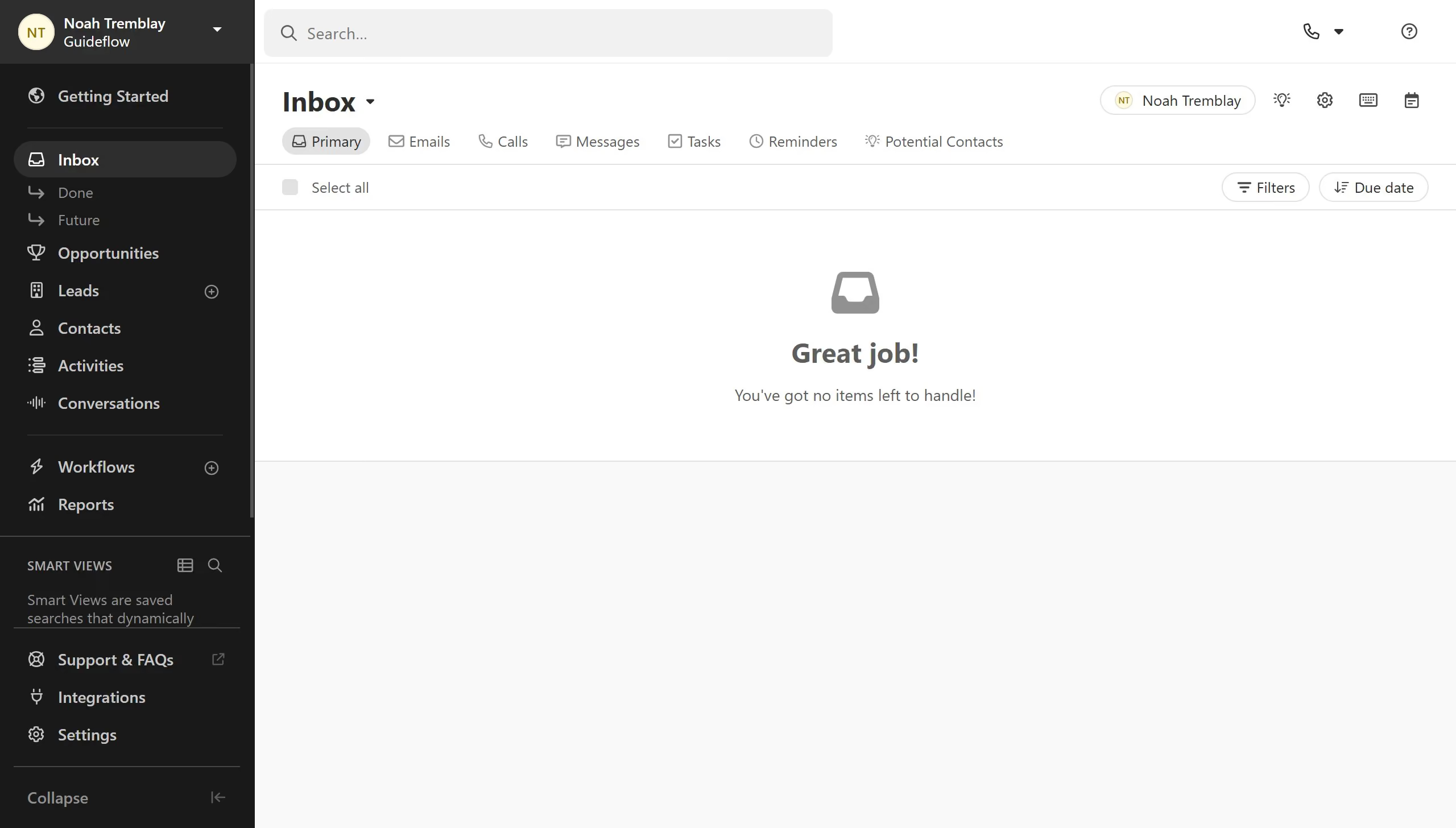
Here is how to export leads in close.com
- First click on "Leads" item in the sidebar menu
- Then click on "More" button in the top toolbar
- Next click on "Export" option from the dropdown menu
- Finally click on "Export" button in the export dialog


Create your own interactive guide with Guideflow
Close.com is a robust CRM platform designed to streamline sales processes for teams.
The feature to export leads in Close.com enhances your ability to manage and analyze your sales data with ease. This function facilitates seamless data transfer, allowing you to gain insights efficiently.
Utilizing this feature ensures you can integrate your lead information with other tools, keeping your sales strategy agile and informed. This leads to improved decision-making and a more effective sales process.
Why leading companies build with Guideflow