Close
Close is a sales CRM platform for inside sales teams to manage leads, calls, and email outreach.
Website
Industry
Leadgen
Share this article:

How to edit a status in a custom pipeline on Close.com

Here is how to edit a status in a custom pipeline on close.com

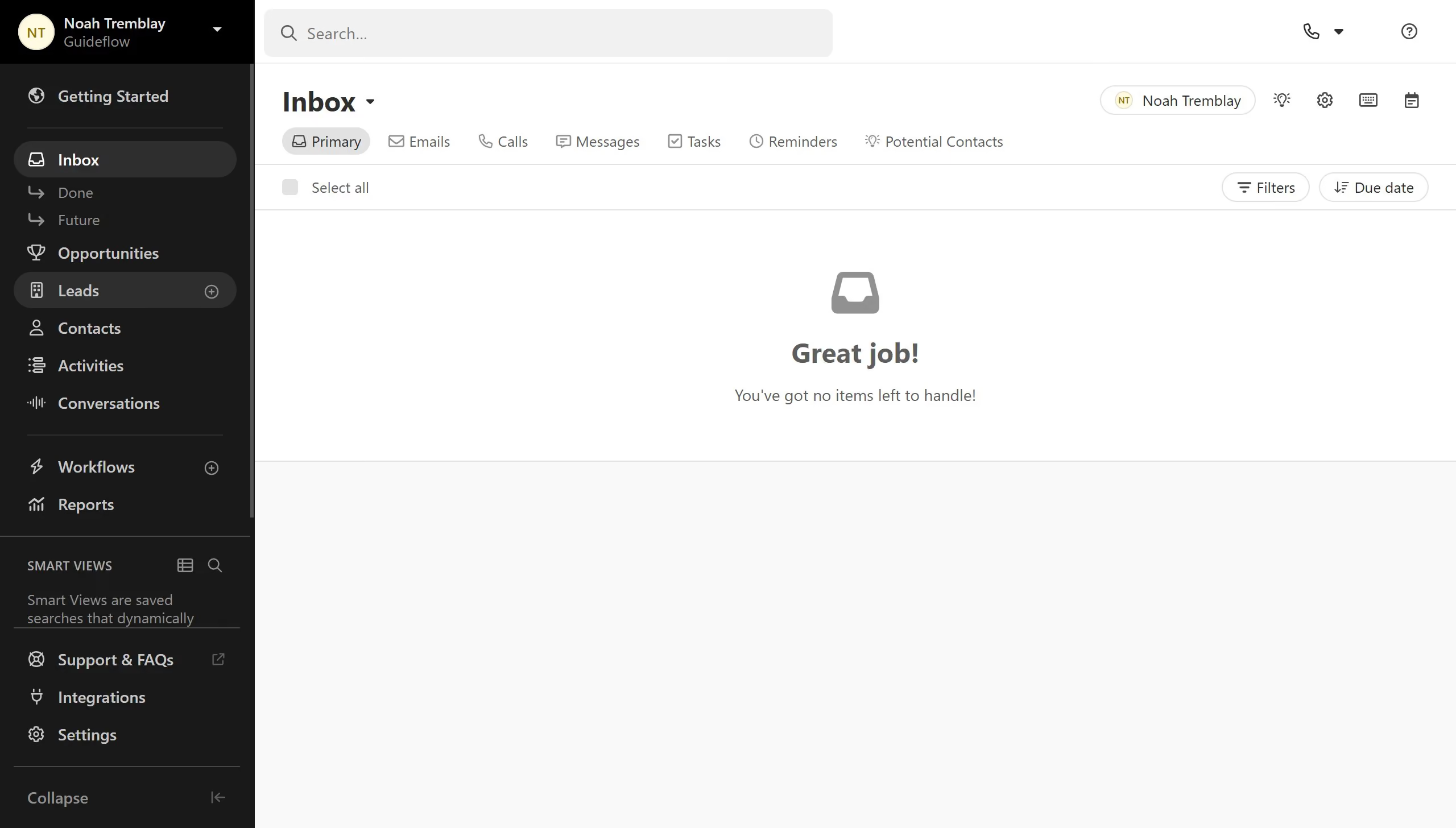
  1. First click on "Settings" in the left sidebar
  2. Then click on "Statuses & Pipelines" in the settings navigation menu
  3. Next click on the edit icon button for a status in the new pipeline section
  4. Then click in the "Name" text field in the Edit Opportunity Status modal
  5. Finally click on the "Save" button to confirm the changes

Create your own interactive guide with Guideflow

Why should you edit a status in a custom pipeline on Close.com

Close.com is a CRM software designed to accelerate sales efficiency and facilitate team communication.

The ability to edit a status in a custom pipeline on Close.com offers flexibility that aligns perfectly with your sales process needs. By allowing you to adjust status labels, your pipeline can accurately reflect the unique stages of your sales cycle. This dynamic updating keeps your sales efforts well-organized and on track.

Utilizing this feature results in enhanced team collaboration, as everyone stays updated on each lead's current status. Keeping custom pipelines fully adaptable to your methods ensures better workflow management across your entire team.

Last update
May 6, 2026
Cursor MariaA cursor points to a button labeled "James."

Create your first demo in less than 30 seconds.