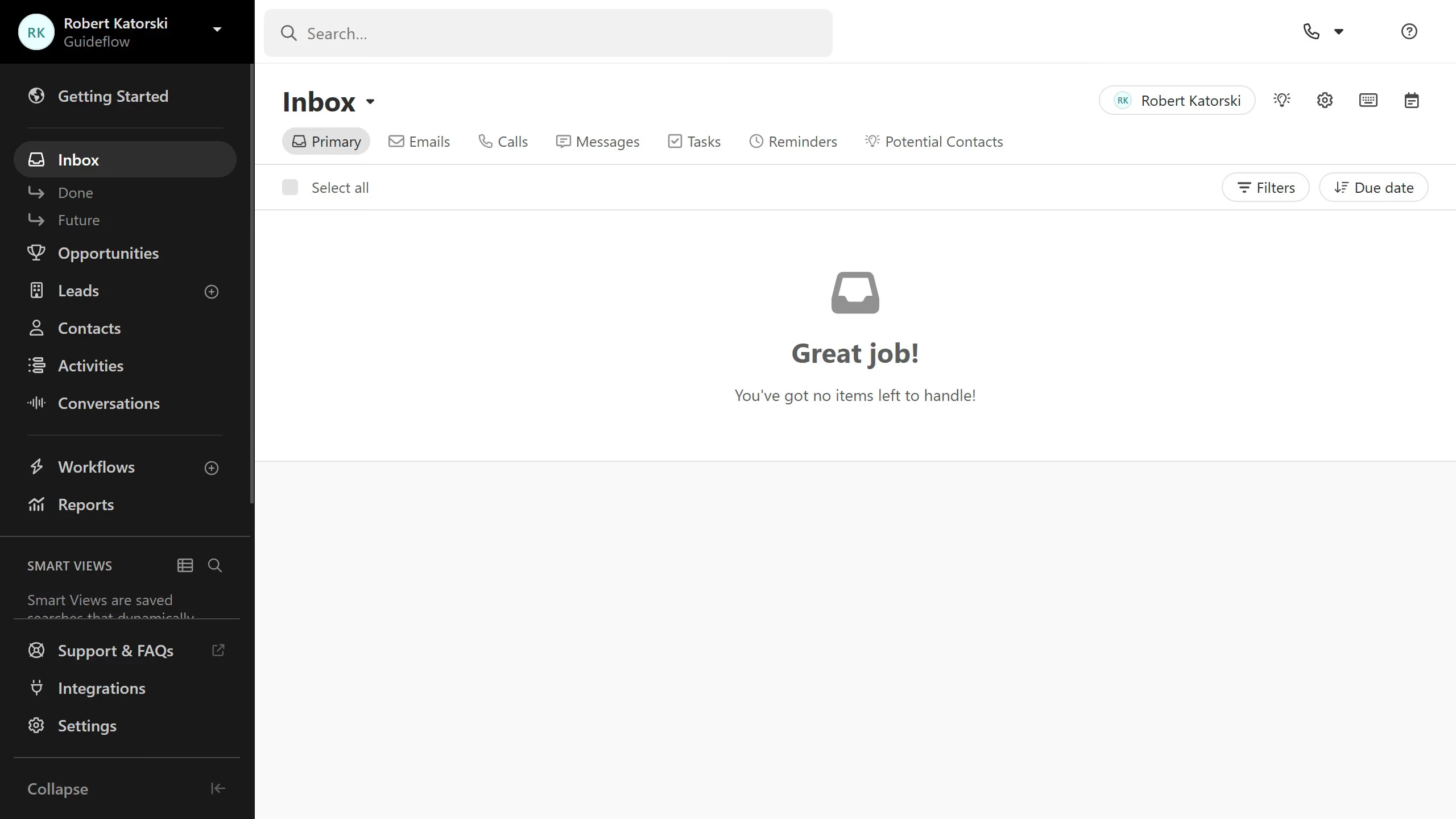
Here is how to edit a custom activity on close.com
- First click on "Settings" in the left sidebar
- Then click on "Custom Activities" under the Customization section in the settings menu
- Next click on the custom activity you want to edit
- Then click on the settings icon button in the top right corner of the Custom Activity details page
- Finally make the necessary edits and click on the "Save" button in the Edit Activity Type dialog