Close
Close is a sales CRM platform for inside sales teams to manage leads, calls, and email outreach.
Website
Industry
Leadgen
Share this article:

How to change organization name on Close.com

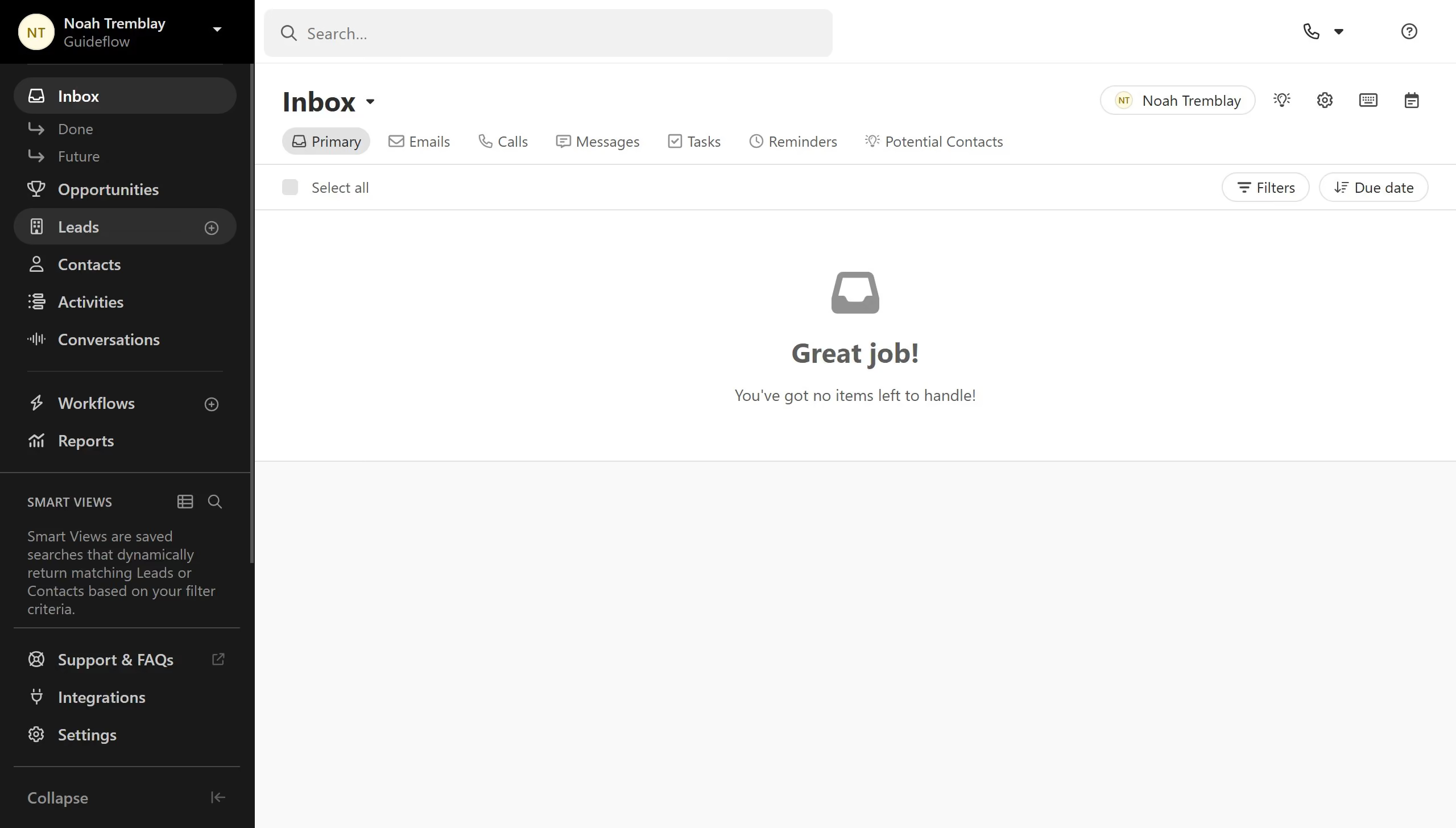
Here is how to change organization name on close.com

  1. First click on "Settings" item in the left sidebar
  2. Then click on "General" item in the settings menu
  3. Next click on "Organization Name" field and enter the new organization name
  4. Finally click on "Save" button to save the changes

Create your own interactive guide with Guideflow

Why should you change organization name on Close.com

Close.com is a robust platform designed to streamline sales processes for growing businesses.

The ability to change your organization's name on Close.com is an important feature that enhances flexibility and adaptability for companies experiencing rebranding or structural changes.

Utilizing this feature ensures consistency across all communications, helping maintain a professional image. It also improves administrative efficiency by keeping all system records uniformly updated, thereby preventing potential confusion or mismatches in data.

Last update
May 6, 2026
Cursor MariaA cursor points to a button labeled "James."

Create your first demo in less than 30 seconds.