Close
Close is a sales CRM platform for inside sales teams to manage leads, calls, and email outreach.
Website
Industry
Leadgen
Share this article:

How to archive a custom activity on Close.com

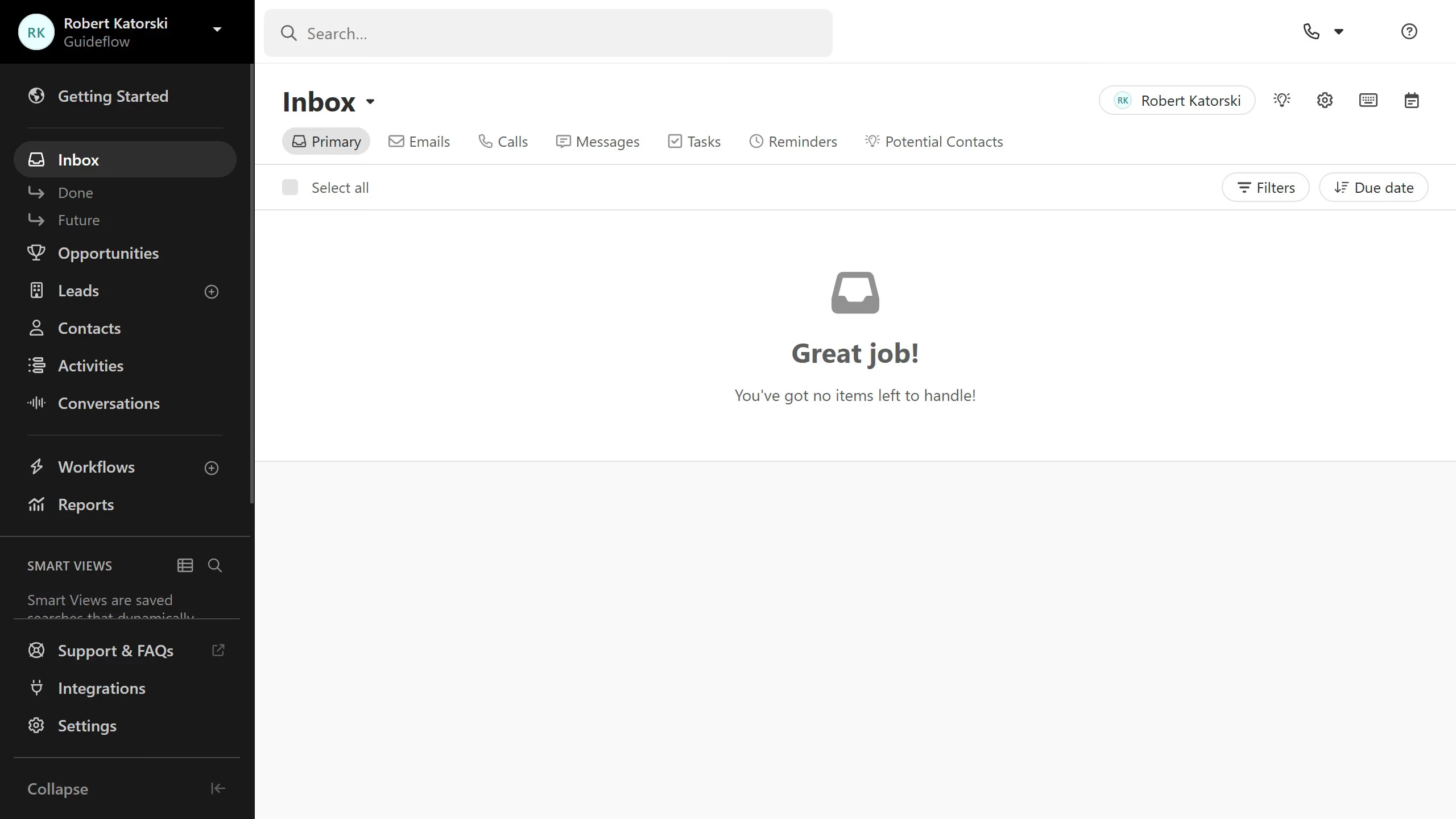
Here is how to archive a custom activity on close.com

  1. First click on "Settings" in the left sidebar
  2. Then click on "Custom Activities" in the settings navigation menu
  3. Next click on the archive button for the custom activity you want to delete
  4. Finally click on "Archive" button in the confirmation dialog

Create your own interactive guide with Guideflow

Why should you archive a custom activity on Close.com

Close.com is a robust CRM platform dedicated to optimizing sales productivity and efficiency.

Archiving a custom activity on Close.com is a seamless way to maintain a clutter-free workspace. By organizing completed tasks, users ensure that their dashboards remain focused and precise, highlighting only the active priorities.

Utilizing this feature boosts productivity by allowing sales teams to quickly access pertinent information, ultimately enhancing decision-making and fostering healthier client relationships.

Last update
May 6, 2026
Cursor MariaA cursor points to a button labeled "James."

Create your first demo in less than 30 seconds.