Close
Close is a sales CRM platform for inside sales teams to manage leads, calls, and email outreach.
Website
Industry
Leadgen
Share this article:

How to delete a lead status on Close.com

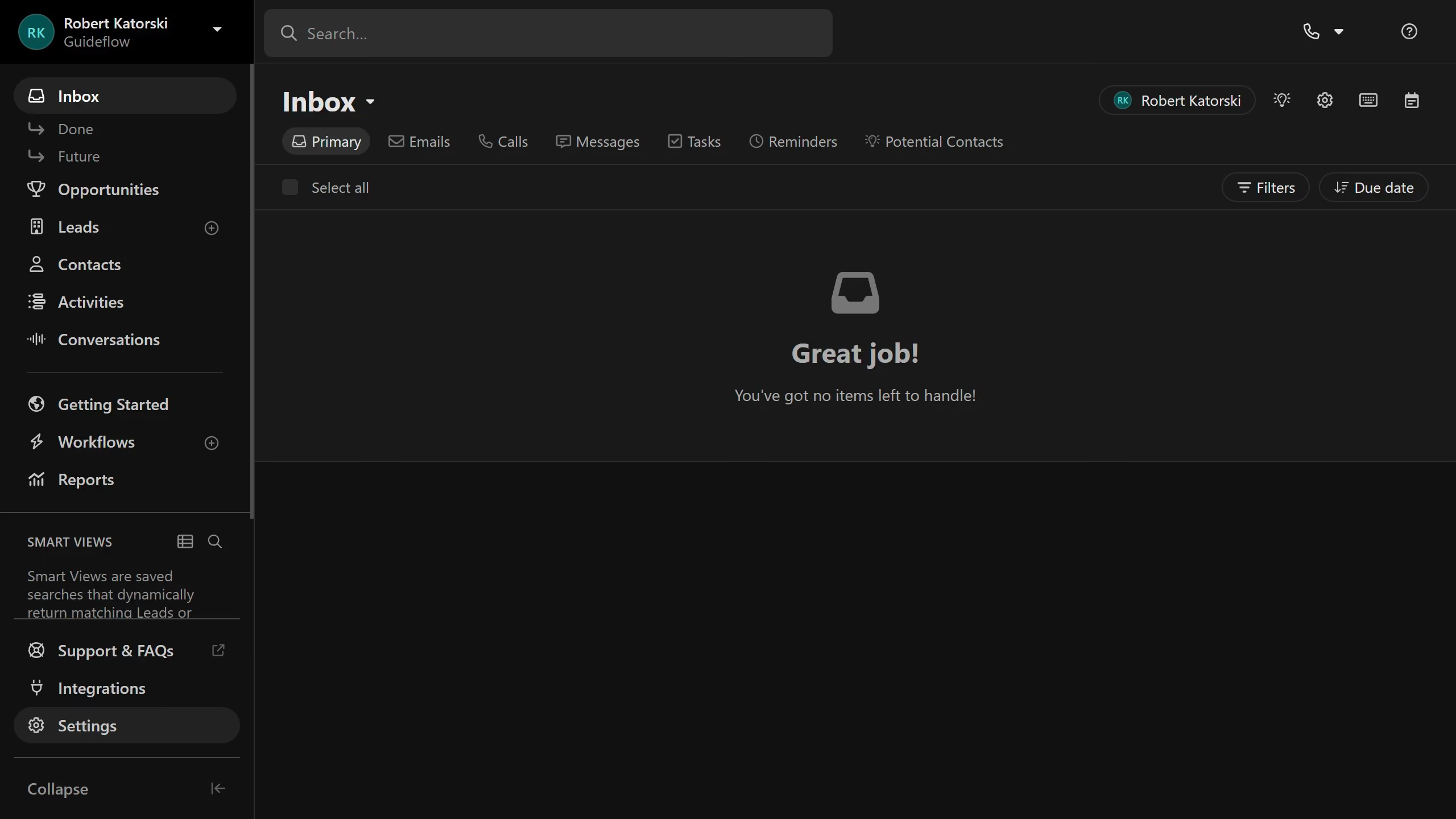
Here is how to delete a lead status on close.com

  1. First click on "Settings" item in the left sidebar
  2. Then click on "Statuses & Pipelines" option in the settings menu
  3. Next click on the delete icon button next to a lead status
  4. Finally click on "Delete" button in the confirmation dialog

Create your own interactive guide with Guideflow

Why should you delete a lead status on Close.com

Close is a powerful CRM designed to accelerate sales productivity and streamline communication for businesses.

The ability to delete a lead status on Close.com provides flexibility in managing your sales pipeline. By ensuring your CRM reflects the most up-to-date and relevant information, you enhance its effectiveness.

This feature allows users to swiftly remove outdated or unnecessary lead statuses, maintaining a cleaner and more accurate database. Consequently, it simplifies your workflow and improves the focus on active and high-priority leads.

Last update
May 6, 2026
Cursor MariaA cursor points to a button labeled "James."

Create your first demo in less than 30 seconds.