Close
Close is a sales CRM platform for inside sales teams to manage leads, calls, and email outreach.
Website
Industry
Leadgen
Share this article:

How to enable unsubscribe links on Close.com

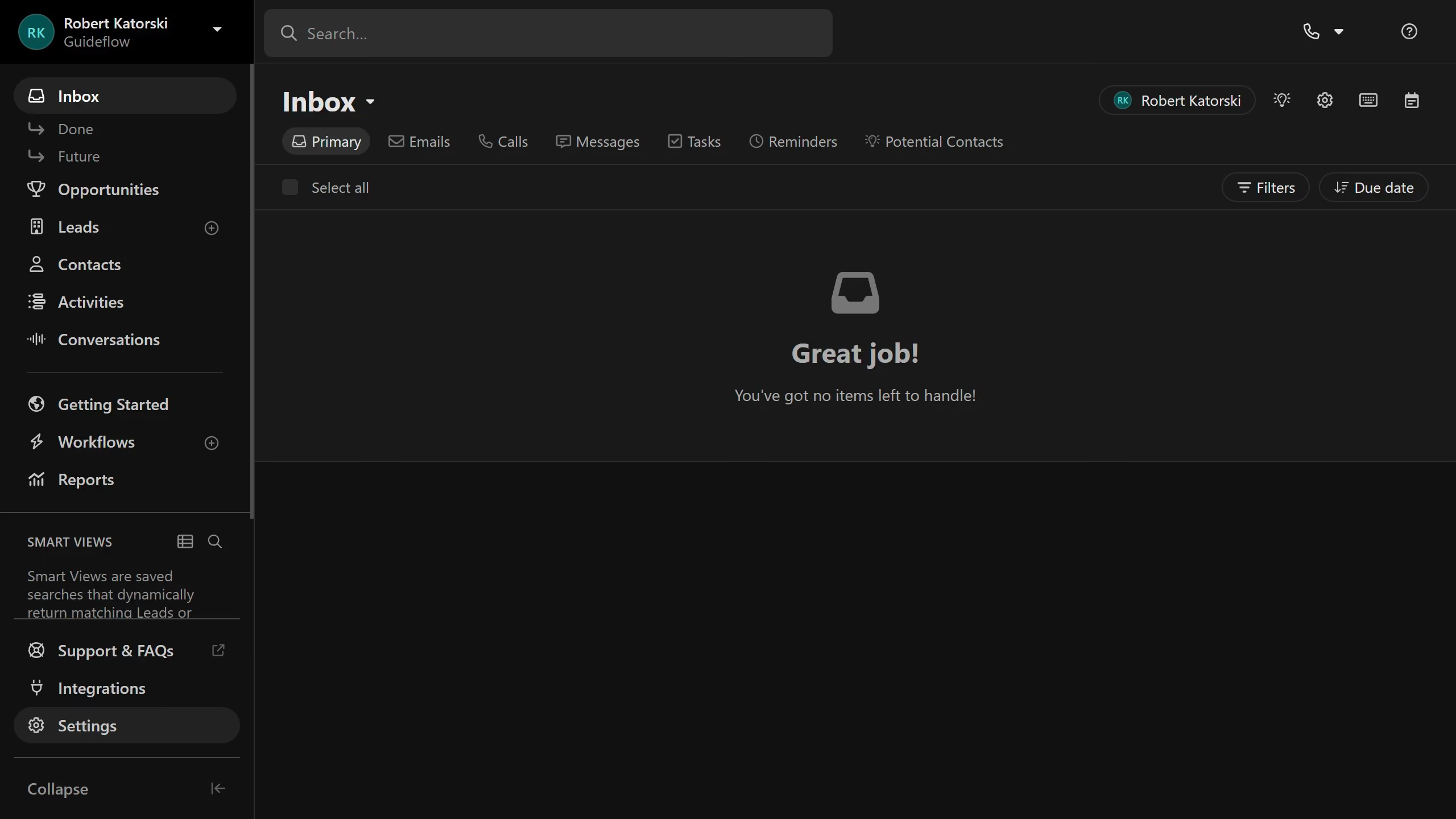
Here is how to enable unsubscribe links on close.com

  1. First click on "Settings" in the sidebar
  2. Then click on "Settings" option in the sidebar
  3. Next click on "Email" option in the settings menu
  4. Finally click on "Unsubscribe Link" tab in the email settings section

Create your own interactive guide with Guideflow

Why should you enable unsubscribe links on Close.com

Close.com is a powerful platform designed to boost sales team productivity through streamlined communication.

One beneficial feature is the ability to enable unsubscribe links in emails. By adding this feature, users ensure compliance with email marketing laws and respect subscribers' choices.

Incorporating unsubscribe links not only enhances user trust but also improves the overall reputation of your email campaigns by fostering transparency and professionalism.

Last update
May 6, 2026
Cursor MariaA cursor points to a button labeled "James."

Create your first demo in less than 30 seconds.