Close
Close is a sales CRM platform for inside sales teams to manage leads, calls, and email outreach.
Website
Industry
Leadgen
Share this article:

How to edit a pre-recorded voicemail drop by uploading a new recorded file on Close.com

Here is how to edit a pre-recorded voicemail drop by uploading a new recorded file on close.com

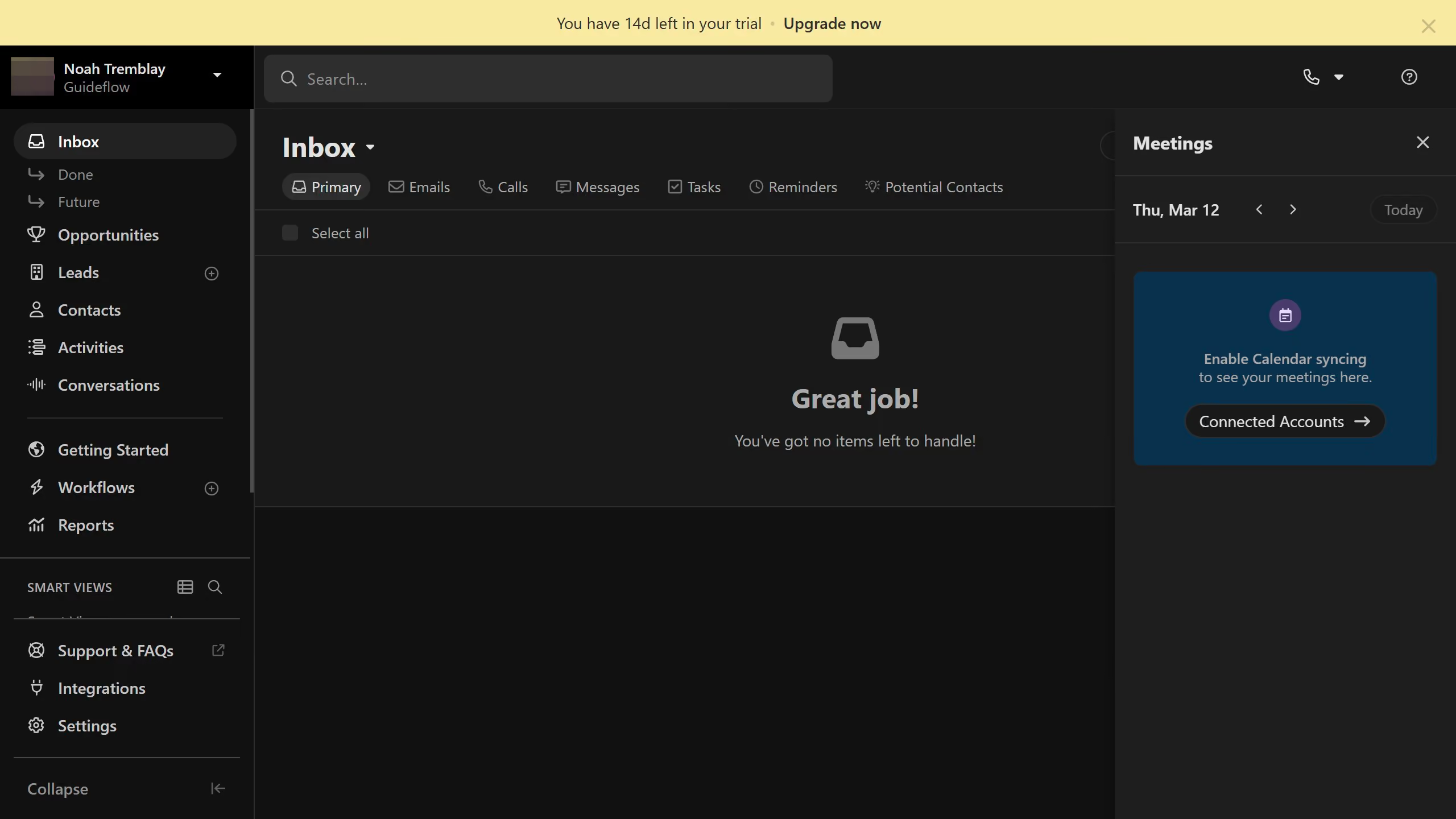
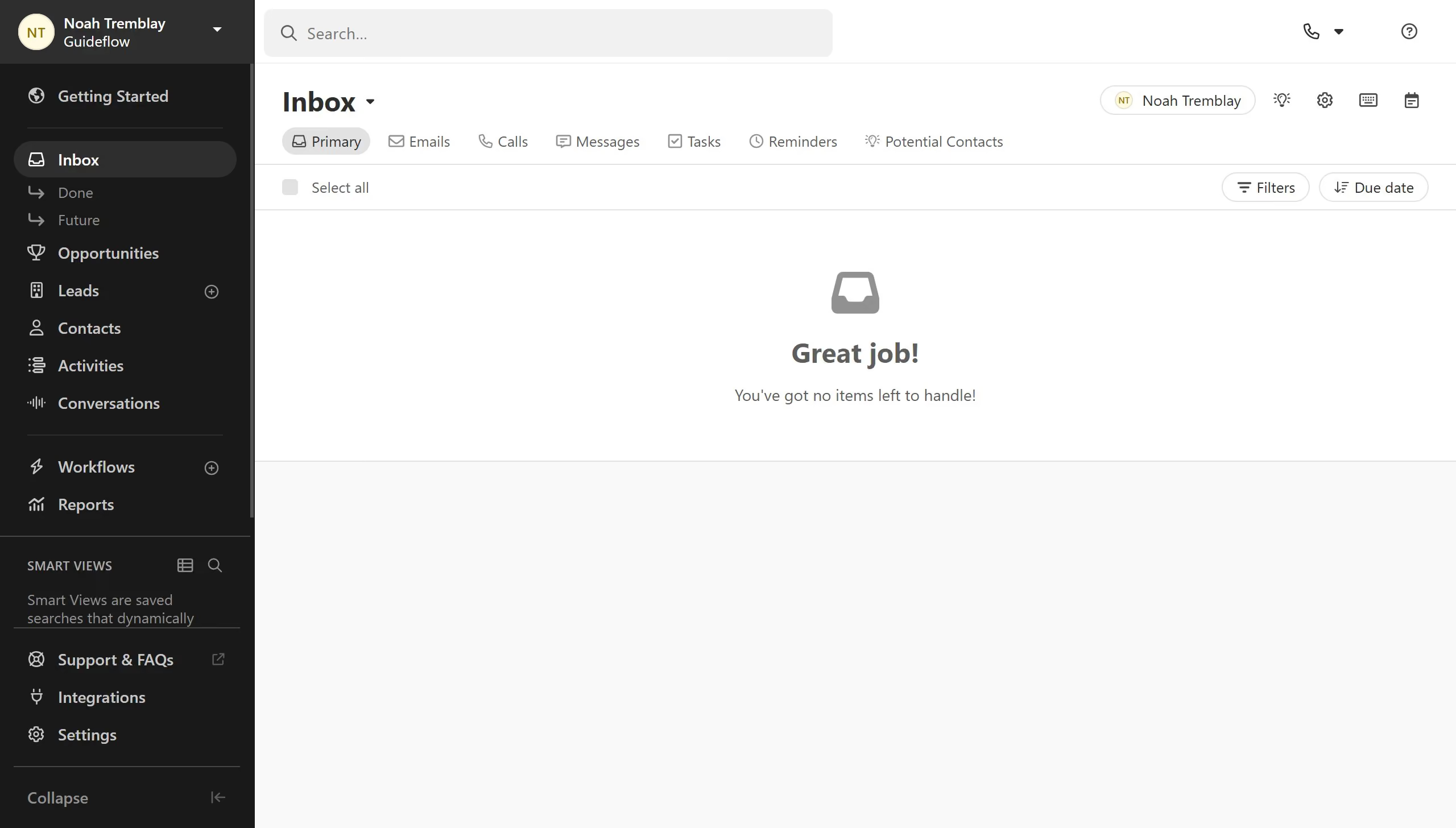
  1. First click on "Settings" in the sidebar menu
  2. Then click on "Phone & Voicemail" in the settings navigation menu
  3. Next click on "Voicemail Drop" tab in the top navigation
  4. Then click on the edit icon button to open the voicemail recording dialog
  5. Next click on "selecting a file" link to upload an audio file
  6. Finally click on "Save" button to save the voicemail drop recording

Create your own interactive guide with Guideflow

Why should you edit a pre-recorded voicemail drop by uploading a new recorded file on Close.com

Close.com is a dynamic CRM platform designed to supercharge your sales processes.

Editing a pre-recorded voicemail drop by uploading a new file is a seamless feature offered by Close.com.

This functionality allows you to maintain engagement with clients by ensuring that they receive the most relevant and up-to-date messages.

By quickly replacing outdated or less effective recordings, sales teams can consistently deliver personalized and impactful communication.

The ability to easily update voicemails fosters efficient communication, helping to nurture client relationships.

Last update
May 6, 2026
Cursor MariaA cursor points to a button labeled "James."

Create your first demo in less than 30 seconds.