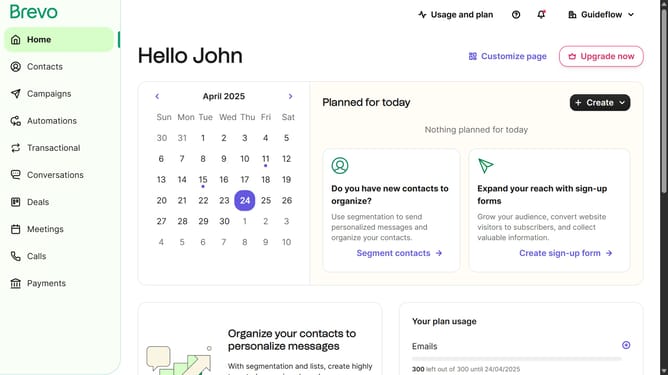
How to rename a contact folder in Brevo
Here is how to rename a contact folder in brevo
- First click on "Contacts" in the left sidebar navigation menu
- Then click on "Lists" in the submenu under Contacts section
- Next click on the dropdown button in the "Lists" main menu section
- Then click on the contact folder from the expanded dropdown menu
- Next click on the informational message about adding new lists to continue enriching your contact database
- Then click in the "New folder name" input field in the Edit folder modal
- Finally click the "Edit folder" button at the bottom of the Edit folder modal
Why should you rename a contact folder in Brevo
Brevo is your all-in-one platform for seamless customer relationship management.
Renaming a contact folder in Brevo is a straightforward feature that enhances organizational efficiency. This function allows users to keep their contact lists neatly categorized, promoting a streamlined workflow and easier access to important information.
By using this feature, you can swiftly align your contact management with current campaigns or business needs, ensuring that your communication strategy remains flexible and up-to-date.
Experience better organization and improved productivity by easily renaming your contact folders in Brevo, catering your CRM to suit your evolving business goals.
Last update