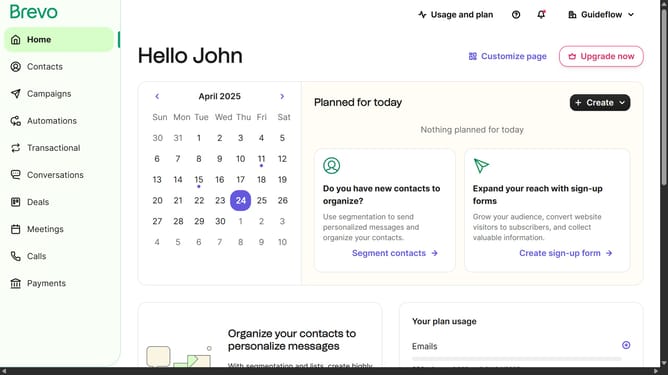
How to create a page visit automation in Brevo
Here is how to create a page visit automation in brevo
- First click on the "Automations" link in the left sidebar menu
- Then click on the "Create an automation" button in the top-right corner
- Next select the "Page visit" template from the pre-built automation options
- Finally click the "Create automation" link at the bottom of the page visit configuration screen
Why should you create a page visit automation in Brevo
Brevo is a powerful tool designed to enhance customer interaction through streamlined automation processes.
Creating a page visit automation in Brevo allows businesses to track and respond to customer behavior in real-time. By setting up these automations, businesses can efficiently engage with their audience by sending targeted messages or prompts based on specific page visits.
This feature is invaluable for understanding customer interests and optimizing marketing efforts. Embracing page visit automation not only boosts engagement but also helps convert visitors into loyal customers.
Last update