How to manage styles in Framer
Here is how to manage styles in framer
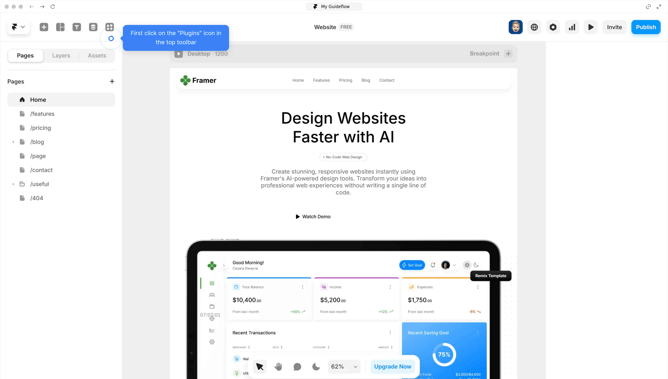
- First click on the "Assets" tab in the left panel of Framer
- In the Assets panel, locate "Styles" section
- Next click on "Text" to view all saved text styles
- Click on any element in your design to open its styling options in the properties panel
- Modify settings like font, weight, color, line height, and letter spacing directly in the properties panel
- In the Breakpoint section, customize text styles for Desktop, Tablet, and Mobile
- Managing styles in Framer is straightforward, making it easy to maintain consistency across your project
Why should you manage styles in Framer
Framer is a cutting-edge tool designed to transform your digital concepts into interactive prototypes with ease.
Managing styles in Framer is intuitive, allowing designers to centrally control and sync aesthetic elements across projects. This ensures consistency and saves time, making iterative design processes more efficient.
Using Framer's style management streamlines collaboration, letting teams swiftly adjust and update designs, ensuring alignment with brand guidelines and enhancing project coherence.
Last update