How to manage shortcuts in a Confluence space
Here is how to manage shortcuts in a confluence space
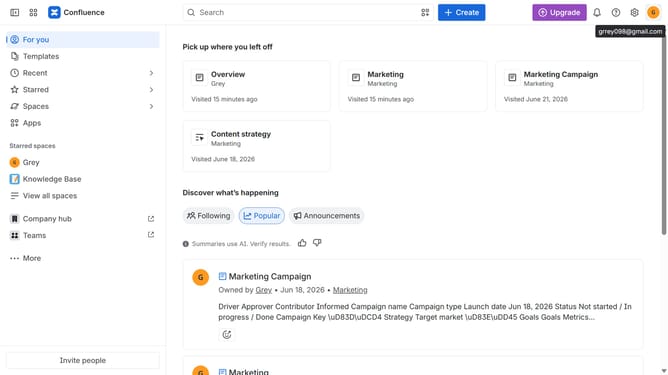
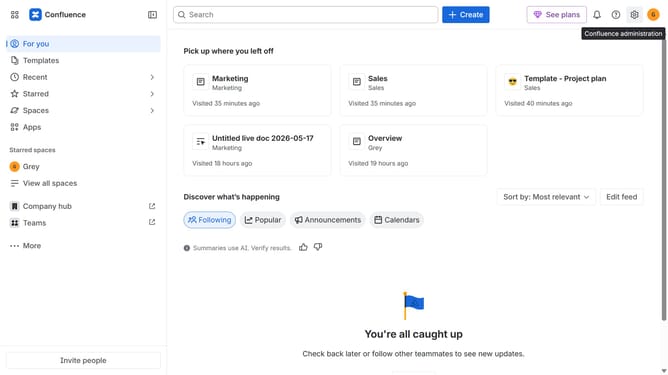
- First click on "Spaces" in the left sidebar
- Next click on the "View all spaces" option
- From the list of spaces, select the space you want to manage features for
- Then click on the "three dots" button next to the space name in the sidebar
- From the dropdown menu, select the "Space settings" option
- Next click the "General" menu in the left sidebar
- Select "Features" from the submenu
- Then, locate the "Shortcuts" feature
- Finally, turn the toggle on or off to enable or disable shortcuts features for the space
Why should you manage shortcuts in a Confluence space
Confluence is a dynamic collaboration tool designed to facilitate teamwork and knowledge sharing within organizations.
Managing shortcuts in a Confluence space is a powerful feature that enables users to access frequently used pages and resources quickly. This feature enhances navigation by letting team members create personalized or shared shortcuts, thus increasing efficiency.
By leveraging shortcuts, users enjoy smoother workflows, reduced search times, and a more intuitive working experience, leading to improved productivity and collaboration across teams.
Last update