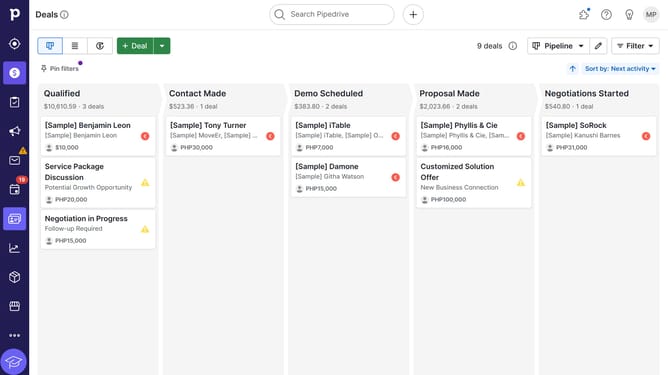
How to make calls using Pipedrive
Here is how to make calls using pipedrive
- First, click on the "Leads" button in the left sidebar
- Then click on the lead to view details
- Next, click on the phone number associated with the lead to make a call
- Then click on the "Phone Icone" field in the lead details
- Otherwise, you can click the "Call options" dropdown button next to the phone number
- Finally, click the "Start call" button in the calling integration dialog
Why should you make calls using Pipedrive
Pipedrive is a powerful CRM tool designed to streamline sales processes and enhance productivity.
Making calls with Pipedrive is a seamless experience that integrates effortlessly into your workflow. With its built-in calling features, users can quickly connect with prospects, ensuring that no opportunity is missed.
This feature allows for smooth communication directly from the platform, saving valuable time and maintaining a clutter-free workspace. By using Pipedrive for calls, your team can stay organized and focused, boosting overall efficiency and sales success.
Last update