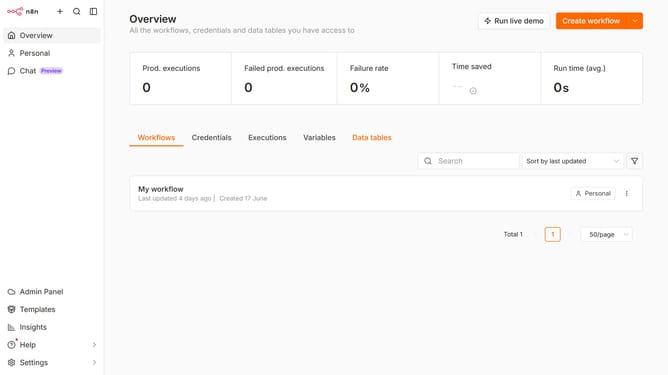
How to invite a user in n8n
Here is how to invite a user in n8n
- First click on "Settings" button in the sidebar
- Then click on "Users" option in the settings menu
- Next click on "Invite" button
- Then enter the email of the user you want to invite in the "New User Email Addresses" field
- Then click on "Role" dropdown and choose a role for the user
- Finally click on "Invite user" button
Why should you invite a user in n8n
n8n is an extendable workflow automation tool that helps teams connect and automate various applications seamlessly.
Inviting a user to n8n is straightforward, allowing teams to collaborate effectively by granting access to specific workflows and projects. This feature makes it easy to expand your team’s capabilities without any hassle.
By inviting users, you can harness collective expertise, foster collaboration, and streamline processes, ultimately enhancing productivity and achieving project goals faster.
Last update