How to create DHL API credential in n8n
Here is how to create dhl api credential in n8n
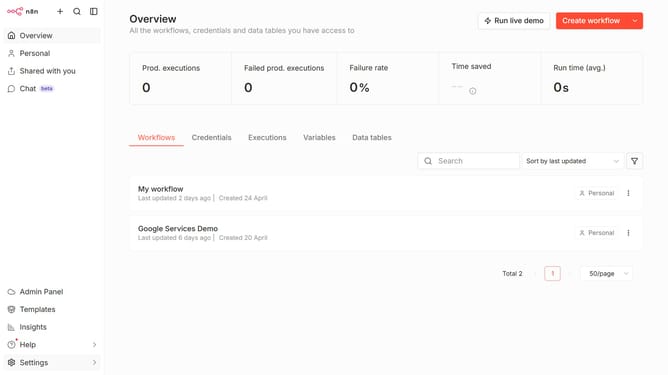
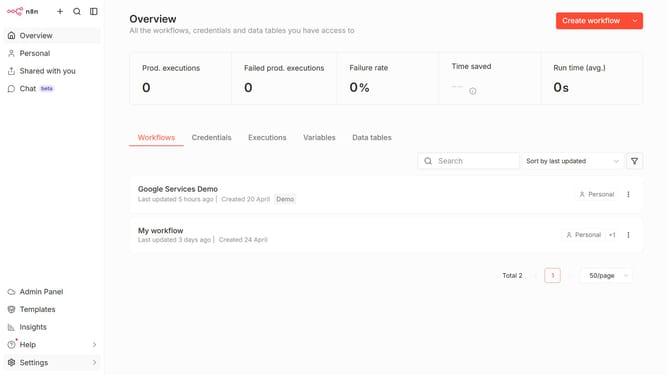
- First click on the dropdown arrow next to "Create workflow" button
- Then click on "Create credential" button
- First click on the "Search for app..." input field
- Then type "dhl" into the search field and click on "DHL API" option
- Then click on the "Continue" button
- Then your API Key in the "API Key" input field
- Finally click on the "Save" button
Why should you create DHL API credential in n8n
n8n is an innovative workflow automation tool designed to streamline tasks and integrate various services seamlessly.
Creating DHL API credentials within n8n is a feature that empowers businesses to automate shipping logistics efficiently.
This feature is vital because it allows n8n to securely connect with DHL, enhancing the speed and reliability of shipping processes without manual intervention.
Benefit from an automated system that reduces errors, saves time, and ultimately elevates customer satisfaction.
Last update