How to integrate Albracross in Attio
Here is how to integrate albracross in attio
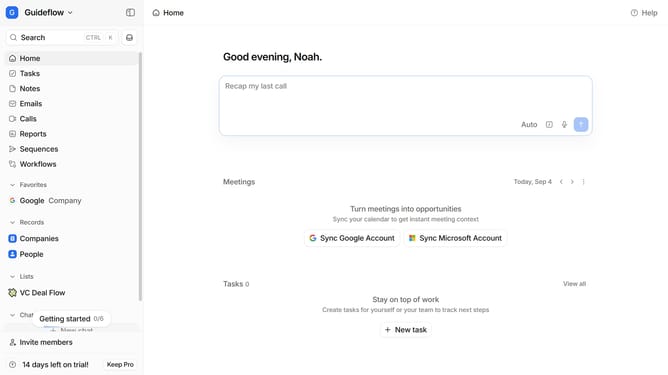
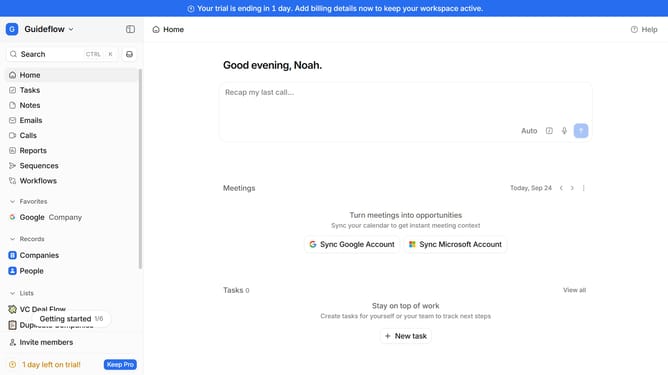
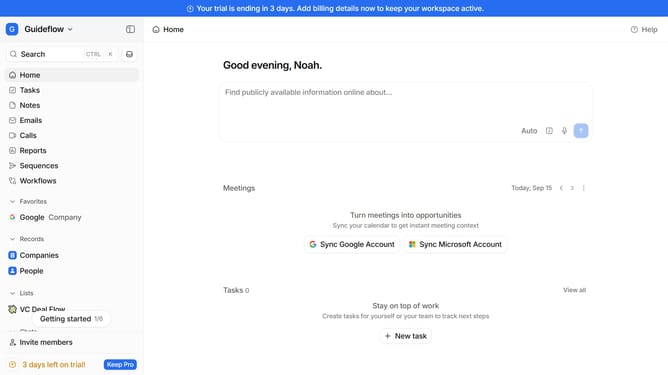
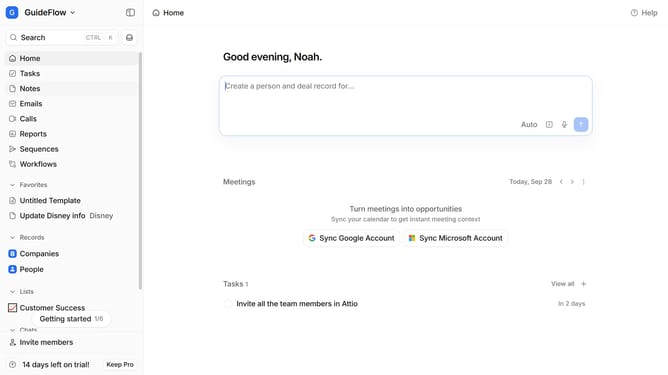
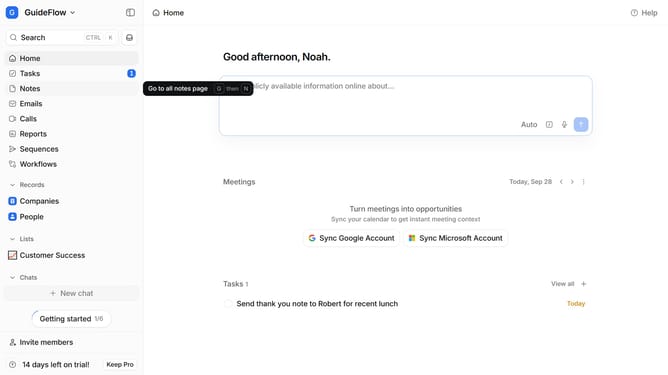
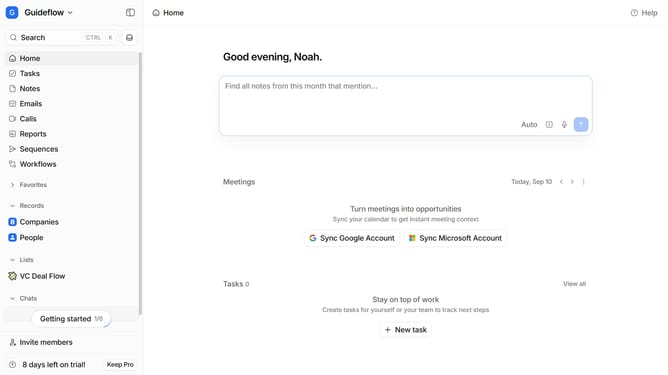
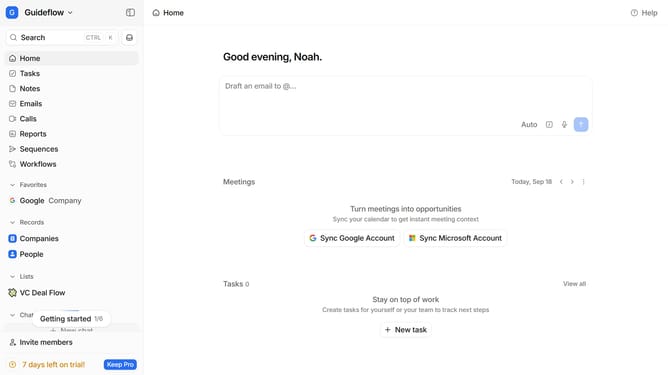
- First click on the company name dropdown button
- Then click on "Apps and integrations" in the sidebar menu
- Next, select "Data and enrichment" from the sidebar
- Then click on the "View All" button under the "Data and enrichment" section
- Next, click on the "Albacross" app card
- Finally, click the “Install” button, log in to your Albracross account, and continue with the configuration to complete the integration
Why should you How to integrate Albracross in Attio
Attio is a cutting-edge CRM designed to supercharge your team’s collaboration and relationship management.
Integrating Albacross into Attio enhances your CRM capabilities by adding powerful lead generation and tracking features. Albacross seamlessly bridges the gap between identifying site visitors and nurturing them into meaningful contacts within Attio.
By harnessing Albacross, users gain access to rich visitor analytics and streamlined data flow, which can significantly boost engagement and conversion rates. This synergy ensures that your team can prioritize high-quality leads effortlessly, optimizing your business growth strategies.
Last update