How to integrate Paradigm in Attio
Here is how to integrate paradigm in attio
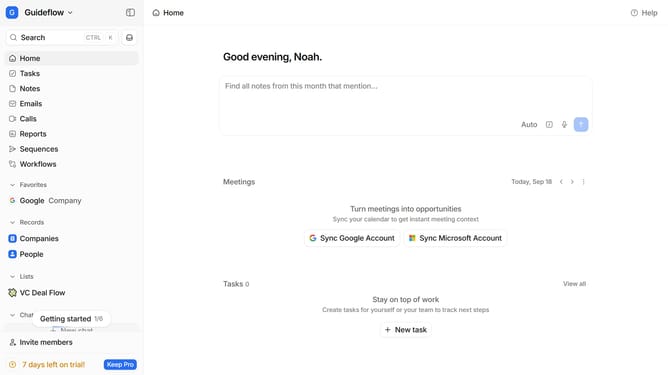
- First click on the company name dropdown button in the header
- Then click on "Apps and integrations" in the sidebar
- Next click on "Data and enrichment" in the sidebar
- Then click on the "View All" button "Date and enrichment"
- Click on "Paradigm" in the list of apps
- Finally, click the “Install” button, log in to your Paradigm account, and continue with the configuration to complete the integration
Why should you How to integrate Paradigm in Attio
Attio is a dynamic CRM platform designed to streamline your workflow and enhance relationship management.
Integrating Paradigm into Attio is a seamless process that elevates your data management and operational strategies. By connecting Paradigm with Attio, you leverage enhanced data analytics capabilities, ensuring that all your customer insights are not only accurate but also incredibly effective. This synergy allows for better decision-making and personalized interactions with clients, fostering stronger relationships.
Using Paradigm within Attio optimizes your contact management by synthesizing comprehensive data from multiple sources. It also automates routine tasks, saving you time and reducing errors. This integration is a powerful way to unlock new efficiencies, create a more cohesive user experience, and drive meaningful business growth.