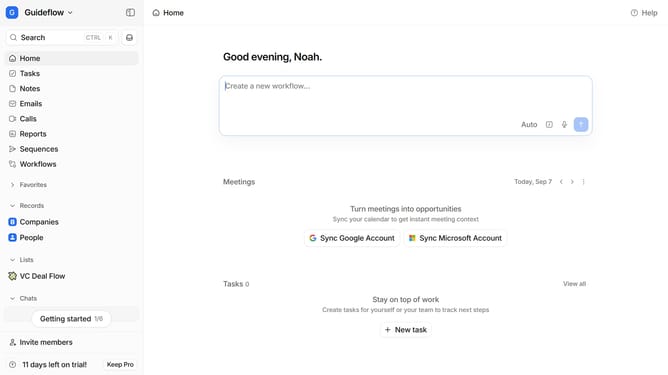
How to add workflow into your favorites in Attio
Here is how to add workflow into your favorites in attio
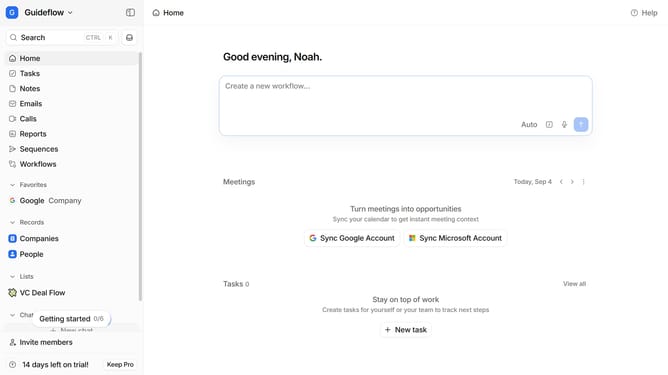
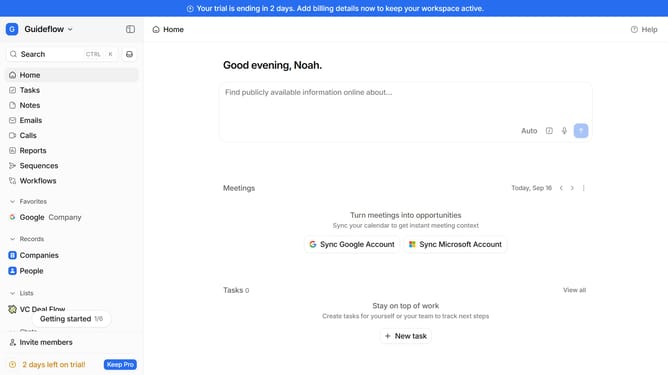
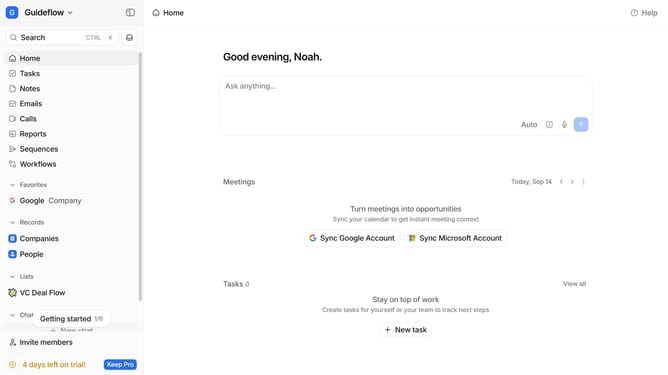
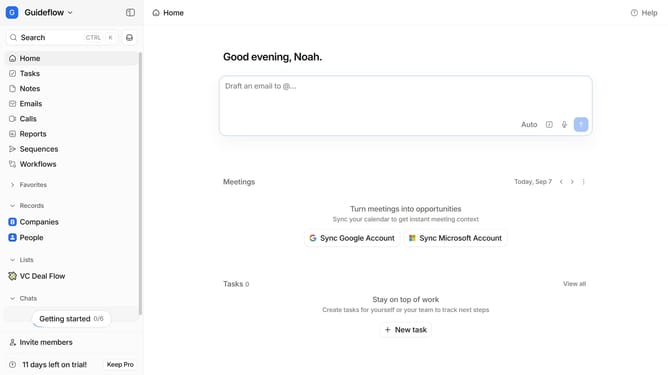
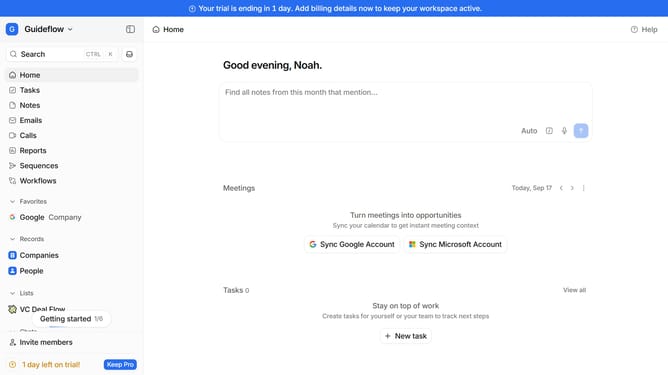
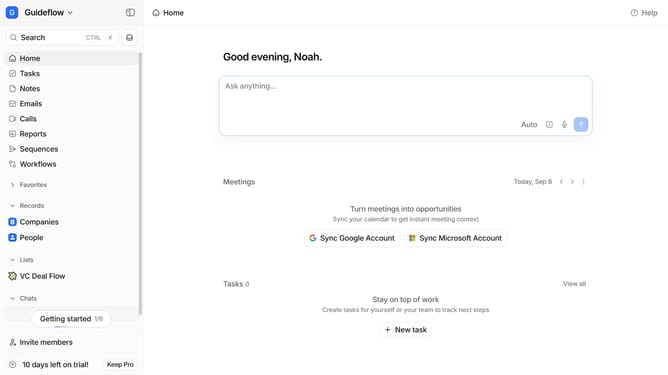
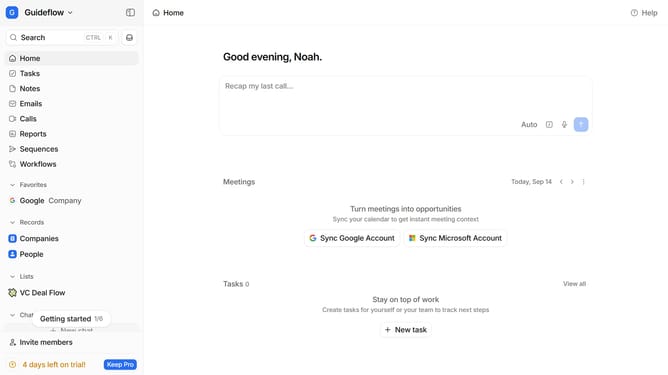
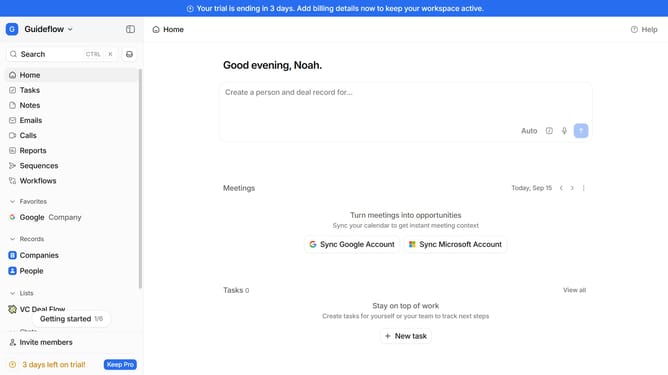
- First click on "Workflows" in the left sidebar
- Then hover your mouse cursor over the workflow that you want to add into your favorites
- Finally click on the empty star icon to add it into your favorites
Why should you How to add workflow into your favorites in Attio
Attio is a cutting-edge CRM system designed to revolutionize how you manage relationships and workflows.
One standout feature of Attio is the ability to add workflows to your favorites. This streamlined functionality allows users to quickly access their most frequently used workflows, enhancing efficiency and productivity.
Favoriting a workflow in Attio ensures that you can swiftly navigate to critical processes without unnecessary searching, saving valuable time. This feature is particularly beneficial for teams juggling multiple projects, as it helps maintain focus on priority tasks.
Overall, adding workflows to your favorites in Attio supports swift access to essential operations, empowering smoother, more organized workflow management.
Last update