How to integrate Parsley in Attio
Here is how to integrate parsley in attio
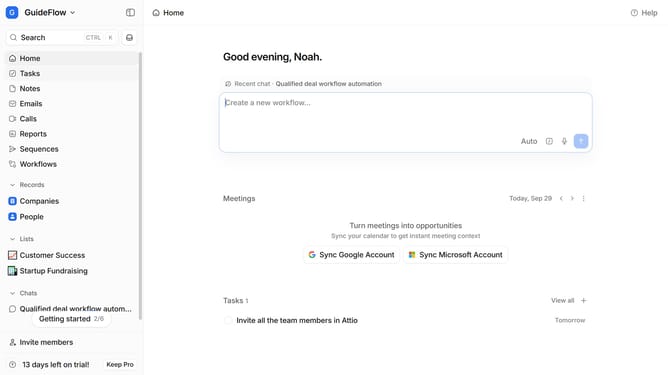
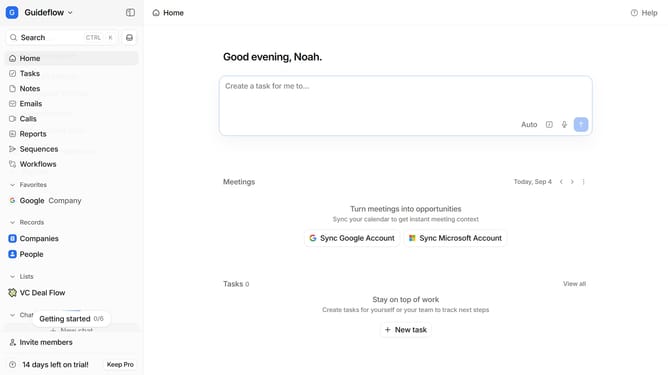
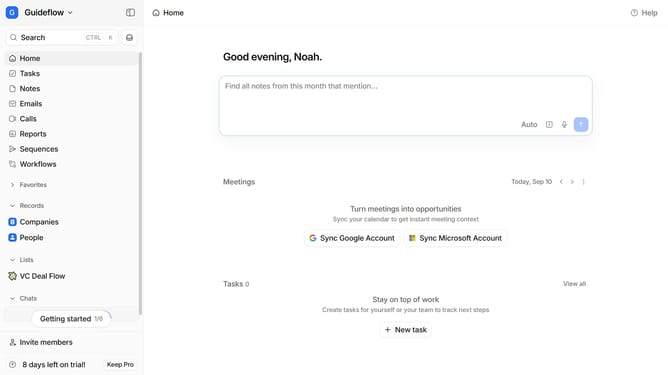
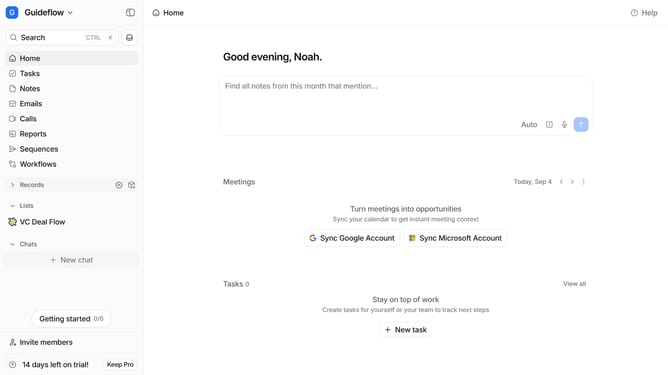
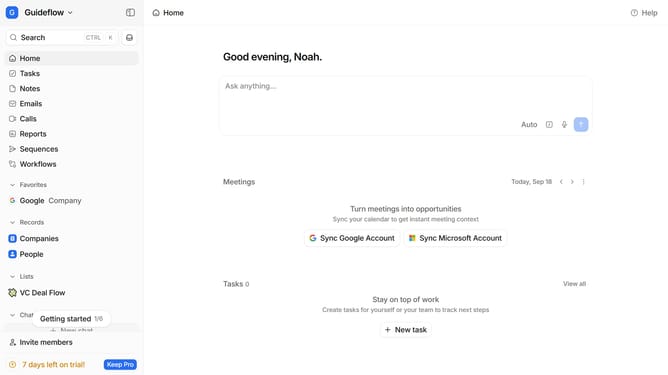
- First click on the company name dropdown button in the header
- Then click on "Apps and integrations" in the left sidebar
- Next, click on "Data and enrichment" in the left sidebar
- Then click on the "View All" button to see all available apps under the "Data and enrichment" section
- Next click on the "Parsley" app card to view its details
- Finally, click the “Install” button, log in to your Parsley account, and continue with the configuration to complete the integration
Why should you How to integrate Parsley in Attio
Attio is an intuitive CRM designed to dynamically manage your contacts and relationships.
Integrating Parsley into Attio allows users to harness advanced data parsing capabilities, enhancing contact database accuracy. This integration seamlessly captures and organizes detailed information, ensuring that user data is precise and up-to-date.
Using Parsley empowers teams to streamline workflows and make informed decisions. With enriched insights from well-organized data, collaborative efforts become more effective, ultimately fostering deeper connections and boosting productivity.
Last update