How to integrate Superjoin Connector in Attio
Here is how to integrate superjoin connector in attio
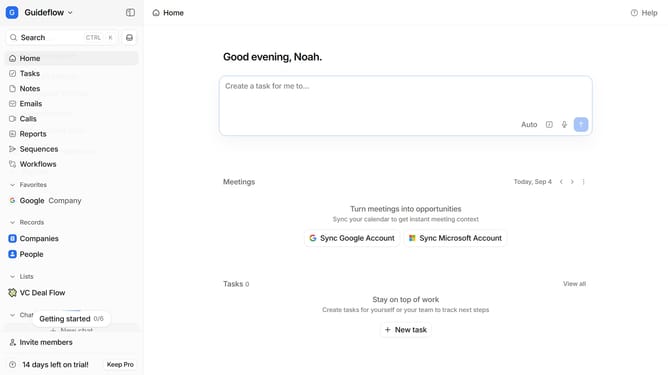
- First click on the company name dropdown button in the header
- Then click on "Apps and integrations" in the sidebar
- Next, scroll down to view more options in the "Apps and integrations" page
- Then click on the "View All" button under the Automations section
- Next, click on the "Superjoin Connector" card
- Finally, click the “Install” button, log in to your Superjoin Connector account, and continue with the configuration to complete the integration
Why should you How to integrate Superjoin Connector in Attio
Attio is a transformative platform designed to streamline contact and relationship management effortlessly.
Integrating the Superjoin Connector into Attio elevates your data synchronization, ensuring seamless connectivity across your tools. This integration empowers users to unify their communication channels, making information flow smooth and efficient.
Using the Superjoin Connector in Attio enhances productivity by maintaining up-to-date data and reducing manual input. This synergy fosters a more organized workspace, enabling teams to focus on strategic tasks and optimize collaboration.
Last update