How to integrate Brusnika LMS in Attio
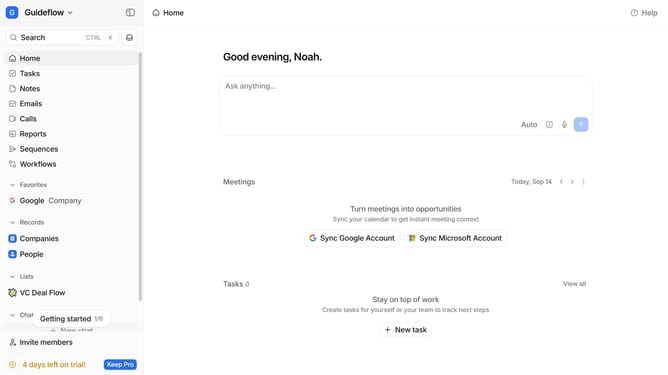
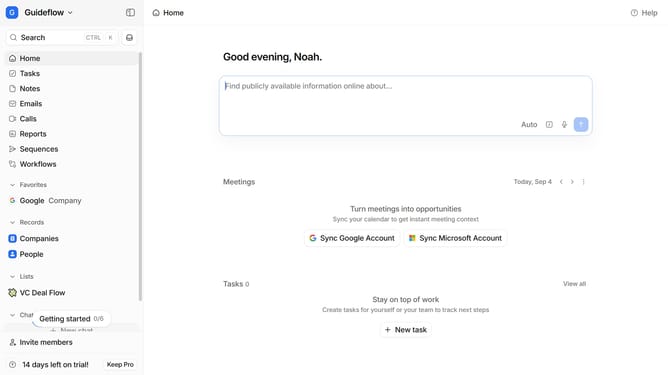
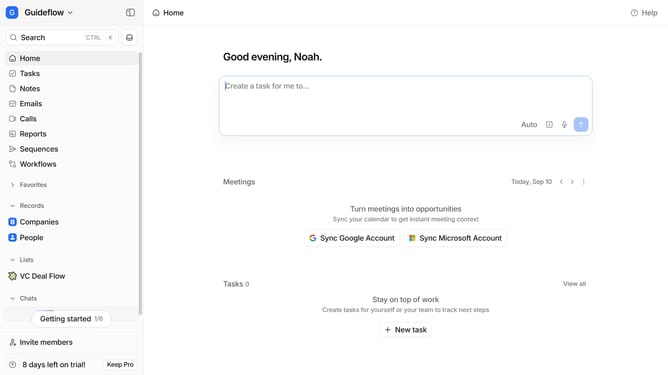
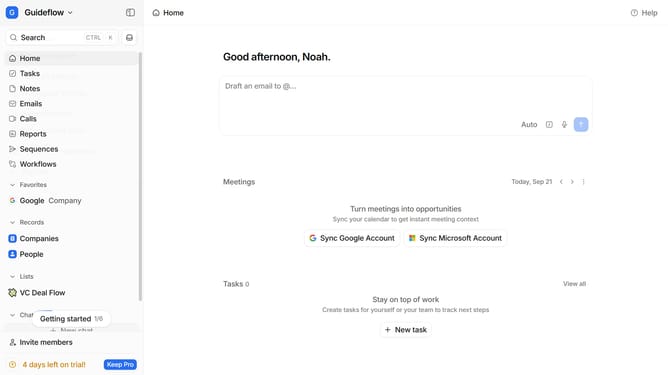
Here is how to integrate brusnika lms in attio
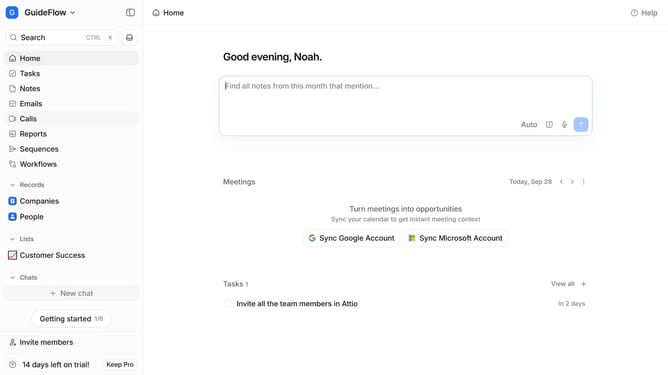
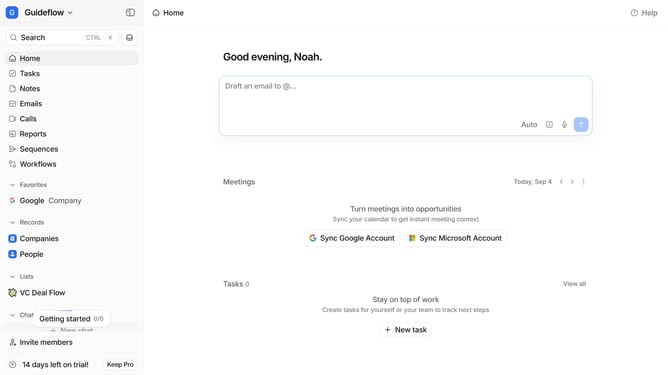
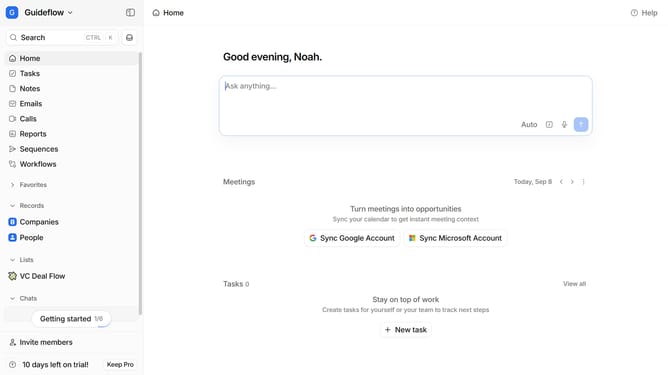
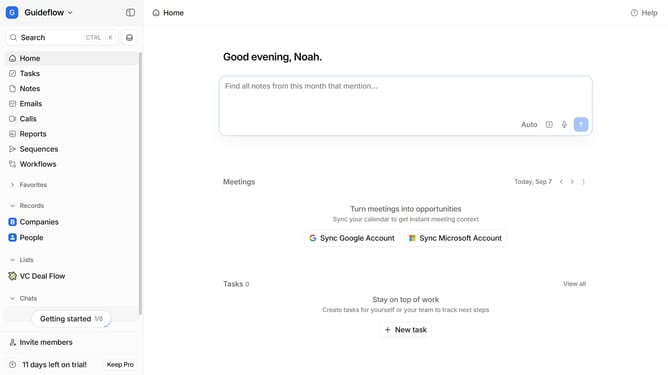
- First click on the company name dropdown button in the header
- Then click on "Apps and integrations" in the left sidebar
- Next click on "Product management" in the left sidebar
- Then click on the "View All" button under the "Product management" section
- After that, click on the "Brusnika LMS" app card
- Then click on the "Install" button for Brusnika LMS
- Finally click on the "Confirm" button then log in to your Brusnika LMS account and continue with the configuration to complete the integration
Why should you How to integrate Brusnika LMS in Attio
Attio is an innovative CRM tool designed to streamline and enhance team collaboration and data management.
Integrating Brusnika LMS within Attio combines robust learning management with advanced CRM capabilities, boosting productivity and engagement. This integration allows team members to access training resources directly from their workspace, ensuring seamless workflow and improved learning outcomes.
Utilizing the integration enhances team skills and knowledge retention, encouraging continuous development. It ultimately empowers organizations to maintain a knowledgeable and agile team, ready to meet evolving business challenges.
Last update