How to copy a note link in Attio
Here is how to copy a note link in attio
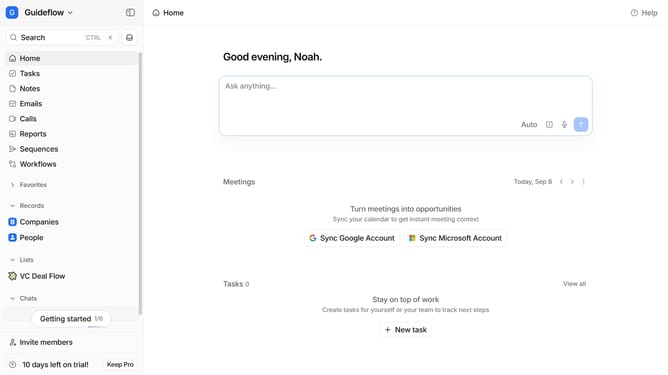
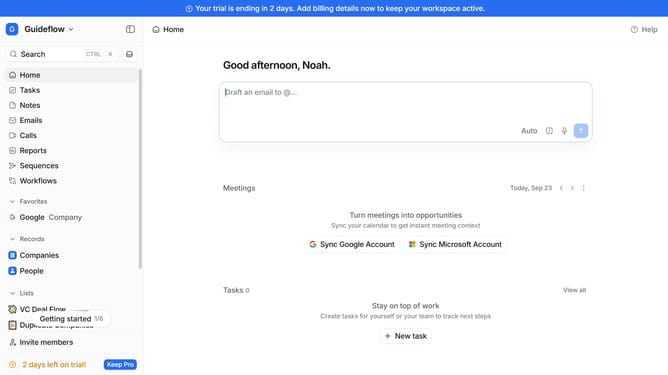
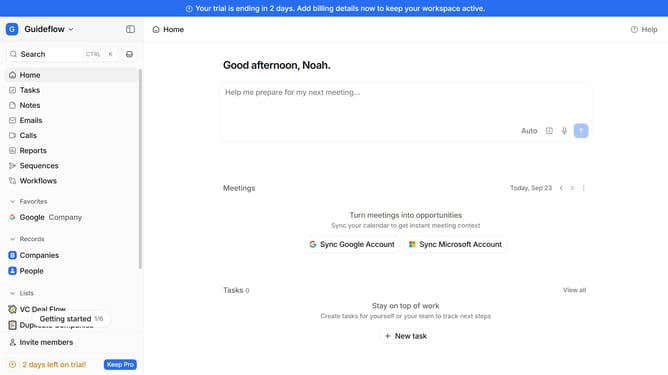
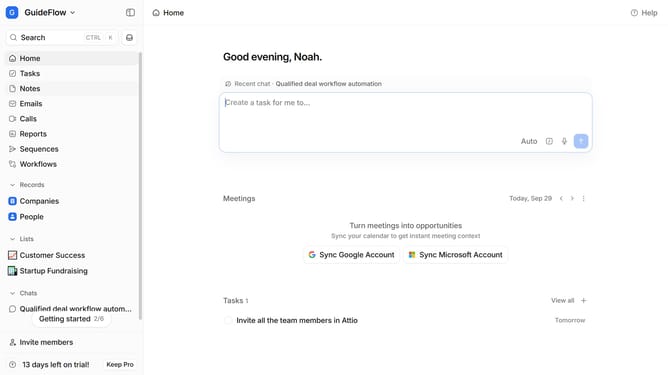
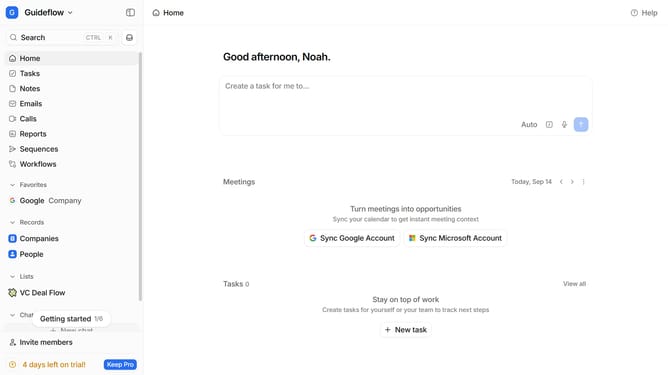
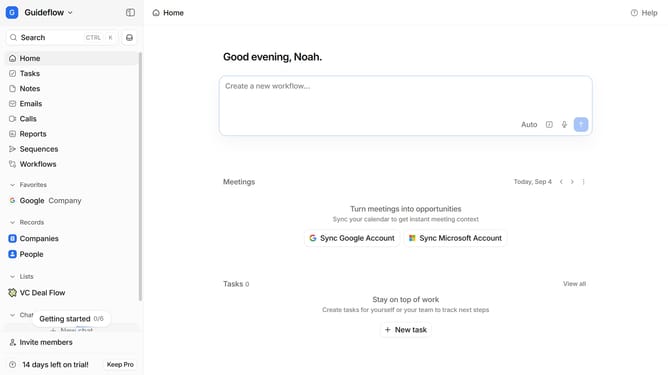
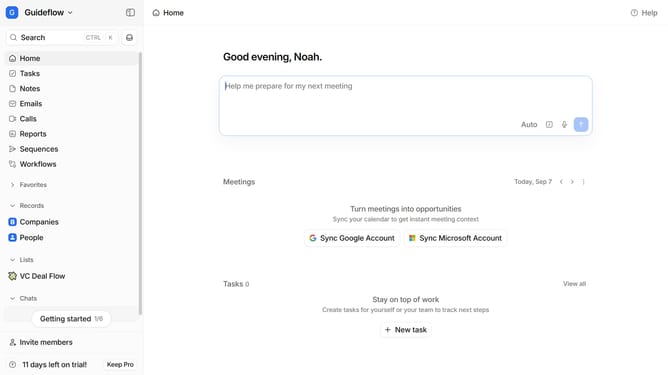
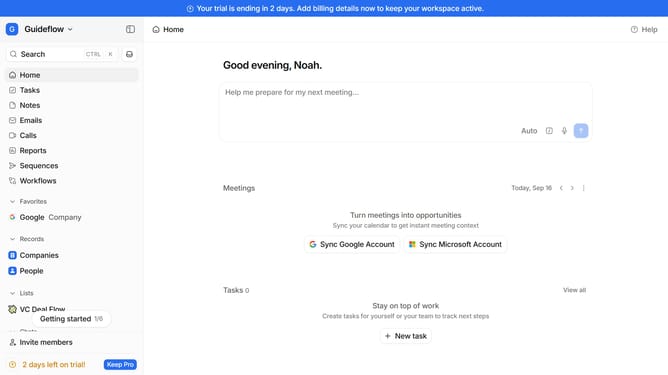
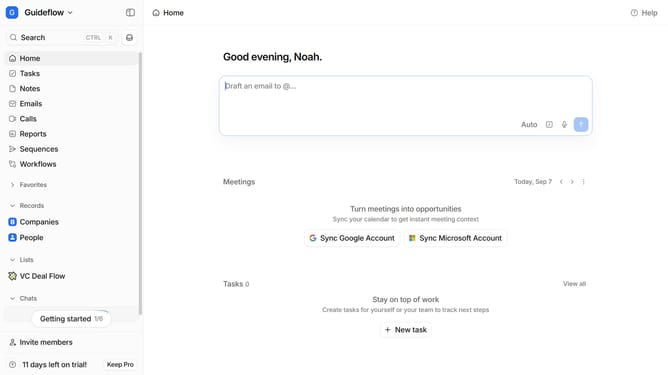
- First click on "Notes" in the left sidebar
- Then hover your mouse cursor over the note whose link you want to copy
- Next, click on the three dots icon in the top right corner of the note
- Finally, click on "Copy link" from the dropdown menu
Why should you How to copy a note link in Attio
Attio is a dynamic workspace tool designed to streamline your team's collaboration and productivity.
One of Attio's standout features is the ability to easily copy a note link. This functionality allows users to share specific notes quickly with team members, ensuring everyone has access to crucial information without digging through files.
Using note links enhances collaboration by making it effortless to reference and circulate notes within projects. This ensures alignment, reduces communication gaps, and keeps teams synchronized and informed.
Ultimately, the ease of sharing note links in Attio accelerates workflow, promoting a more connected and efficient team environment.
Last update