How to integrate Google Sheets Integration in Attio
Here is how to integrate google sheets integration in attio
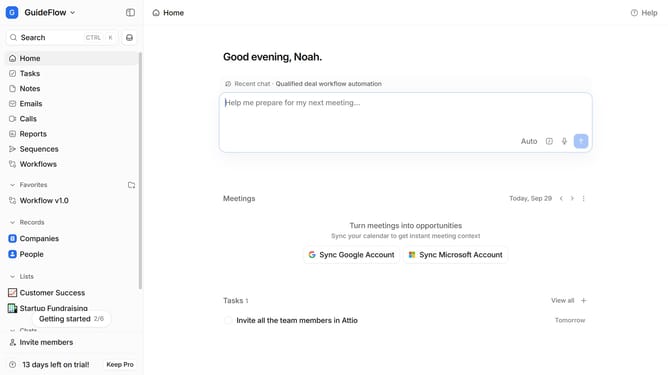
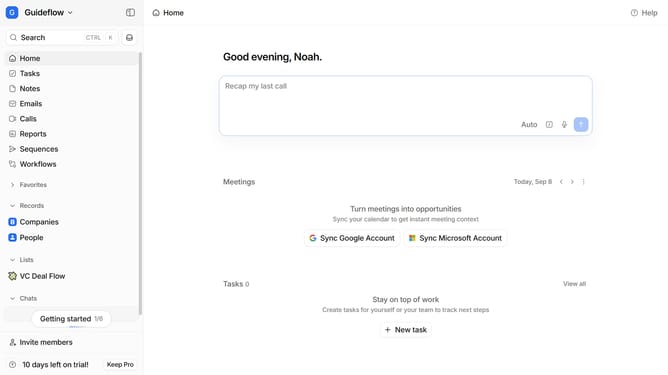
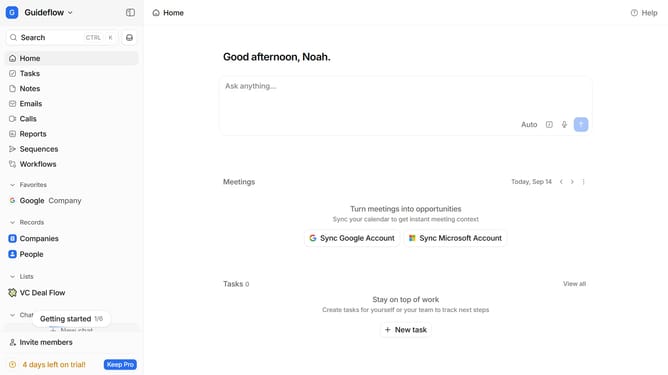
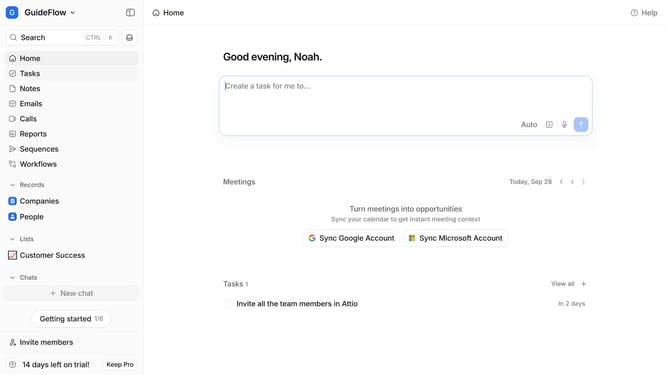
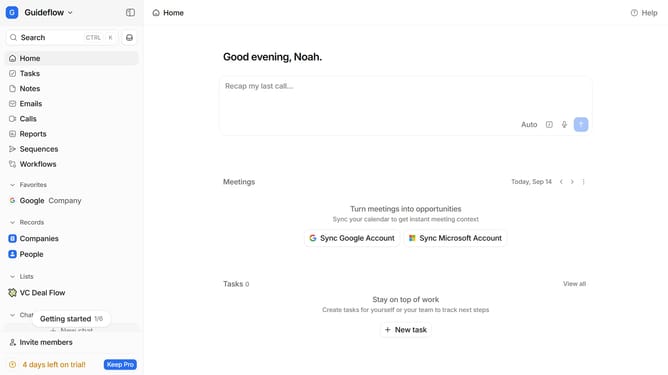
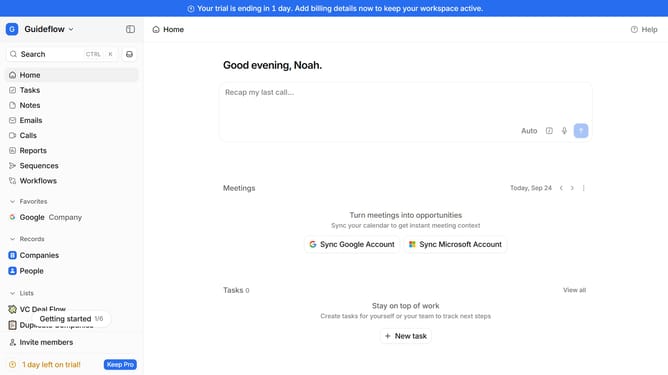
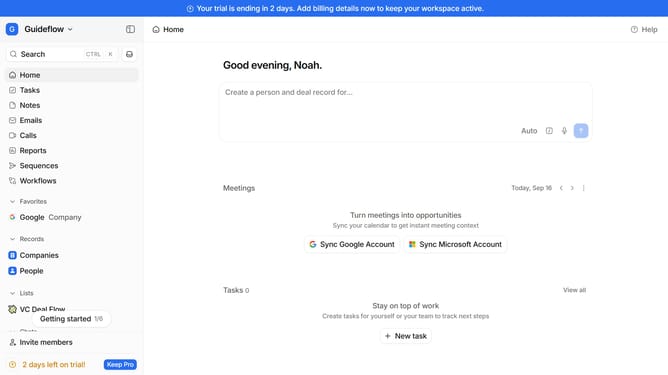
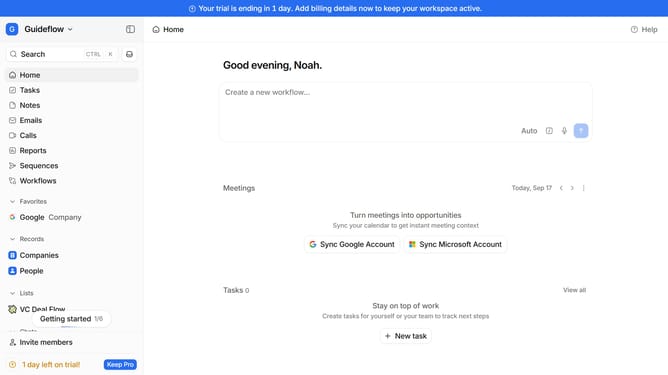
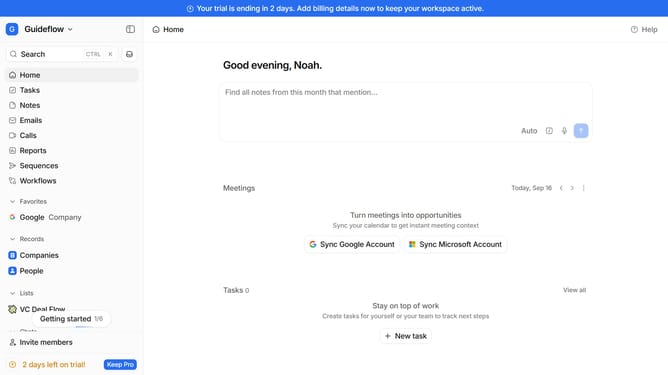
- First click on the company name dropdown button
- Then click on "Apps and integrations" in the sidebar menu
- Next click on "Data and enrichment" in the sidebar menu
- Then click on the "View All" button under the "Data and enrichment" section
- Next click on the "Google Sheets Integration" app card
- Finally, click the “Install” button, log in to your Google Sheets Integration account, and continue with the configuration to complete the integration
Why should you How to integrate Google Sheets Integration in Attio
Attio is a cutting-edge relationship management platform designed to enhance team collaboration and streamline workflows.
Integrating Google Sheets with Attio unlocks a powerful synergy, enhancing data management with seamless access and organization.
By connecting these two tools, users can effortlessly import, update, and synchronize data, ensuring a single source of truth for contact information.
This integration not only saves time by reducing manual input but also improves accuracy, allowing teams to focus on meaningful interactions and strategic planning.
Last update