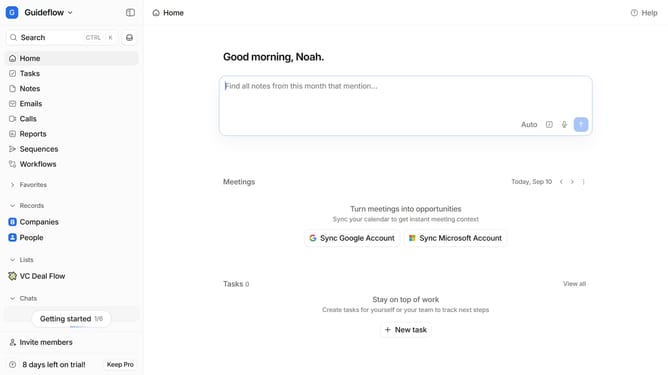
How to rename a workflow in Attio
Here is how to rename a workflow in attio
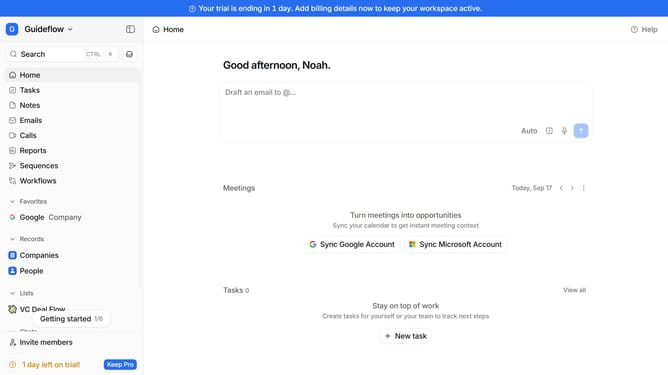
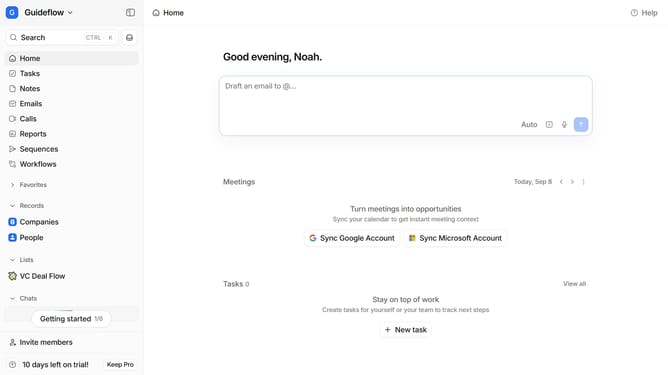
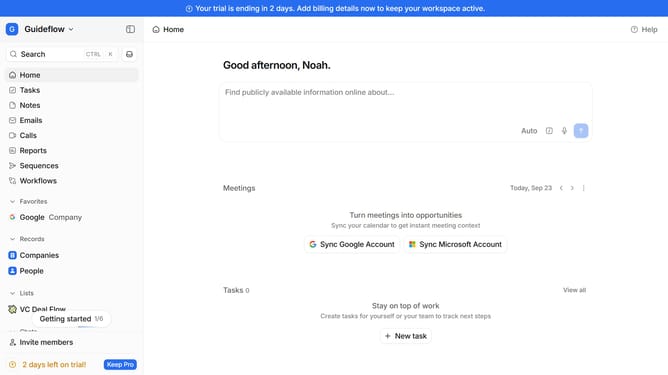
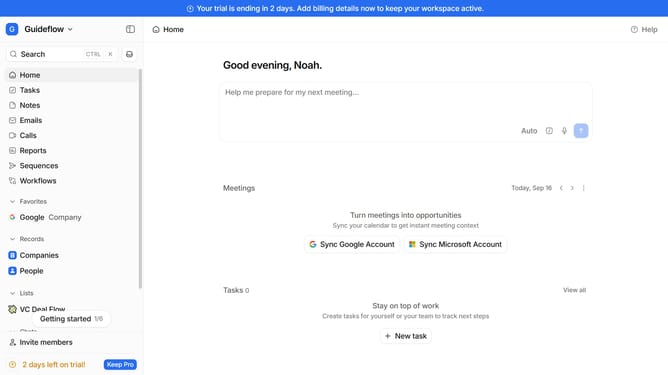
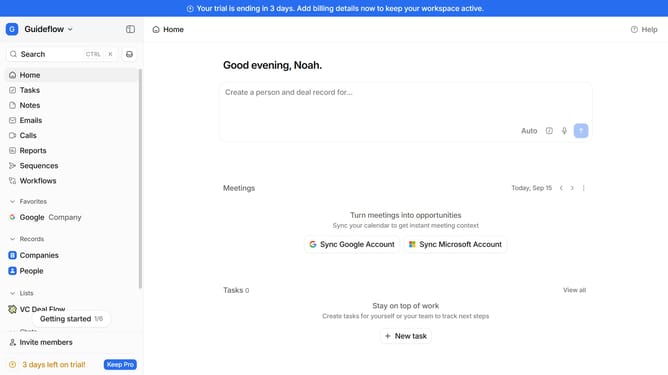
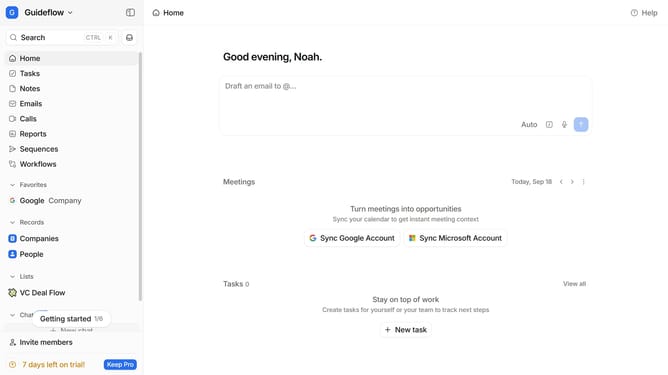
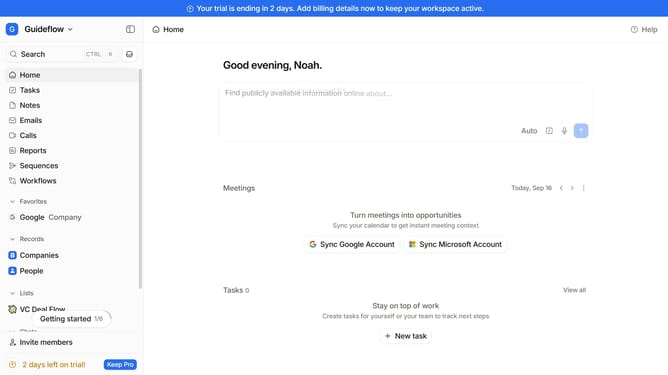
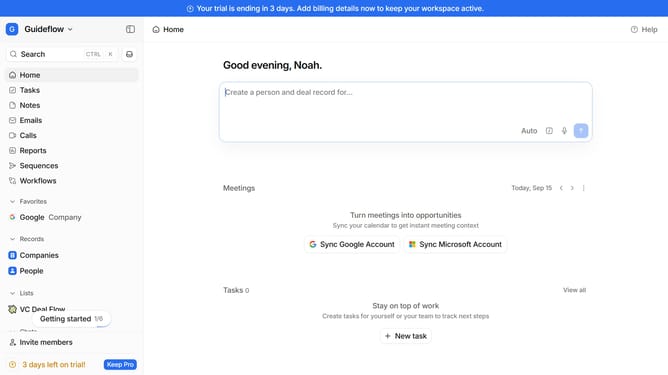
- First, click on "Workflows" in the left sidebar
- Then, click on the workflow that you want to rename
- Next, click on the workflow name in the upper right and rename it
- Finally, hit enter on your keyboard to save the changes
Why should you How to rename a workflow in Attio
Attio redefines relationship management through intuitive design and powerful features, transforming the way teams collaborate on customer insights.
Renaming a workflow in Attio is a feature designed to enhance your organizational dynamics. This functionality allows you to easily update workflow names, ensuring they remain relevant and accurately reflect their purpose.
Using this feature facilitates clearer communication and helps team members quickly identify processes, improving overall efficiency. It's particularly beneficial for teams managing multiple workflows, as it enhances clarity and consistency across projects.
Last update