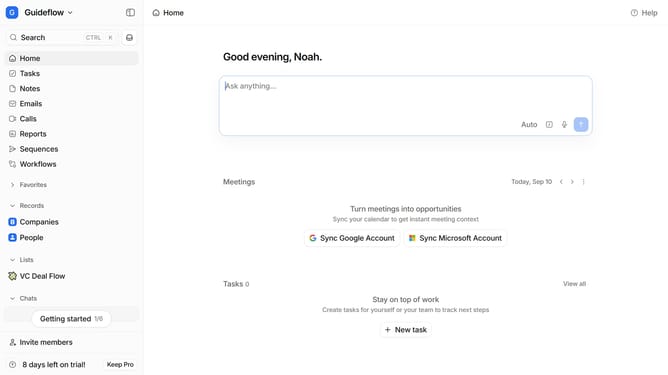
How to integrate Octolens in Attio
Here is how to integrate octolens in attio
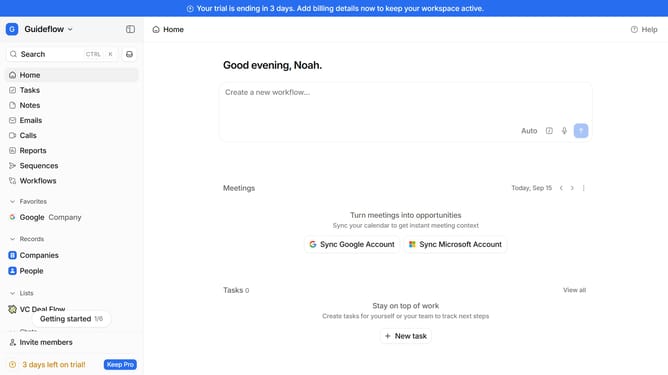
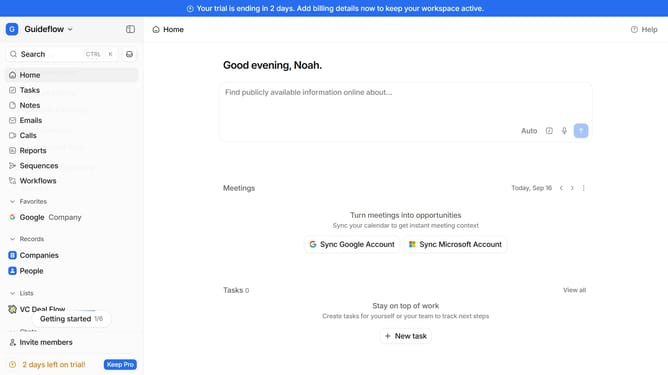
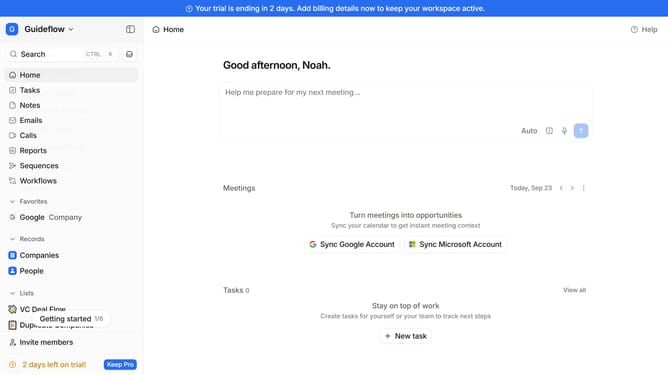
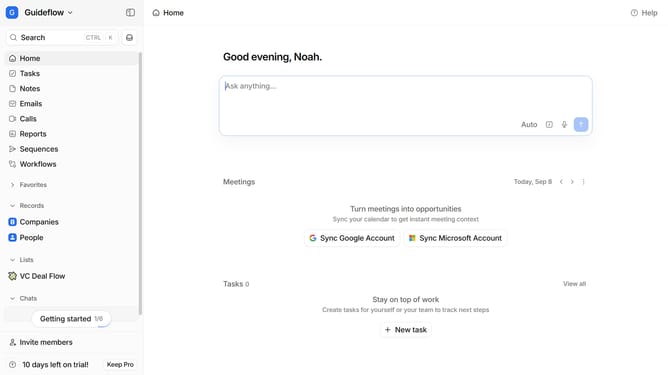
- First click on the comapny name dropdown button in the header
- Then click on "Apps and integrations" in the left sidebar
- Next, click on "Data and enrichment" in the left sidebar
- After that, click on the "View All" button in the main section under the "Data and enrichment" section
- Then click on the "Octolens" app card in the main section
- Finally, click the “Install” button and continue with the configuration to complete the integration
Why should you How to integrate Octolens in Attio
Attio is a dynamic CRM platform designed to transform how teams manage relationships with powerful, customizable features.
Integrating Octolens into Attio elevates your CRM experience by enhancing data visualization. This integration allows teams to track customer interactions more efficiently, providing visual insights into engagement patterns.
Utilizing Octolens within Attio not only promotes better decision-making but also streamlines workflow by offering real-time analytics. This enables teams to stay ahead, fostering stronger client relationships and improving overall productivity.
Last update