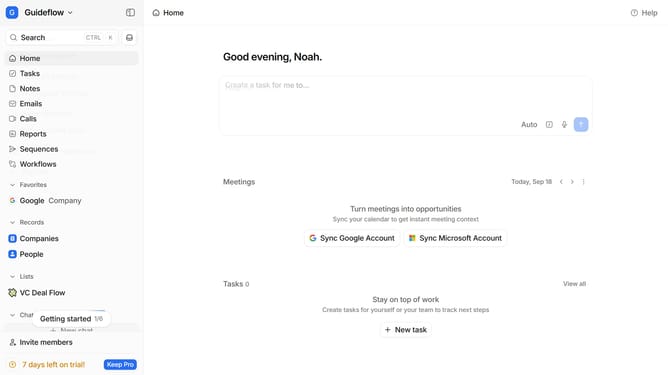
How to delete a task in Attio
Here is how to delete a task in attio
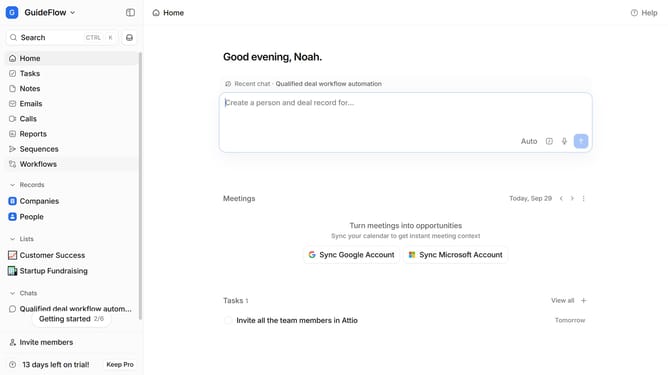
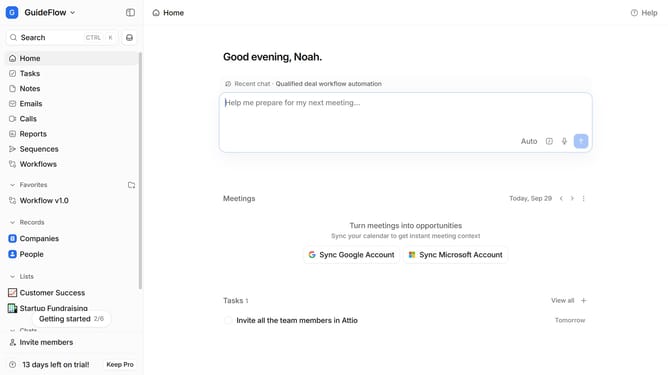
- First click on the "Tasks" item in the left sidebar
- Then click on the "Due tomorrow" text which is part of the task details.
- Next click on the three dots icon to reveal more options
- Then click on the "Delete" button
- Finally click on the "Delete" button to confirm the deletion
Why should you How to delete a task in Attio
Attio is a powerful tool designed to streamline and enhance your CRM operations effortlessly.
Among its many features, Attio allows you to easily delete tasks, ensuring your workspace remains organized and clutter-free.
This feature enhances productivity by allowing you to focus only on the tasks that matter, removing outdated or irrelevant tasks with ease.
By efficiently managing your task list, you can maintain a clearer perspective on your priorities, leading to more effective time management and a smoother workflow experience.
Last update