How to duplicate a workflow in Attio
Here is how to duplicate a workflow in attio
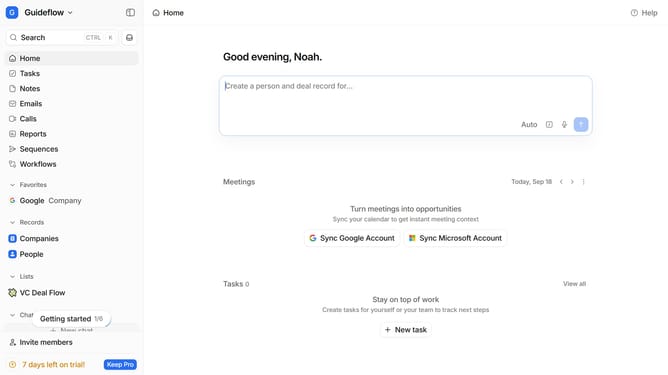
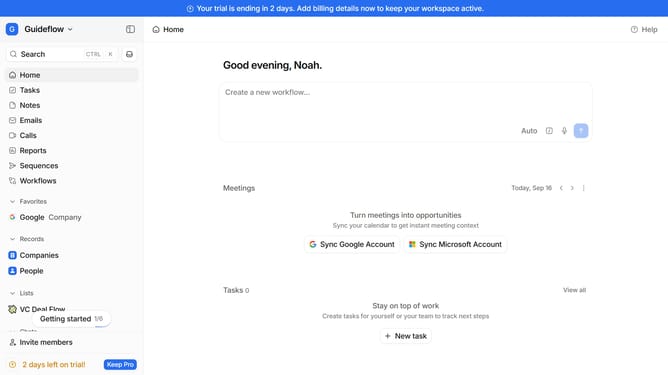
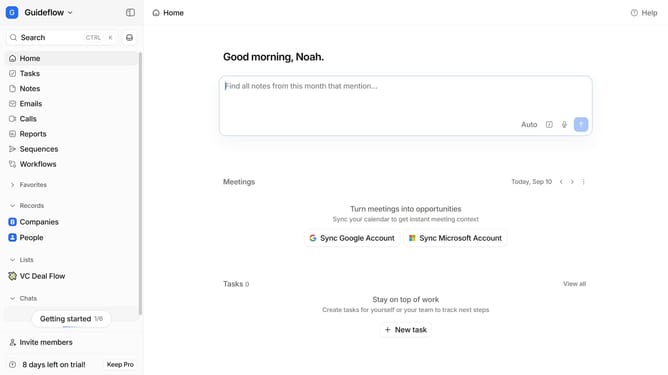
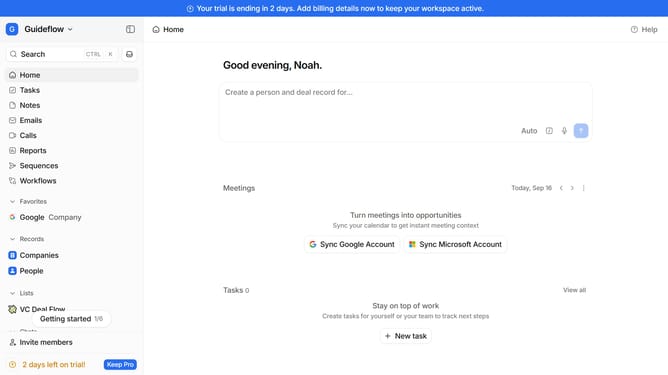
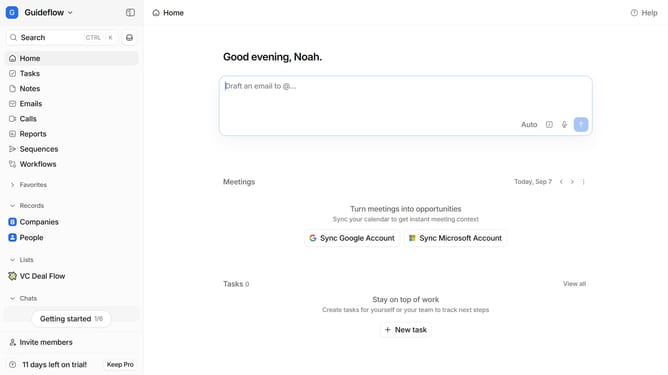
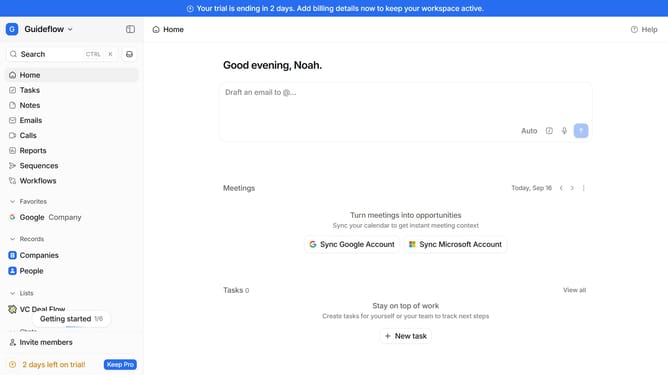
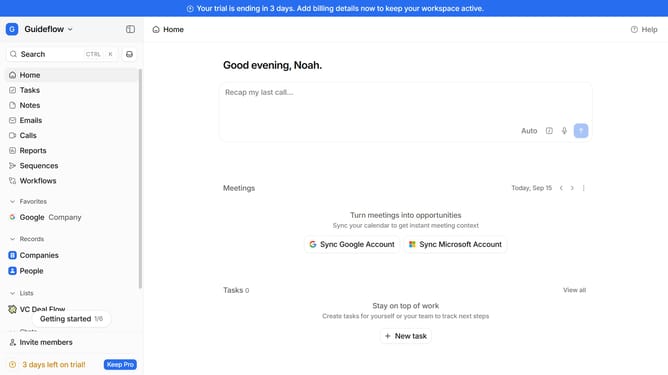
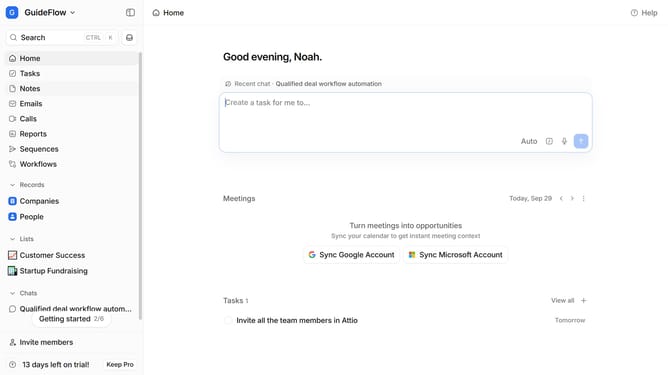
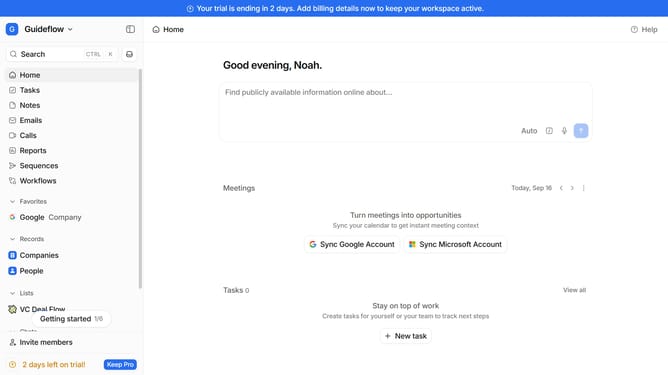
- First click on "Workflows" in the left sidebar
- Then hover your mouse cursor over the workflow that you want to duplicate
- Next click on the three dots icon option that appears
- Then select "Duplicate workflow" option
- Finally click on the "Duplicate" button
Why should you How to duplicate a workflow in Attio
Attio is a dynamic, user-friendly CRM platform designed to streamline relationship management for thriving teams.
One of the standout features of Attio is the ability to duplicate a workflow effortlessly. This feature empowers users to replicate successful processes quickly, ensuring seamless project transitions without the need to start from scratch.
Duplicating workflows allows for consistency across projects, saving time and enhancing productivity. It's a valuable tool for teams that aim to maintain quality and efficiency while scaling their operations.
By using this feature, you can easily adapt proven strategies to new projects, aligning team efforts with organizational goals and ensuring consistent success.
Last update