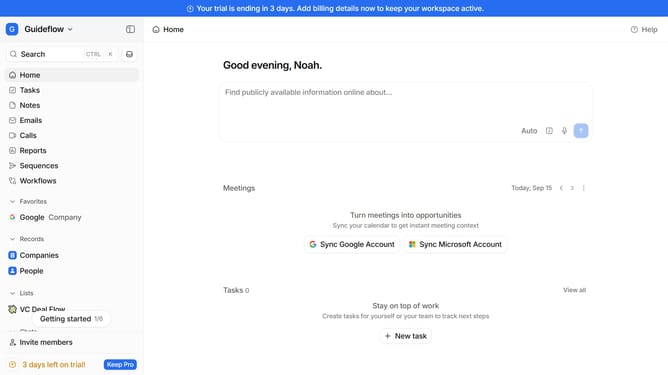
How to group tasks by assignee in Attio
Here is how to group tasks by assignee in attio
- First, in the left sidebar, click on "Tasks"
- Then, click on the "View settings" button
- Next, hover your mouse cursor over "Group by" from the dropdown menu
- Finally, click on "Assignee" in the list that appears
Why should you How to group tasks by assignee in Attio
Attio is a dynamic CRM platform designed to revolutionize relationship management with intuitive features.
Grouping tasks by assignee in Attio allows you to efficiently organize responsibilities within your team. This feature enhances clarity by providing a comprehensive view of who is responsible for each task, facilitating streamlined collaboration.
Utilizing this capability ensures that team members can prioritize tasks effectively, leading to improved productivity. It's a valuable asset for managers aiming to maintain oversight and accountability within projects.
Last update