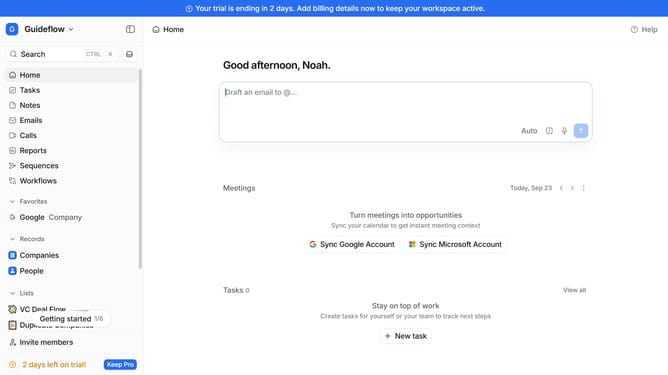
How to integrate Tapify in Attio
Here is how to integrate tapify in attio
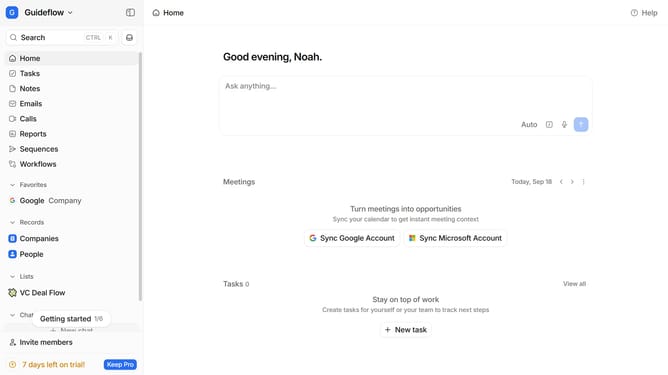
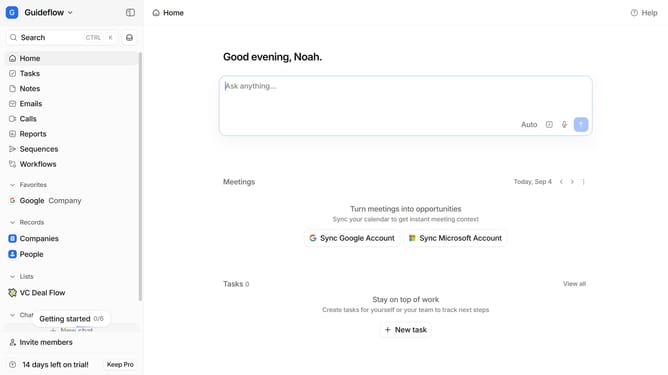
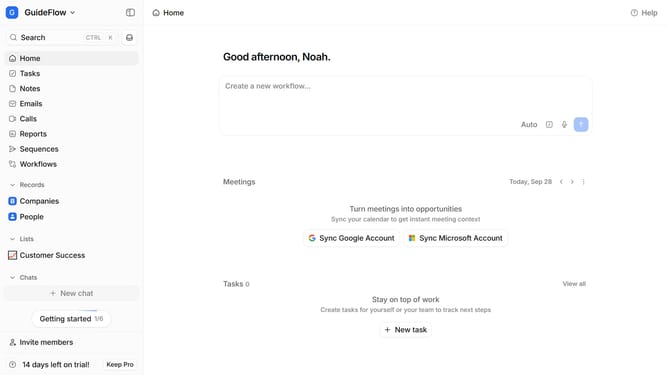
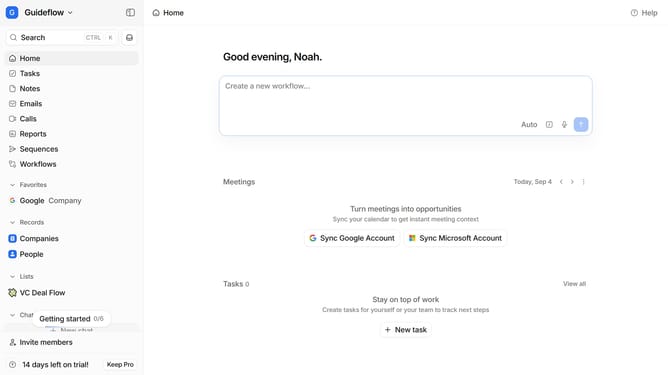
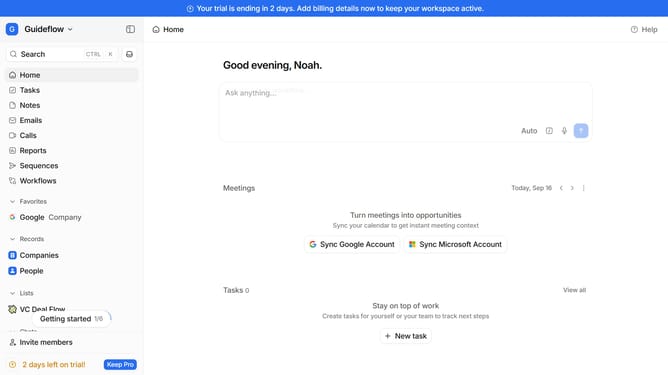
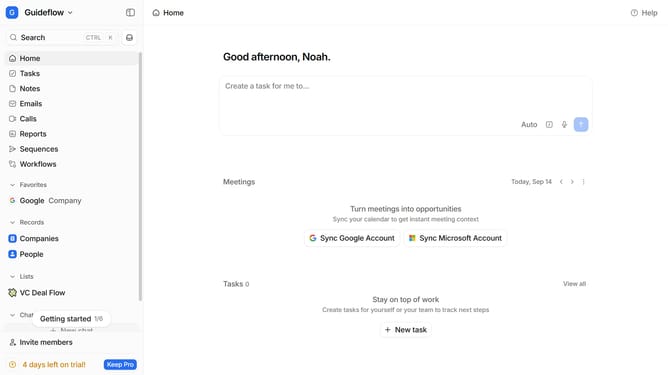
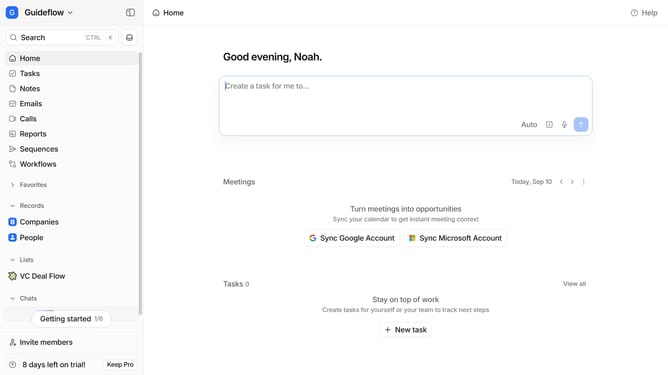
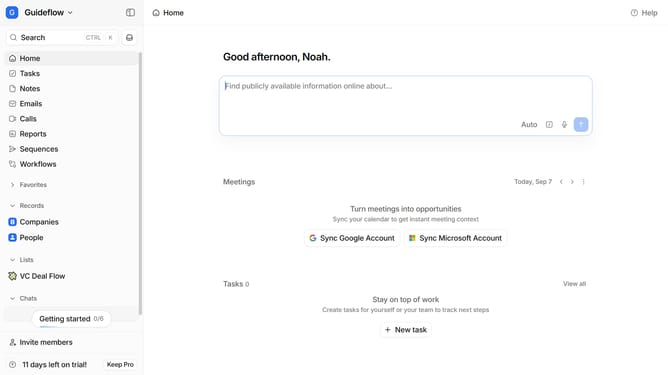
- First click on the company name dropdown button in the header
- Then click on "Apps and integrations" in the from the dropdown menu
- Next click on "Data and enrichment" in the sidebar
- Then click on "View All" button under the "Data and enrichment" section
- After that click on "Tapify" app card
- Finally, click the “Install” button, log in to Tapify account, and continue with the configuration to complete the integration
Why should you How to integrate Tapify in Attio
Attio is an innovative CRM designed to streamline customer interaction and data management for businesses.
Integrating Tapify with Attio enhances your CRM’s capabilities by enabling seamless call tracking and analytics, providing valuable insights into customer conversations. This integration simplifies how you manage and analyze interactions, allowing you to make informed decisions based on real-time data.
Using Tapify within Attio results in more organized workflows, improved customer insights, and ultimately, a more effective CRM strategy. This synergy ensures a smoother and more productive experience for your team.
Last update