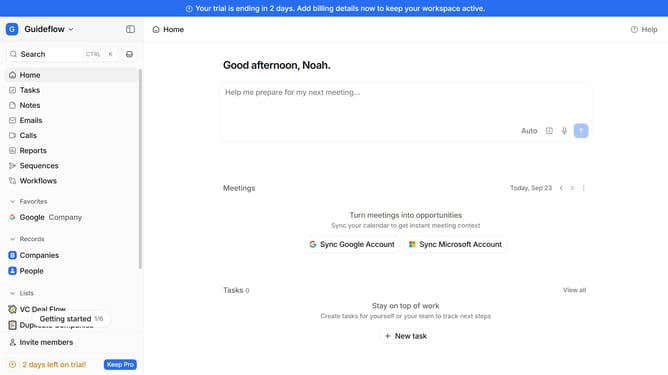
How to integrate Add to CRM in Attio
Here is how to integrate add to crm in attio
- First click on the company name dropdown button in the header
- Then click on the "Apps and integrations" link in the left sidebar
- Next, click on the "Data and enrichment" link within the "Apps and integrations" section
- Then click on the "View All" button to see all available apps under the "Data and enrichment" section
- Click on the "Add to CRM" app card
- Finally click on the "Install" button for "Add to CRM" app and install it to your browser's extension and then continue with the configuration to complete the integration
Why should you How to integrate Add to CRM in Attio
Attio is an intuitive relationship management tool designed to transform how teams handle customer interactions and data.
The "Add to CRM" feature in Attio seamlessly integrates your contact information into the CRM system. This integration simplifies the process of updating and managing customer data, saving time and reducing manual entry.
By using this feature, teams can maintain up-to-date records, enhancing collaboration and improving customer service. The streamlined process ensures that crucial information is readily available, fostering more informed decision-making and stronger client relationships.
Last update