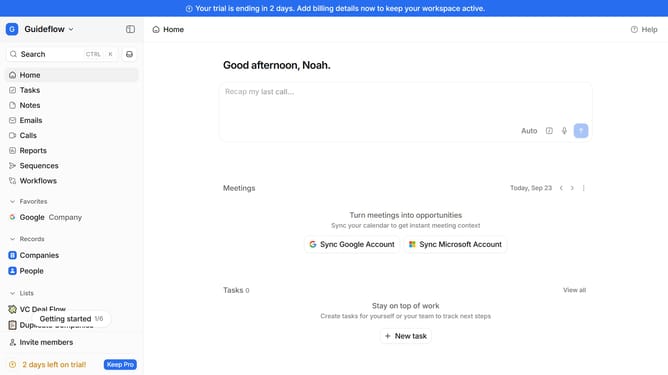
How to integrate Central AI in Attio
Here is how to integrate central ai in attio
- First click on the company name dropdown button in the header
- Then click on "Apps and integrations" in the left sidebar
- Next click on "Product management" in the left sidebar
- After that, click on the "View All" button under the "Product management" section
- Then click on the "Central AI" app in the main content area
- Finally, click the “Install” button, log in to Central AI account, and continue with the configuration to complete the integration
Why should you How to integrate Central AI in Attio
Attio is a dynamic platform designed to revolutionize how teams organize and interact with their contact information.
Integrating Central AI into Attio enhances your workflow by providing advanced insights and automation. This seamless integration allows teams to leverage AI-driven data processing for more accurate and timely decisions.
By incorporating Central AI, users benefit from streamlined contact management, improved data accuracy, and enriched collaboration opportunities. This integration ultimately leads to more focused and efficient business processes.
Last update