How to integrate The Swarm in Attio
Here is how to integrate the swarm in attio
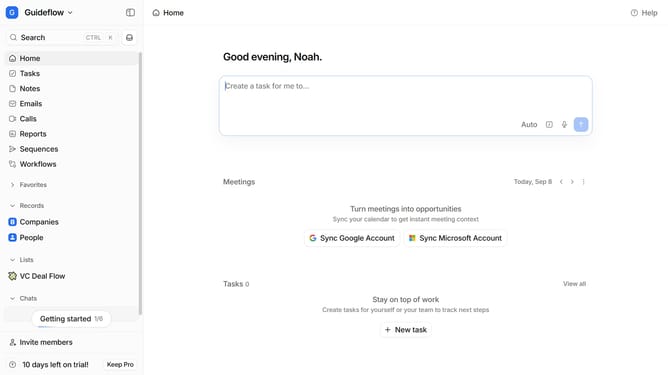
- First click on the company name dropdown button in the header
- Then click on "Apps and integrations" in the left sidebar
- Next click on "Data and enrichment" in the left sidebar
- Then click on the "View All" button under the "Data and enrichment" section
- Next click on the "The Swarm" app card
- Then click on the "Install" button for "The Swarm" app
- Next click on the "Confirm" button
- Then click on the "Connect" button
- Next click on the "Add connection" text input field and enter your API key
- Finally click on the "Add connection" button to complete the integration
Why should you How to integrate The Swarm in Attio
Attio is a dynamic platform designed to revolutionize the way teams manage their relationships and databases.
Integrating The Swarm in Attio enhances your collaborative efforts by harnessing collective intelligence to streamline processes and improve communication. This integration ensures that team interactions are more fluid and informed, leading to greater productivity.
Using The Swarm in Attio, teams can efficiently manage data insights and strategies while fostering an environment of seamless collaboration and innovation. The result is a smarter, more adaptive workflow that supports growth and success.
Last update