How to integrate StoreInspect in Attio
Here is how to integrate storeinspect in attio
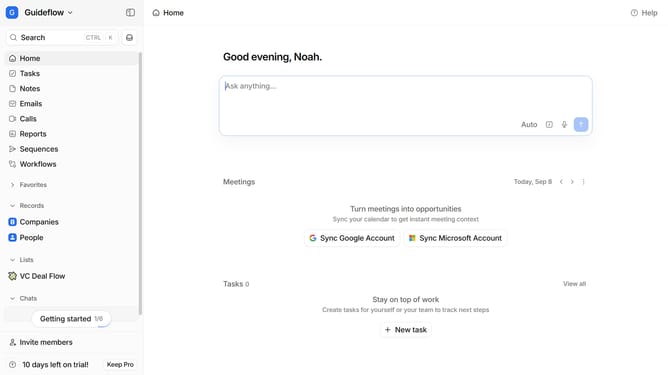
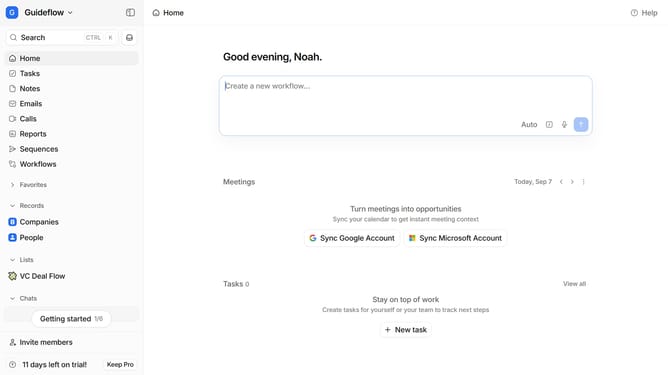
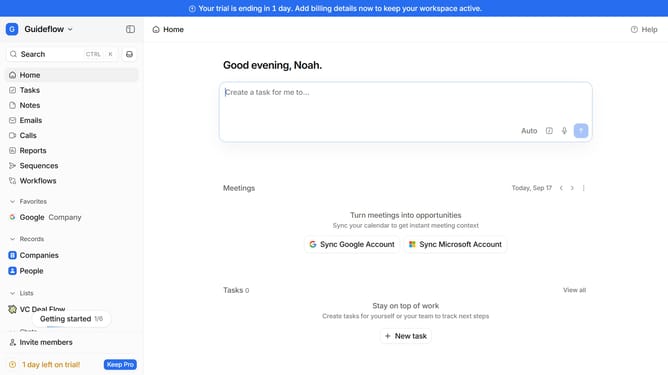
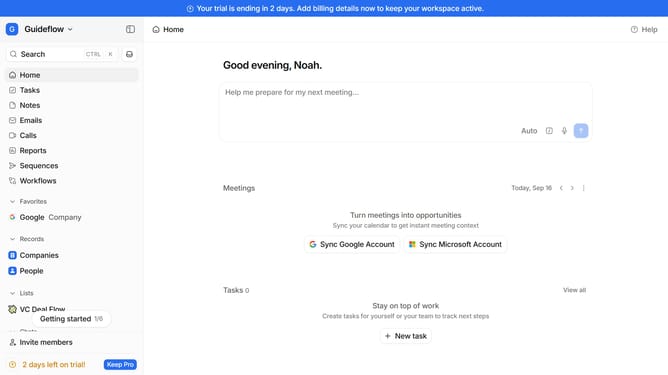
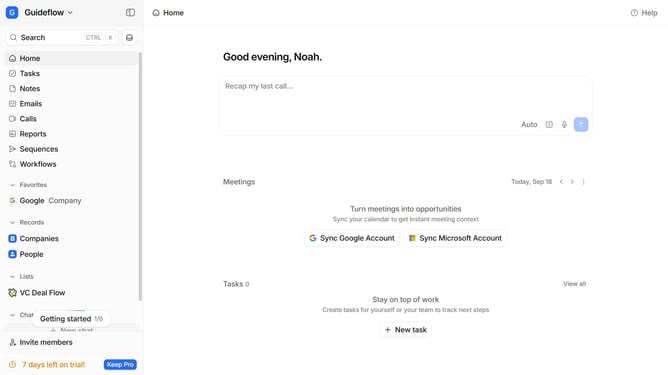
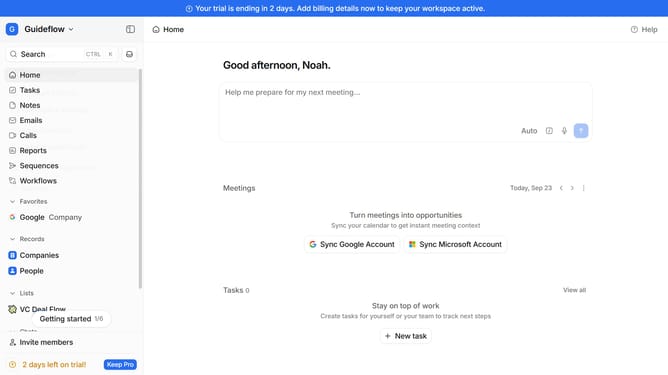
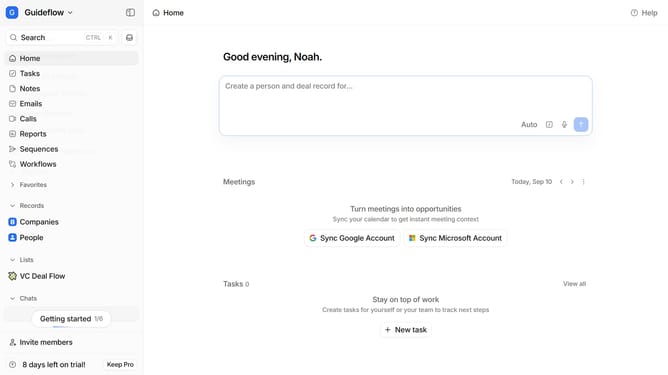
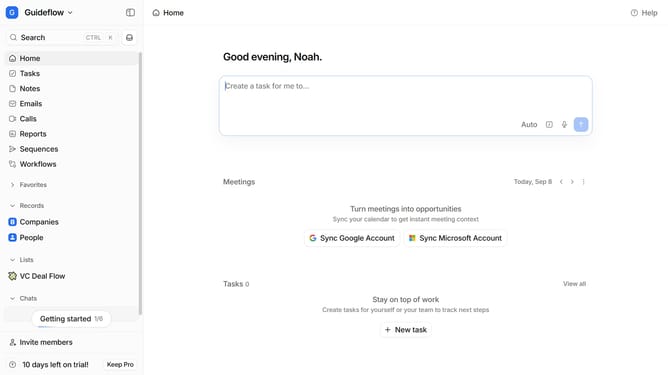
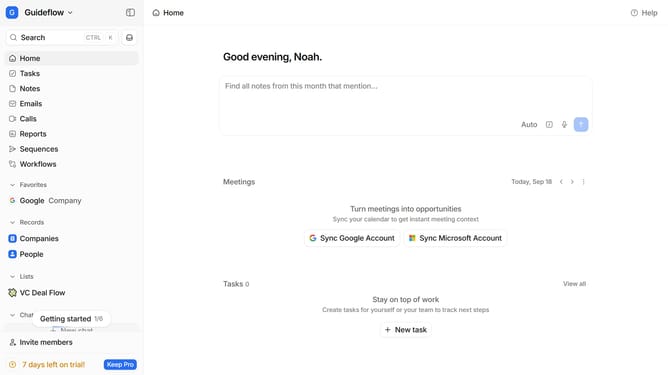
- First click on the company name dropdown button in the header
- Then click on "Apps and integrations" in the sidebar menu
- Next click on "Data and enrichment" in the sidebar menu
- Then click on the "View All" button under the "Data and enrichment" section
- Next click on the "Store Inspect" app card
- Finally, click the “Install” button, log in to StoreInspect account, and continue with the configuration to complete the integration
Why should you How to integrate StoreInspect in Attio
Attio is a dynamic CRM designed to revolutionize how businesses manage relationships, streamline workflows, and harness data insights.
Integrating StoreInspect into Attio enhances its capabilities, offering a seamless blend of CRM power with detailed store analysis.
StoreInspect provides critical insights that allow businesses to track performance metrics efficiently within Attio, leading to informed decision-making. This integration facilitates the aggregation of analytical data directly where customer interactions are managed, ensuring a more cohesive strategy.
By utilizing these combined features, businesses can optimize their operations, ensuring a smoother workflow and improved customer satisfaction.
Last update