How to integrate Octave in Attio
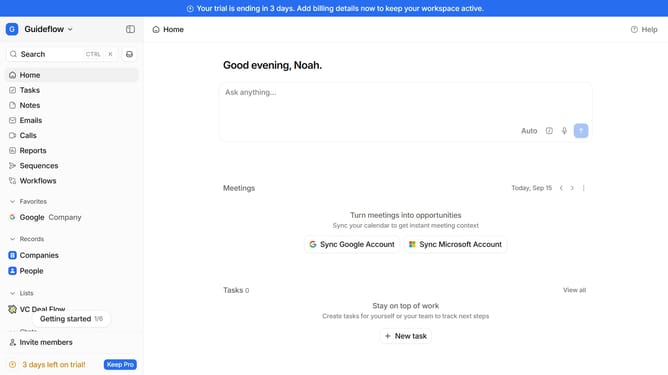
Here is how to integrate octave in attio
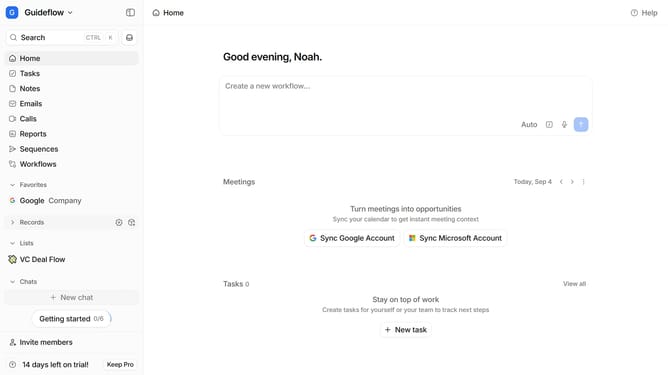
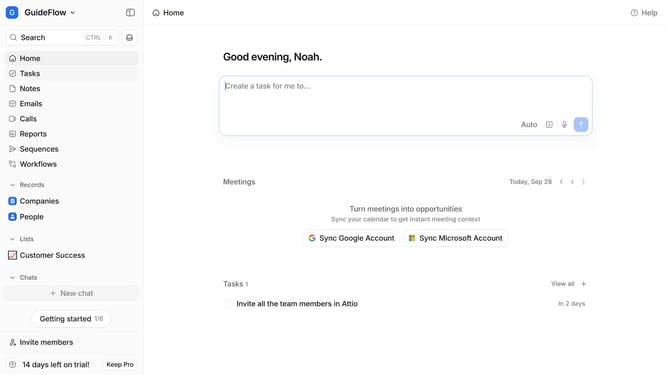
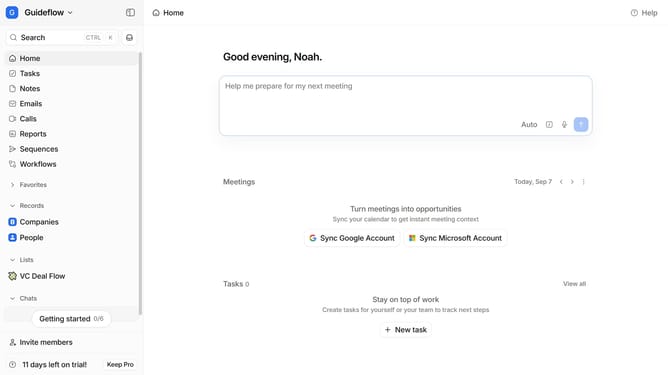
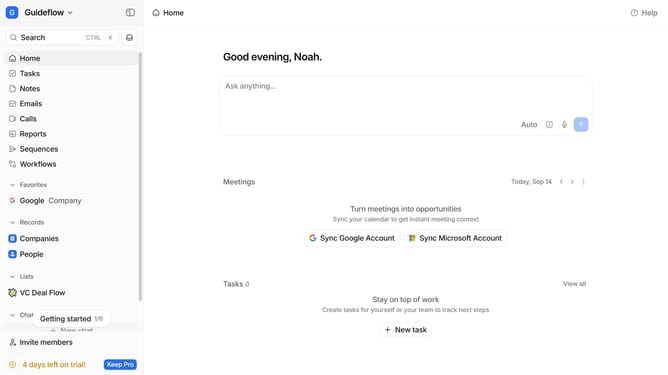
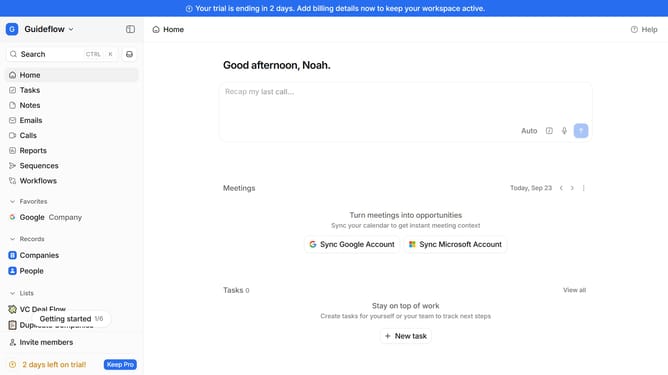
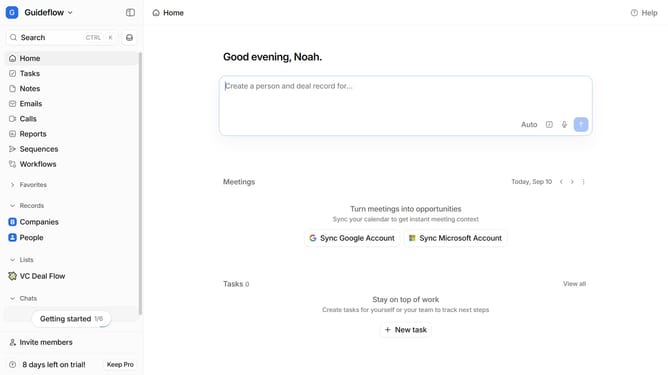
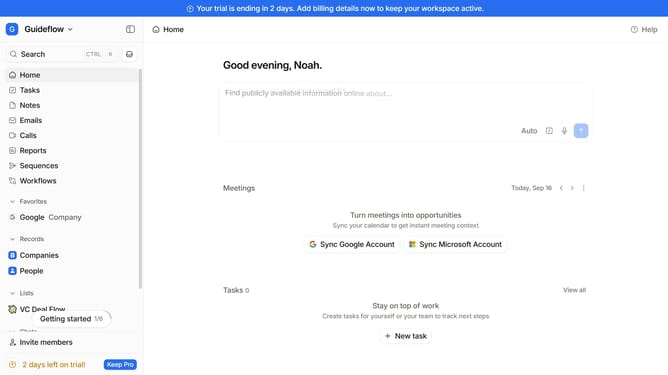
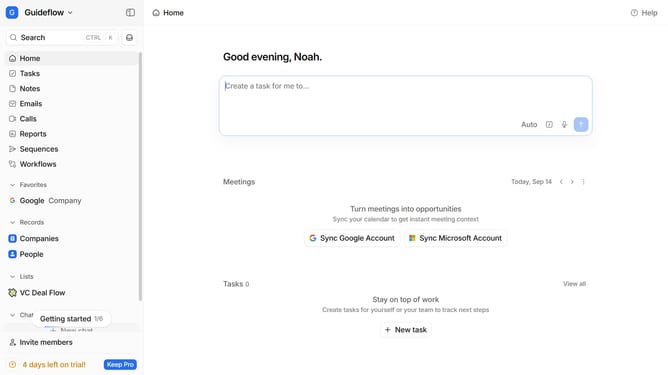
- First click on the company name dropdown button
- Then click on "Apps and integrations" in the sidebar menu
- Next, click on the "Data and enrichment" option in the sidebar
- Then click on the "View All" button to see more apps under the "Data and enrichment" section
- After that, click on the "Octave" app card to view its details
- Finally, click the “Install” button, log in to your Octave account, and continue with the configuration to complete the integration
Why should you How to integrate Octave in Attio
Attio is an innovative CRM platform designed to revolutionize how teams manage relationships and data.
Integrating Octave into Attio offers seamless synchronization between communication insights and customer data management. This feature empowers teams to gain deeper analytical understanding through Octave's rich data capabilities, enhancing decision-making processes.
By linking Octave with Attio, users benefit from streamlined workflows and a more cohesive view of customer interactions. This integration ensures that vital information is always accessible, enabling more strategic and informed relationship management.
Last update