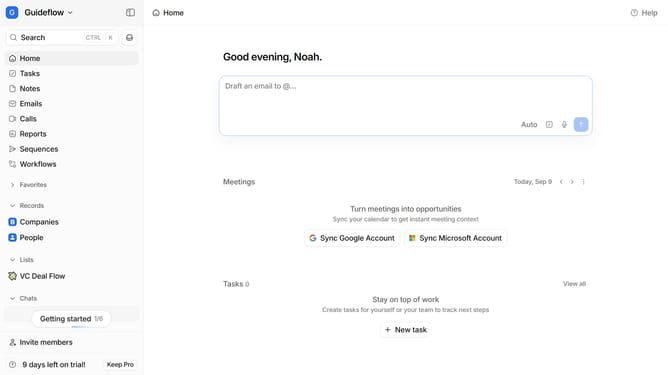
How to show completed tasks in Attio
Here is how to show completed tasks in attio
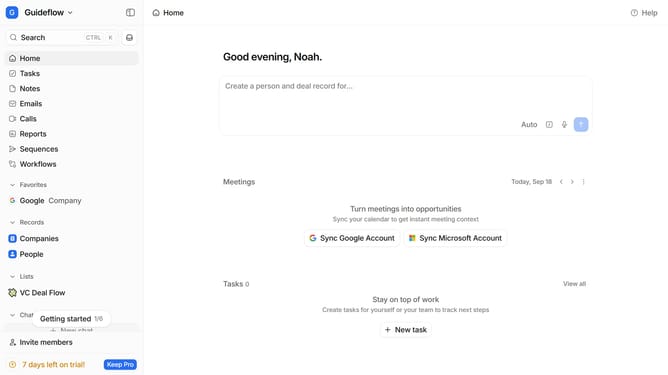
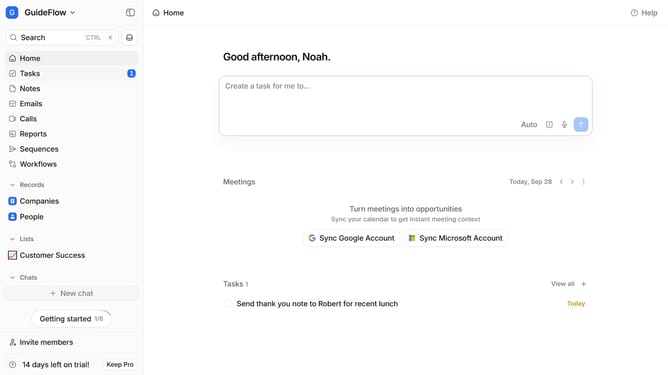
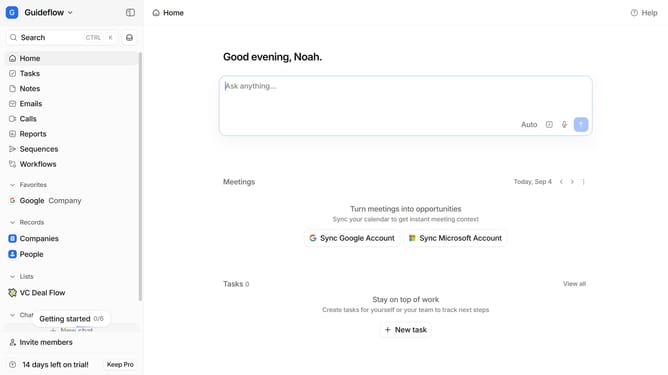
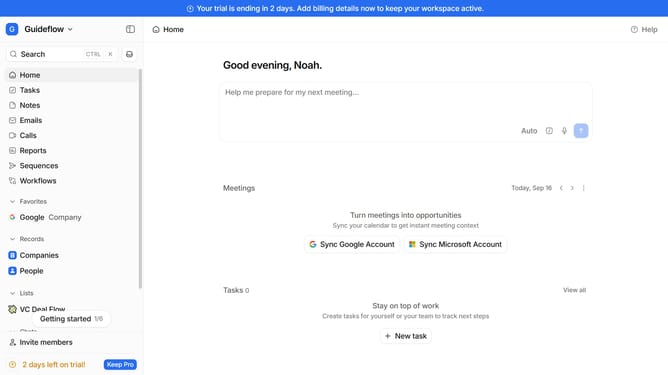
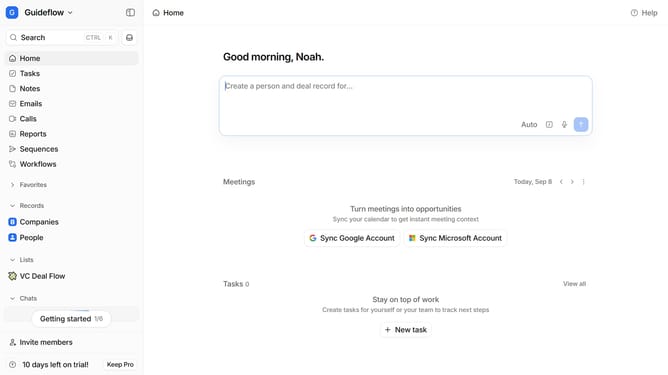
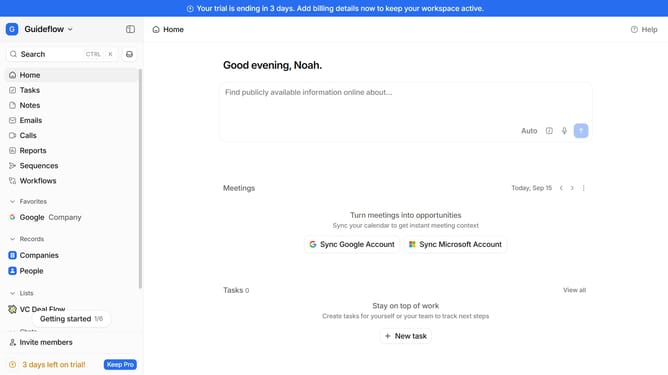
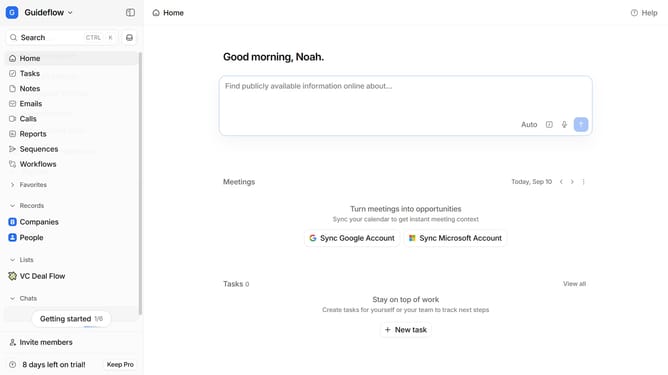
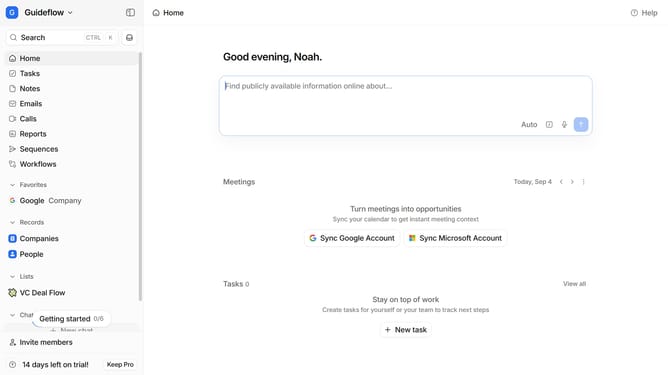
- First click on the "Tasks" item in the left sidebar
- Then click on the "View settings" button in the header
- Finally click on the toggle switch to enable "Show completed tasks"
Why should you How to show completed tasks in Attio
Attio is a dynamic CRM that supercharges your team’s connectivity and productivity.
An essential feature in Attio is the ability to show completed tasks, providing invaluable insight into team progress. Viewing completed tasks allows you to easily track accomplishments, celebrate achievements, and maintain a clear overview of project statuses.
Utilizing this feature enhances transparency and boosts morale by acknowledging hard work. It also ensures efficiency by helping you refocus on priorities and streamline upcoming objectives.
Overall, showing completed tasks in Attio empowers teams with clarity and structured success.
Last update