How to change the due date of a task in Attio
Here is how to change the due date of a task in attio
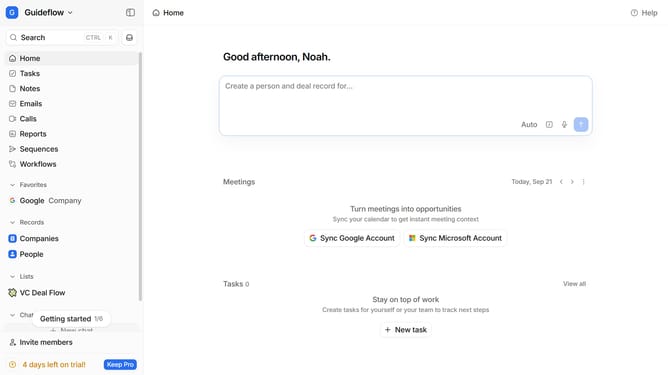
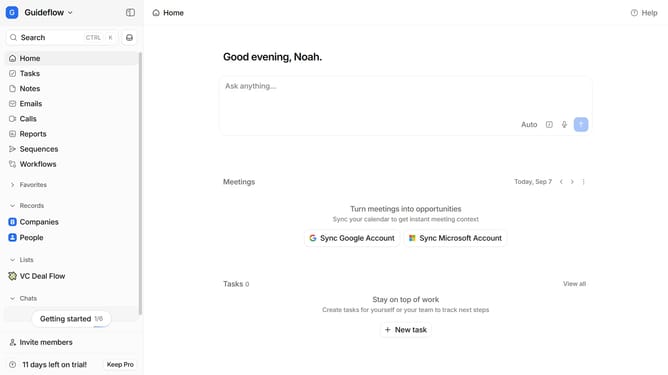
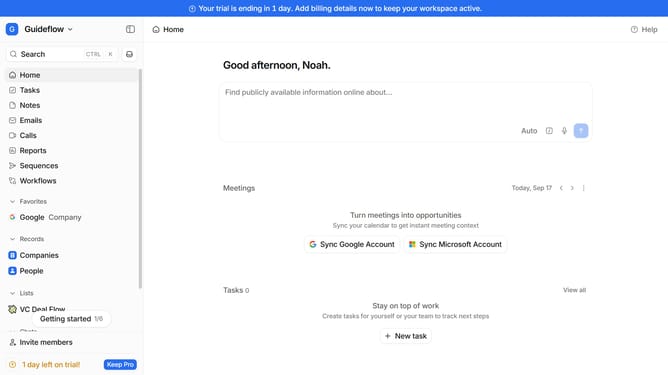
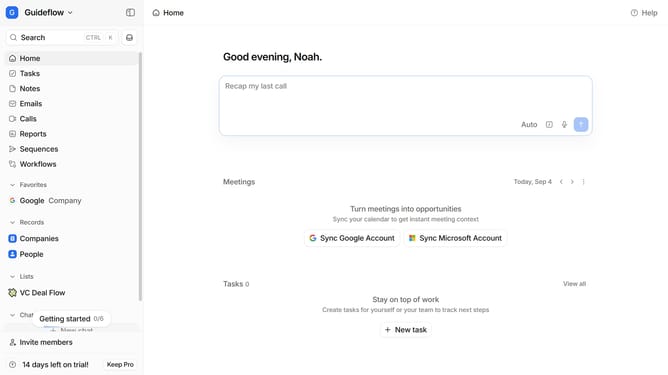
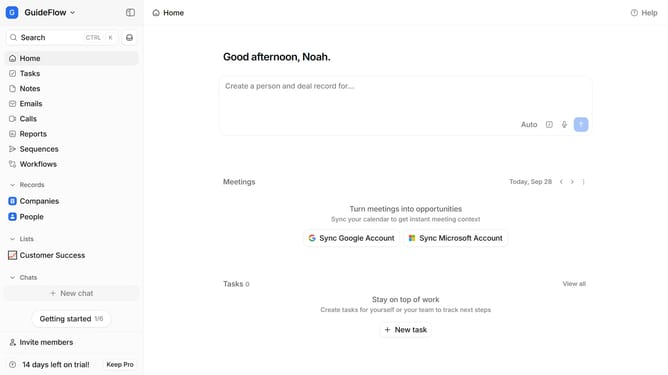
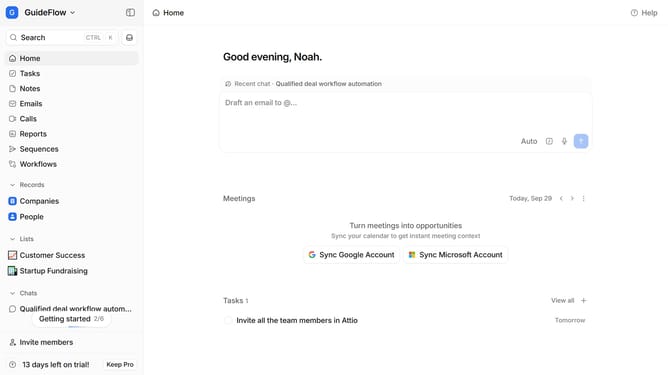
- First click on the "Tasks" item in the left sidebar
- Then on the task that you want to change the due date
- Next click on the calendar button under the task
- Then select your preferred due date in the calendar
- Finally click on the "Save" button
Why should you How to change the due date of a task in Attio
Attio is a dynamic tool designed to streamline and enhance your workflow management.
One of its standout features is the ability to change the due date of a task with ease. This flexibility allows you to adjust timelines as priorities shift, ensuring tasks align with your current objectives.
By customizing due dates, you can maintain a balanced workload, reducing stress and increasing productivity.
This adaptability not only leads to better time management but also improves team collaboration, as everyone stays updated with the most relevant deadlines.
Last update