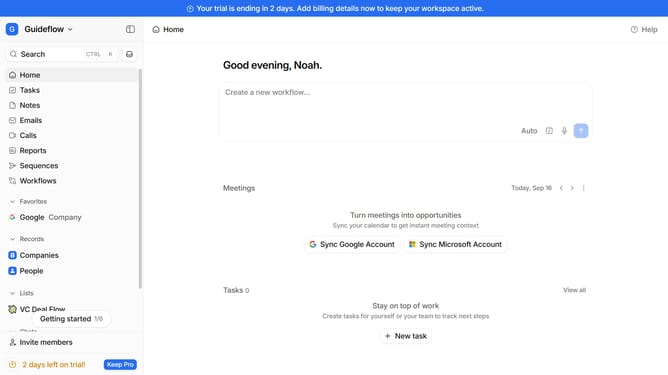
How to enable formula injection protection for CSV exports in Attio
Here is how to enable formula injection protection for csv exports in attio
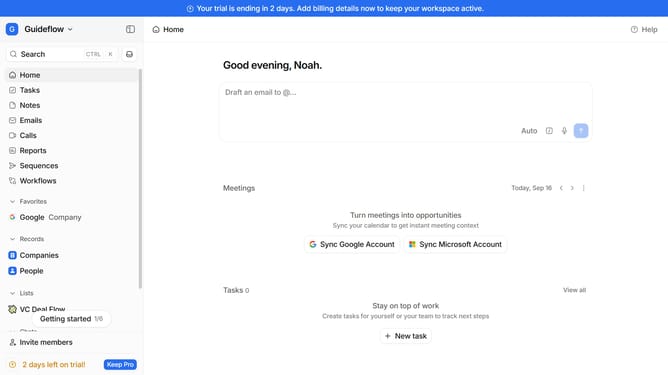
- First click on the company name dropdown button in the header
- Then click on "Workspace settings" in the sidebar
- Next scroll down in the left side menu
- Then click on "Security" in the sidebar
- Finally toggle on the switch of "Protect CSV exports against formula injection" option
Why should you How to enable formula injection protection for CSV exports in Attio
Attio is a cutting-edge platform designed to enhance CRM capabilities with seamless data management and collaboration.
Enabling formula injection protection for CSV exports in Attio is a crucial feature that safeguards your data integrity. This protection adds an essential layer of security, preventing potentially harmful code execution when CSV files are opened in spreadsheet applications.
By utilizing this feature, you ensure that your exported data remains clean and trustworthy, providing peace of mind when sharing information with colleagues or clients. It's a smart move to maintain a secure and efficient workflow.
Last update