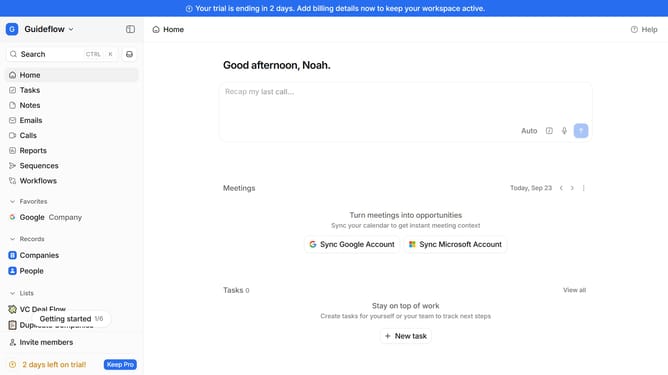
How to integrate Luma Events in Attio
Here is how to integrate luma events in attio
- First click on the company name dropdown button in the header
- Then click on "Apps and integrations" in the left sidebar
- Next click on "Data and enrichment" in the left sidebar
- Then click on "View All" button to see all apps under the "Data and enrichment" section
- Next click on "Luma Events" in the main content area
- Then click on the "Install" button for "Luma Events" app
- Next click on the "Confirm" button to grant access
- Then click on the "Connect" button next to the user
- Next enter your user value in the text input field in the "Add connection" modal
- Finally click on the "Add connection" button and then continue with the configuration to complete the integration
Why should you How to integrate Luma Events in Attio
Attio is a revolutionary software platform designed to transform how teams manage relationships and workflows.
Integrating Luma Events into Attio allows users to seamlessly incorporate event planning and management into their workflow systems. This feature ensures that event details, participant information, and scheduling are effortlessly synchronized, providing a streamlined experience.
By using Luma Events within Attio, teams can elevate their collaboration, ensuring that every event is well-organized and that no detail is overlooked. This integration enhances productivity and fosters a cohesive organizational culture, ultimately driving success.
Last update