How to integrate GeoMaps in Attio
Here is how to integrate geomaps in attio
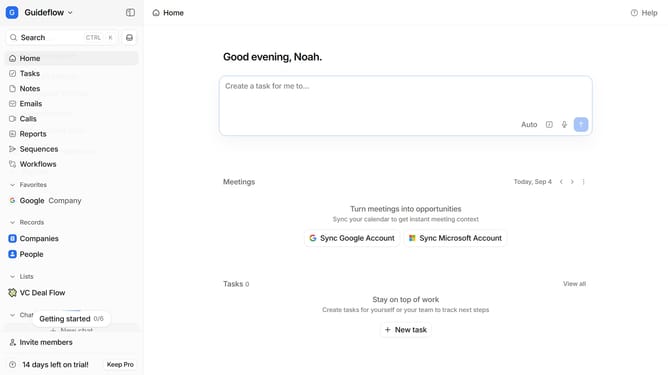
- First click on the company name dropdown
- Then click on "Apps and integrations" in the sidebar menu
- Then scroll down in the "Apps and integrations" menu
- Then click on the "View All" button under the Analytics section
- Then click on the "GeoMaps" app card
- Finally click on the "Install" button and log in to your GeoMaps account to complete the integration
Why should you How to integrate GeoMaps in Attio
Attio is a powerful tool designed to enhance relationship management by organizing and enriching your customer interactions.
Integrating GeoMaps into Attio is a seamless way to visualize your contacts geographically within the CRM. This feature enables you to better understand where your connections are located and identify regional trends.
Using GeoMaps in Attio helps you tailor strategies based on geographic data, enhancing decision-making and fostering more targeted engagement. This integration ultimately empowers you to create more personalized experiences for your clients.
Last update