How to disable formula injection protection for CSV exports in Attio
Here is how to disable formula injection protection for csv exports in attio
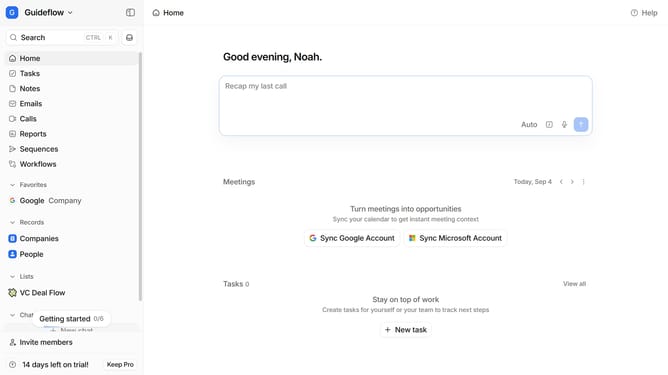
- First click on the company name dropdown button in the header
- Then click on "Workspace settings" in the sidebar
- Next scroll down in the left side menu
- Then click on "Security" in the settings sidebar
- Finally toggle off the switch next to the "Protect CSV exports against formula injection"
Why should you How to disable formula injection protection for CSV exports in Attio
Attio is a dynamic platform designed to streamline and empower CRM processes with innovative capabilities.
One of Attio's standout features includes the option to disable formula injection protection during CSV exports. By utilizing this feature, users can safely handle data while ensuring that their workflows remain uninterrupted and precise. This functionality can be particularly beneficial in environments where advanced spreadsheet manipulation is needed, offering a layer of control over data exports.
Disabling formula injection protection allows teams to manage their data outputs efficiently. It ensures that data integrity is maintained without unnecessary security barriers, enhancing productivity for users who require seamless data flows.