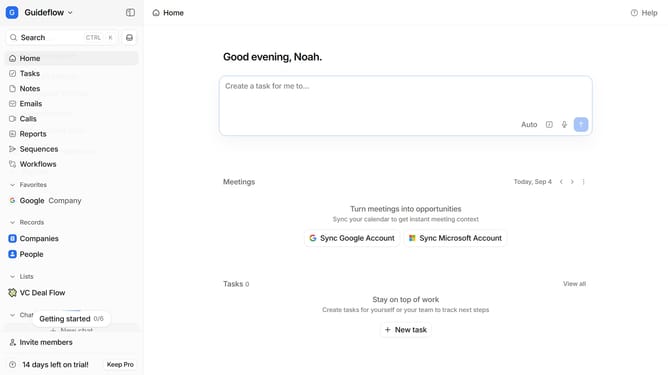
How to integrate Circleback in Attio
Here is how to integrate circleback in attio
- First click on the company name dropdown
- Then click on "Account settings" in the main menu
- Next, select "Apps" from the left sidebar under the "Workspace" section
- Then scroll down in the main content area
- Next click on the "Circleback" app to view its details
- Finally, click the "Install" button to install the "Circleback" app and log in to your Circleback app to complete the integration
Why should you How to integrate Circleback in Attio
Attio is a dynamic CRM platform that transforms how teams manage relationships and data with ease and precision.
Integrating Circleback into Attio unlocks a powerful synergy that enhances contact management with seamless data updates. This feature ensures your contact information is always current, without manual updates.
By leveraging Circleback, you streamline workflows and reduce the risk of outdated data, maintaining the integrity of your business relationships.
This integration ultimately saves valuable time and supports more informed decision-making, empowering teams to focus on strategic growth.
Last update